

Wan video generator: Turn Ideas into Moving Stories
Give your next scene a clear subject, a purposeful movement, and a story worth watching.
Use Wan video generator to explore scenes from written ideas or animate a starting image. Shape the action, mood, and camera direction with practical prompts, then review your clip and refine the details that matter to your story.
How to use Wan video generator
A useful clip begins with a focused brief. Wan video generator gives you a way to explore that brief visually, while your creative choices supply the direction. Choose text to video when you are inventing a scene, or image to video when you already have a composition to develop. Start with one subject and one action instead of asking for an entire film. Wan video generator works best as part of a thoughtful process: describe, generate, inspect, and revise.

Choose text or image to video
Begin with the visual decision you have already made. For text to video, describe the subject, setting, and central action in plain language. For image to video, choose a sharp starting image with an uncluttered composition and a clearly visible subject. Wan video generator can help explore either direction, but the brief should explain what you want viewers to notice first. Give Wan video generator a specific moment to build around, and reserve additional scenes for separate clips.

Direct image to video movement
Write the motion as a simple sequence: what starts, what changes, and where the shot ends. Wan video generator prompts for cinematic videos can include a slow push toward the subject, a gentle sideways track, or a steady close view. For text to video, establish the scene before adding camera direction. For image to video, emphasize what should move and what should stay recognizable. Ask Wan video generator for one main camera movement rather than several competing instructions.

Review and refine the clip
Watch the full result before choosing your next change. With Wan video generator, inspect the opening composition, the main action, and the closing moment separately. If text to video misses the intended scene, simplify the description before adding more detail. If image to video drifts away from the starting composition, reduce the requested motion and clarify what should remain stable. Use Wan video generator to compare deliberate variations, changing one important instruction at a time.
Build a clearer creative direction with Wan video generator
The strongest reason to use Wan video generator is to see whether a visual idea communicates before committing to a larger production. Use text to video to explore an imagined action, and image to video to develop a chosen visual starting point. Wan video generator lets you turn those decisions into clips you can examine.
Explore a scene before you plan the shoot
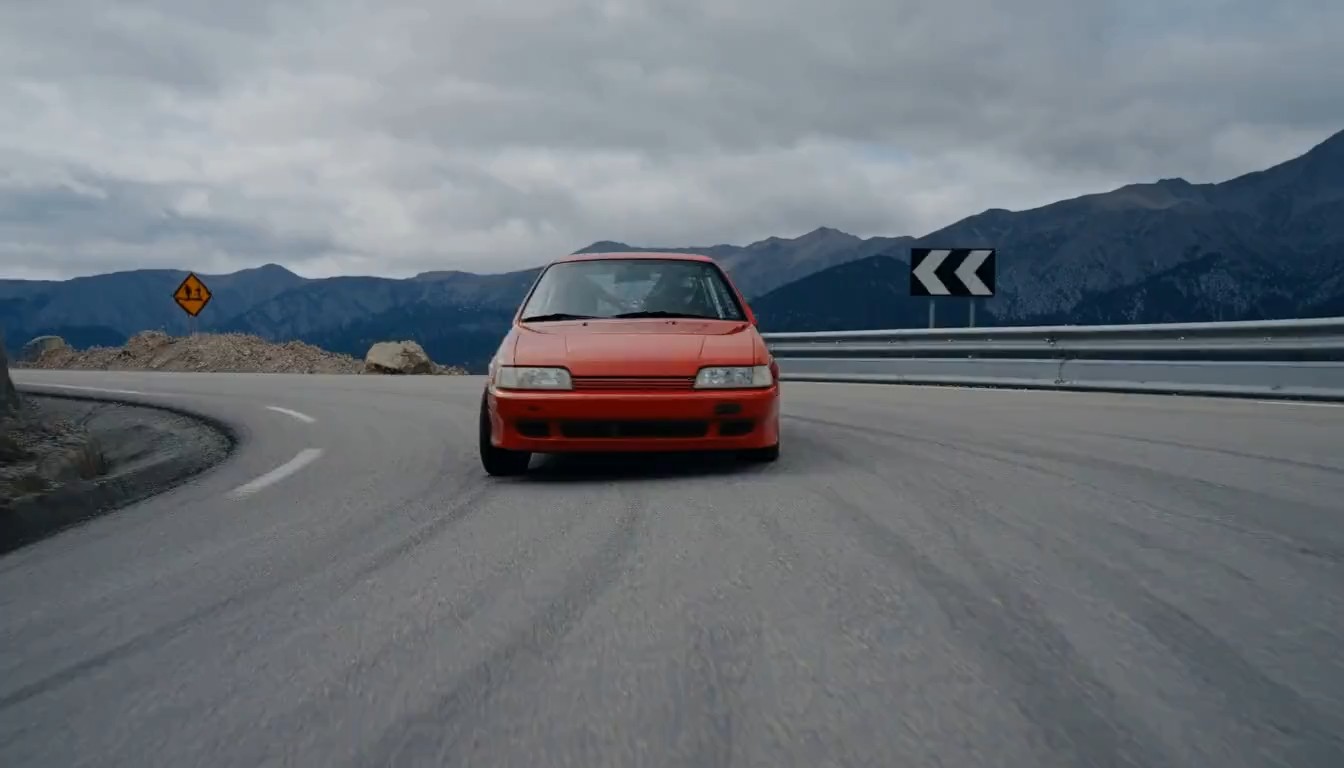
Start with a moment you can describe in one sentence: a rally car rounds a mountain bend while gravel sprays from the wheels. Wan video generator turns that kind of brief into a visual experiment rather than leaving it as an abstract pitch. With text to video, you can explore the relationship between action, atmosphere, and framing before building a longer sequence. Ask Wan video generator for an opening view, a single decisive action, and a clear final position. Use the clip to guide a storyboard, discuss a treatment, or decide which idea deserves another attempt.
Give image to video a purposeful next moment
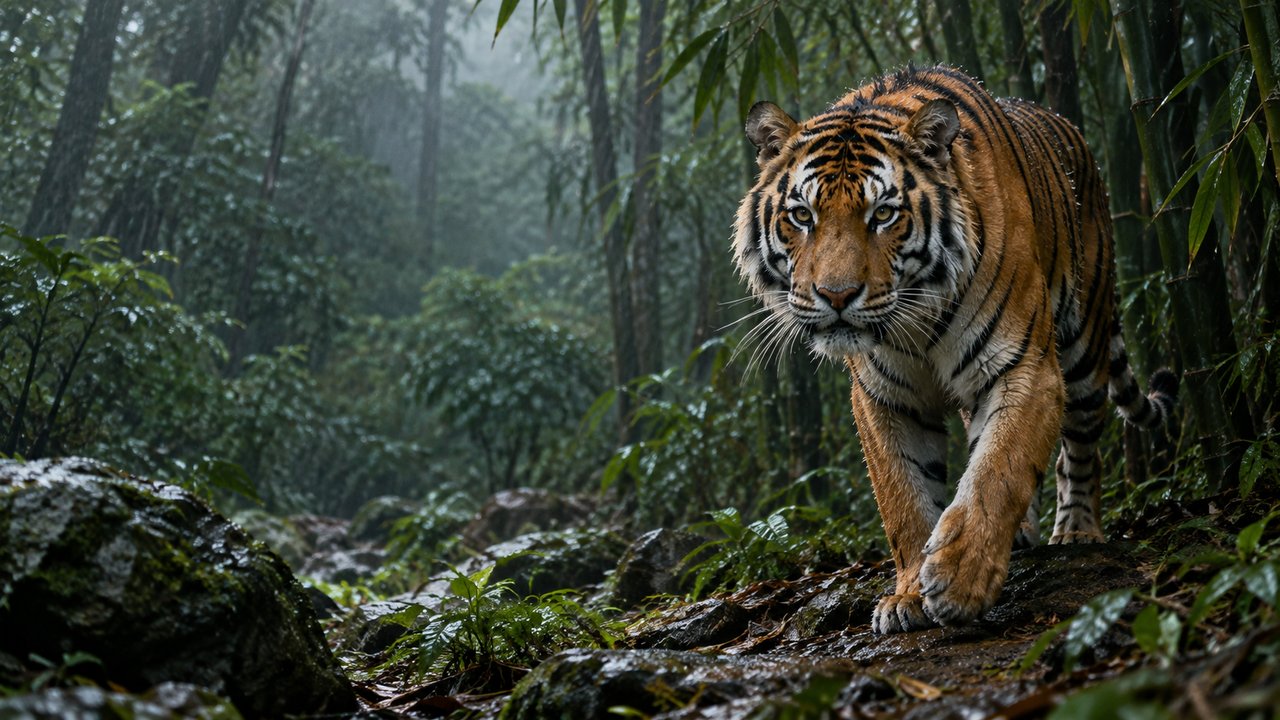
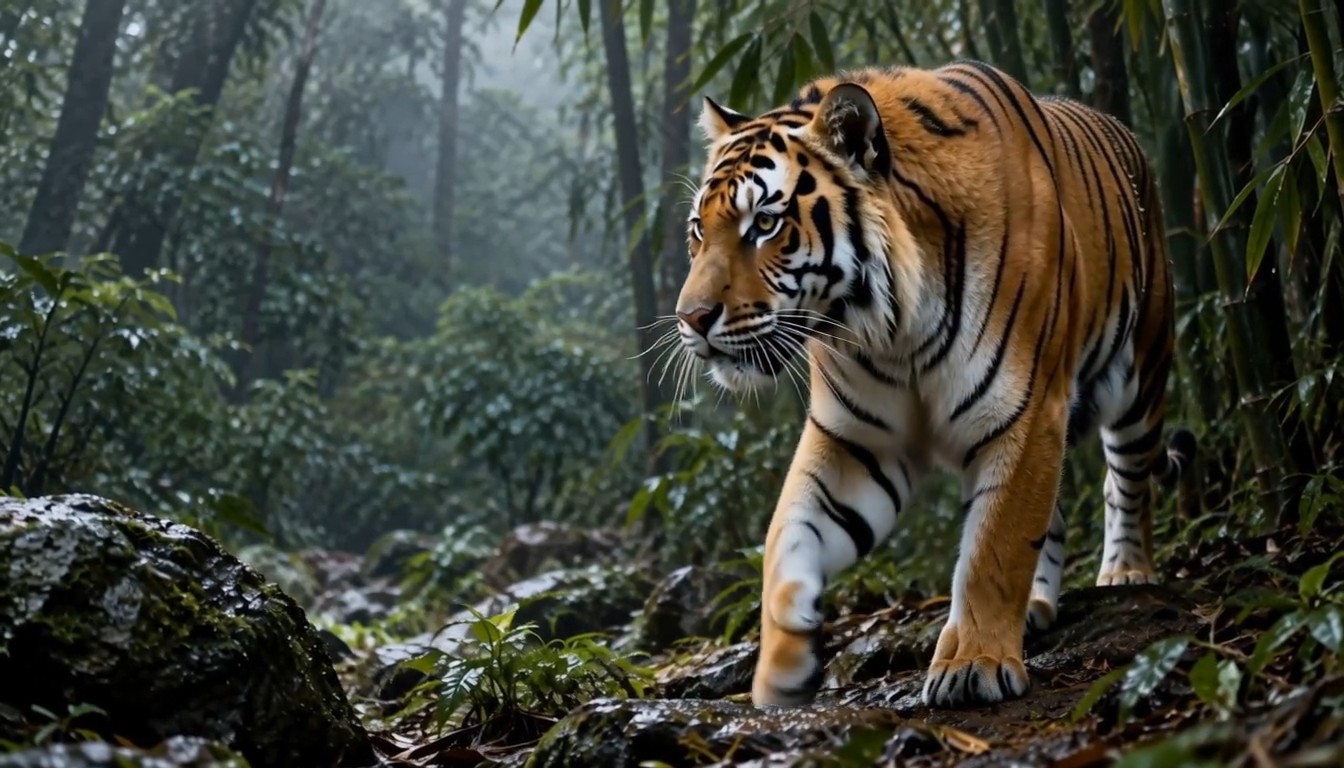
A striking image already contains decisions about subject, color, and composition. Wan video generator for image to video helps you explore what might happen next without beginning the visual brief from scratch. Imagine a tiger resting beside bamboo: a small head turn and shifting shoulders can suggest alertness while keeping the scene easy to understand. Tell Wan video generator which movement carries the story and which visual qualities should remain recognizable. In image to video, modest action is often a useful starting point because it makes unwanted changes easier to spot.
Use camera direction to guide attention
Camera movement should reveal something. Wan video generator can help you explore a slow approach toward a coastal lighthouse as breaking waves reveal its scale, or a sideways track that separates a foreground subject from the background. With text to video, connect the camera instruction to a visible outcome: begin wide, approach gently, and finish on the important detail. For image to video, choose movement that respects the starting composition. Ask Wan video generator for a restrained shot before attempting a dramatic orbit. A successful experiment gives you a stronger visual treatment, even when you later build the final sequence with other footage.
Where Wan video generator fits your creative work
Different projects need different kinds of visual evidence. Wan video generator can support an early concept, an illustrative insert, or a mood exploration without requiring every clip to serve the same purpose. Use text to video for scenes you have not photographed, and image to video when an existing composition should guide the result. Wan video generator is most useful when each attempt answers a specific creative question.

Social videos with one memorable visual beat
Create a short visual hook around a single movement, such as a car accelerating around a bend or a tiger stepping through dense bamboo. Wan video generator helps you explore that opening moment before you design the rest of the post. Use text to video when you want to invent the whole scene; use image to video when you have a visual identity to carry forward. Ask Wan video generator for a clean focal point and an ending that leaves room for your edit. Add captions, music, and platform formatting during finishing.

Storyboards and creative pitches
A moving reference can make an intended shot easier to discuss than a paragraph of adjectives. Use Wan video generator to explore a character entering a room, a reveal past foreground stonework, or a change in lighting that marks a story beat. With text to video, focus on the sequence of visible events instead of describing the entire plot. Wan video generator can give a team a concrete reference for discussing framing and rhythm. Note what works, what distracts, and what a later shoot or edit needs to improve.

Image to video for illustration and character studies
Explore a small gesture that gives an illustration personality. Wan video generator can support an experiment where a painted tiger lifts its head, a woodland creature takes a careful step, or a graphic character turns toward a distant sound. Start with image to video when the existing artwork is central to the idea. Give Wan video generator a modest action and ask for the important visual features to remain recognizable. Use the strongest moment as a reference for a larger animation treatment, a creative presentation, or a short atmospheric insert.
Atmospheric inserts for longer edits
Build an insert around an action that supports the surrounding story: curtains lifting in a breeze, dust crossing a beam of light, or shadows moving across an empty stage. Wan video generator can help explore the mood when a stock clip does not match your intended scene. Choose text to video for an invented setting, then describe the direction and pace of the motion. Ask Wan video generator for a beginning and ending that can sit comfortably between other shots. Review lighting, subject placement, and movement before adding the clip to your edit.
Creative workflow examples for Wan video generator
The four profiles below are fictional examples, not verified customer reviews. They illustrate how different creators might evaluate Wan video generator within their own process. Wan video generator should be judged by the usefulness of the actual output, not by an imagined endorsement. Use these perspectives as prompts for your own evaluation, and replace them with permissioned, authentic feedback when it becomes available.
In this fictional workflow, I would use Wan video generator to compare two openings for a short post. My brief would describe the same subject with a different movement in each attempt, so I could judge which idea reads more quickly. Text to video would help me explore a scene before scheduling a shoot. Wan video generator would earn a place in my process when an experiment helps me choose a stronger direction.
In this fictional workflow, I would use Wan video generator to compare two openings for a short post. My brief would describe the same subject with a different movement in each attempt, so I could judge which idea reads more quickly. Text to video would help me explore a scene before scheduling a shoot. Wan video generator would earn a place in my process when an experiment helps me choose a stronger direction.
My fictional use of Wan video generator would begin with a difficult shot to explain in a pitch. I might describe a rally car rounding a bend while the camera follows at a measured pace. The generated reference would give collaborators something specific to discuss: the reveal, the distance, and the final framing. Wan video generator would be useful for making the treatment more tangible, while leaving room for production judgment.
My fictional use of Wan video generator would begin with a difficult shot to explain in a pitch. I might describe a rally car rounding a bend while the camera follows at a measured pace. The generated reference would give collaborators something specific to discuss: the reveal, the distance, and the final framing. Wan video generator would be useful for making the treatment more tangible, while leaving room for production judgment.
For this fictional example, I would bring a simple illustration to Wan video generator and explore a quiet gesture. Image to video would let the artwork provide the starting composition while the prompt describes a small head turn or a gentle movement of nearby leaves. Wan video generator would help me consider how motion changes the illustration’s mood. The experiment would be valuable when it suggests a clearer animation direction without overwhelming the visual idea that made the original artwork interesting.
For this fictional example, I would bring a simple illustration to Wan video generator and explore a quiet gesture. Image to video would let the artwork provide the starting composition while the prompt describes a small head turn or a gentle movement of nearby leaves. Wan video generator would help me consider how motion changes the illustration’s mood. The experiment would be valuable when it suggests a clearer animation direction without overwhelming the visual idea that made the original artwork interesting.
In a fictional editing workflow, I would use Wan video generator to explore an atmospheric insert that connects two existing shots. The prompt might describe light moving across an empty room with a restrained camera push. I would judge the clip by continuity, pace, and whether its ending offers a natural cut point. Wan video generator would provide material to inspect, while my editing decisions would determine how the sequence works.
In a fictional editing workflow, I would use Wan video generator to explore an atmospheric insert that connects two existing shots. The prompt might describe light moving across an empty room with a restrained camera push. I would judge the clip by continuity, pace, and whether its ending offers a natural cut point. Wan video generator would provide material to inspect, while my editing decisions would determine how the sequence works.


Wan video generator questions, answered
Start with the workflow that matches your idea, then keep the first attempt focused. These answers explain how to approach Wan video generator without assuming that every hosting service offers identical features, pricing, or usage terms.
Wan video generator is a tool for exploring video creation through the Wan model family. Text to video begins with a written scene, while image to video starts from an image. The exact options available depend on the service and configuration you use.
Describe one subject, one main action, the setting, and a purposeful camera movement. Give Wan video generator a clear ending, such as a tiger completing a head turn. Avoid contradictory instructions, then change one important detail between attempts so you can evaluate the difference.
Yes, Wan supports image to video workflows that begin from a still image. Choose a clear composition and describe the intended motion. With Wan video generator, review whether important subject details remain recognizable, and reduce the movement if the result drifts from your starting image.
Pricing and trial access depend on the hosting service. Before using Wan video generator, check the displayed credits, generation cost, and account requirements. Do not assume that an online trial includes unlimited clips or that every export option is available without payment.
Commercial use depends on the service terms, applicable model license, and the rights in your inputs. Check those terms before publishing material from Wan video generator. Use images and other materials you are entitled to upload, and review the output for your intended project.
Generated motion can introduce inconsistencies as a scene develops. Simplify the action, keep the camera instruction restrained, and describe the features that should stay recognizable. With Wan video generator, inspect the full clip and revise the prompt when the result does not communicate your intended scene.
Give your next idea motion with Wan video generator
Choose one scene worth exploring and give it a clear action. Wan video generator can help turn a written idea or a starting image into a clip you can evaluate. Begin with a focused brief, inspect the result, and refine the decision that matters most. Whether you are planning a social opening, a storyboard reference, or an atmospheric insert, Wan video generator gives your next creative conversation a visual starting point.
