

Veo Video Generator: Create AI Videos from Text or Images
Turn a written scene or still image into motion with Veo Video Generator. Describe the action and frame, then generate a video online.
Veo Video Generator gives you two practical starting points: describe a scene in words or upload an image you want to animate. Use Veo AI Video Generator to sketch a sequence, test visual ideas, and revise the prompt as your concept develops. Veo AI Video Maker keeps the creative brief in your hands without requiring a filmed starting clip.
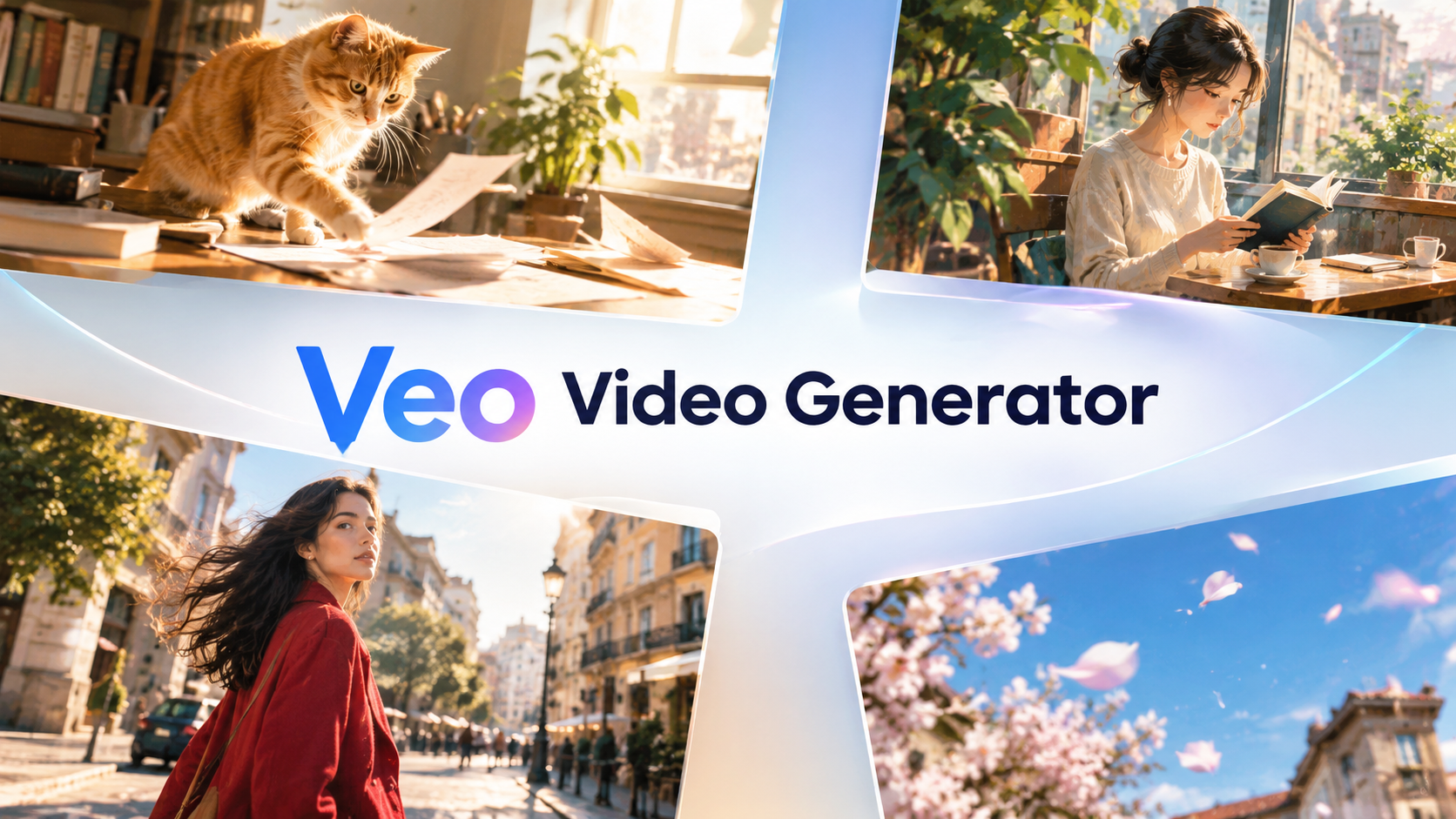
How to Use Veo Video Generator in 3 Steps
Veo Video Generator follows the controls visible in the creation panel: choose a generation mode, enter directions, review the available settings, and generate. Veo AI Video Generator Online keeps the text-led route simple, while the Image to Video tab supports an image-led starting point.

Choose Text to Video or Image to Video
Open Veo Video Generator and select the starting mode shown above the prompt area. For Text to Video, describe the subject, setting, movement, and camera direction in the Veo Video Generator prompt box. For Image to Video, upload a starting picture and describe what should move. Veo AI Video Generator is useful for an imagined shot, while Veo AI Video Maker helps when you already have a frame you want to animate. Veo Video Generator Online can begin with either a written idea or an existing image. Veo AI Video Maker makes the starting mode easy to choose.

Write Your Prompt and Review Settings
Tell Veo Video Generator what happens during the shot, not only what appears in it. Veo Video Generator works from the direction you provide. Specify a clear action, camera movement, lighting, and atmosphere. Select 16:9 for a wide composition or 9:16 for a vertical one. Check Seed and Public Visibility. Before proceeding in Veo Video Generator Online, check the prompt against your selected mode.

Generate, Review, and Refine Your Video
Review the required credits displayed near the bottom, then click Generate Video. Veo Video Generator turns the submitted prompt or image-led direction into a clip you can inspect. Look at the subject's motion, background consistency, framing, and timing; if the outcome misses your intention, rewrite one important instruction in Veo Video Generator and generate another version. Veo AI Video Maker helps you compare takes. With Veo Video Generator, your next attempt can target a precise change instead of beginning with an entirely new idea.
What You Can Create with Veo Video Generator
Veo Video Generator is designed around the two ways people commonly begin a video: writing what they imagine or bringing a still frame to life. Use Veo AI Video Maker to explore motion, not just another static image.

Turn a Scene Description into Moving Footage
Start with a concrete moment: a bicycle passing a flower shop or a paper crane unfolding. Veo Video Generator helps turn that sentence into an actual moving scene instead of leaving it as a static concept. Tell Veo AI Video Generator who or what appears, what changes during the shot, and how the camera should observe the action in Veo Video Generator. You can use Veo Video Generator to test a mood, develop a shot, or demonstrate a concept to collaborators. For clearer results in Veo AI Video Maker, build around one main action and add only supporting details.
Give an Existing Image a Sense of Motion
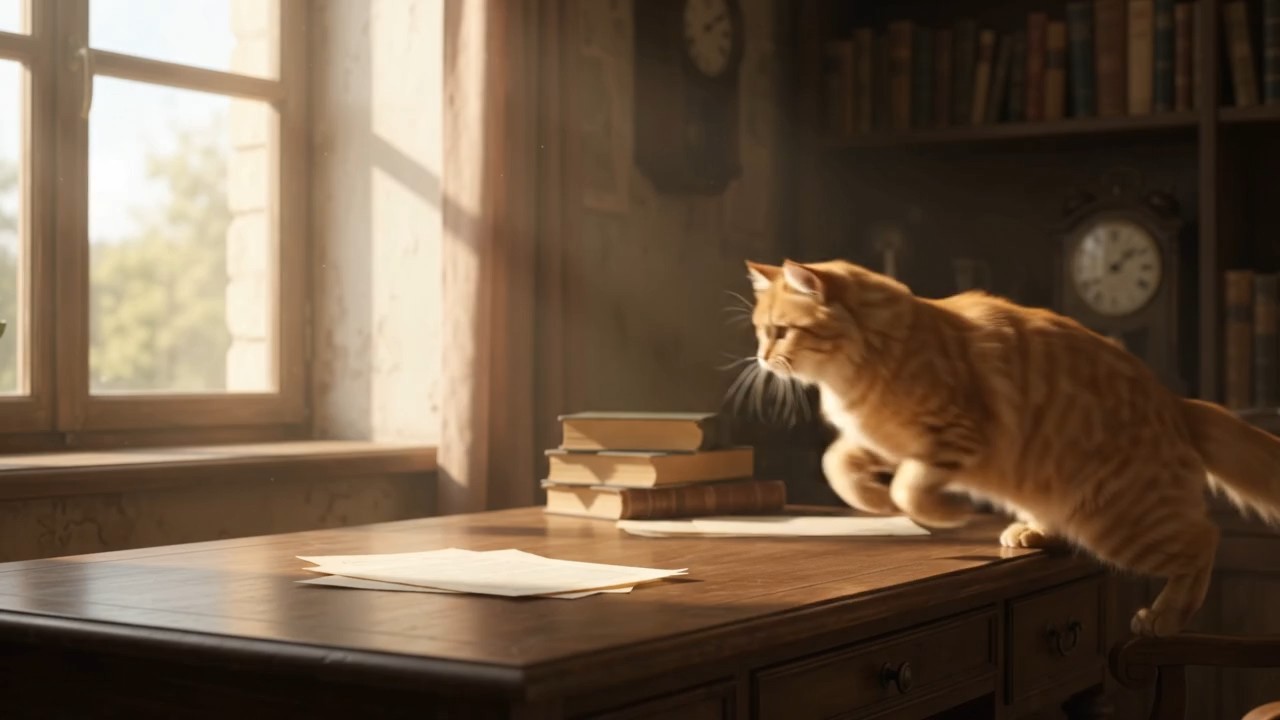
Sometimes the composition is already decided. You have a portrait, illustration, product photo, or carefully arranged still scene, but you want to see how it might move. Switch Veo Video Generator to Image to Video and use the uploaded picture as the visual starting point. In Veo AI Video Generator, identify the motion you want: a gentle head turn, fabric moving in a breeze, steam rising, or the camera moving closer. Veo AI Video Maker starts from that image-led brief. Use Veo Video Generator to describe which parts should stay visually consistent and which parts may change. With Veo Video Generator, the aim is an intentional animation, not motion added everywhere. Google Veo Video Generator Online fits this image-led workflow.
Develop Different Takes on the Same Idea
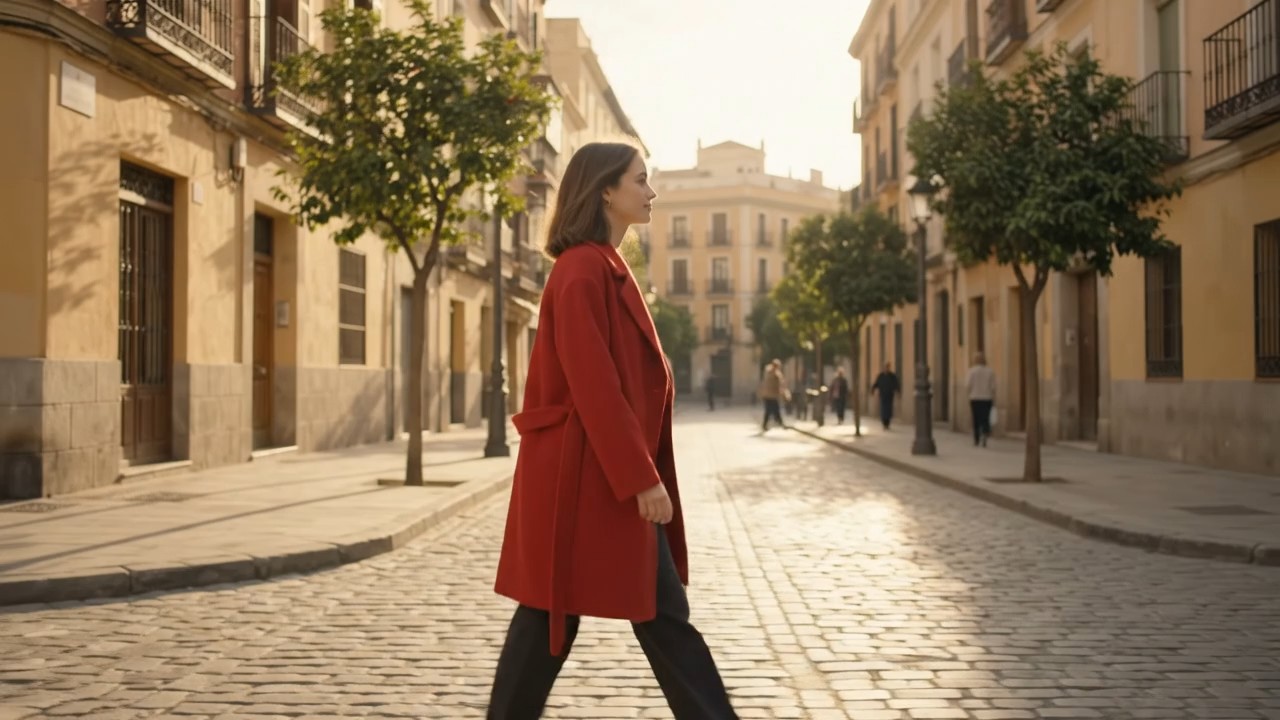
Veo Video Generator gives you a place to try those differences through prompt changes. Start with a simple scene in Veo Video Generator, inspect the result, then revise the camera direction, subject movement, or mood while keeping the central idea intact. Veo AI Video Generator is useful for exploring visual alternatives before you settle on a direction. Veo AI Video Maker can support iterative drafts for a presentation, storyboard, or social clip. Veo Video Generator lets you compare creative choices by changing instructions deliberately. Veo AI Video Generator Online suits creators testing several treatments of one brief.
Who Can Use Veo Video Generator?
Veo Video Generator can serve people who need to show an idea in motion rather than explain it only in words. Veo AI Video Generator supports concepts from prompts or pictures.

Storyboards and Early Scene Concepts
Filmmakers may need to communicate a shot before a location shoot. Veo Video Generator creates a visual draft for that conversation. Veo Video Generator can turn a short visual brief into a moving example that makes pacing, camera intention, and scene mood easier to discuss. In Veo AI Video Generator, describe one moment from the script and inspect what the movement communicates. Use Veo Video Generator for early ideation and planning, not as a guarantee that every detail will match a production-ready storyboard. Google Veo Video Generator Online can also support a quick concept review with collaborators. Veo AI Video Maker provides a place to test alternate directions.

Animated Illustrations and Photo Ideas
Illustrators and photographers may want motion within a finished composition. Veo Video Generator gives them an image-led route for exploring that idea. Upload the selected still in the Veo Video Generator Image to Video tab, and describe limited, purposeful movement, such as a curtain lifting or a character glancing toward a window. In Veo Video Generator, precise movement instructions are more helpful than asking everything in the picture to animate at once. Veo AI Video Maker keeps the visual concept grounded in the source image.

Short Social Video Concepts
A short clip might show a playful transition or an unexpected action. Veo Video Generator can help develop a compact concept before a creator spends time arranging a full shoot. Specify the action first and the mood second in Veo AI Video Generator, then compare a wide composition with a vertical framing if your distribution plan requires it. Veo AI Video Maker works for experimental creative drafts and scenes you want to revise. Veo Video Generator Online is especially useful when a single visual moment needs to carry the message.

Visual Ideas for Presentations and Lessons
Some lessons become clearer through visible action, like a paper mechanism opening or a plant swaying. Veo Video Generator helps turn that teaching idea into a short visual example. Describe the observable event in Veo AI Video Generator instead of asking for a broad abstract topic. Veo AI Video Maker gives presenters and educators a way to explore illustrative clips for a slide, lesson introduction, or creative demonstration. Treat generated footage as an illustration, and verify any scientific or historical details before using it as evidence. Veo Video Generator can help people picture a process without making the clip itself a factual source.
Example Creator Perspectives on Veo Video Generator
These four illustrative testimonials show possible ways to describe a Veo Video Generator workflow. Replace them with verified customer feedback before publishing them as genuine reviews. Veo AI Video Generator and Veo AI Video Maker are presented here through different creative goals, not claims of measured customer satisfaction.
I had a clear image of a scene but no footage to show my team. Veo Video Generator gave me a moving draft to discuss. With Veo AI Video Generator, I could change the camera instruction for the next take instead of rewriting the whole concept. I would use Veo AI Video Maker at the brainstorming stage again.
I had a clear image of a scene but no footage to show my team. Veo Video Generator gave me a moving draft to discuss. With Veo AI Video Generator, I could change the camera instruction for the next take instead of rewriting the whole concept. I would use Veo AI Video Maker at the brainstorming stage again.
I started from an illustration and wanted only a small amount of motion. Veo Video Generator helped me explore what that could look like. I liked using Veo AI Video Maker to describe a breeze and a subtle camera move separately. Veo AI Video Generator made it easier to compare approaches without making a new illustration each time.
I started from an illustration and wanted only a small amount of motion. Veo Video Generator helped me explore what that could look like. I liked using Veo AI Video Maker to describe a breeze and a subtle camera move separately. Veo AI Video Generator made it easier to compare approaches without making a new illustration each time.
For a short creative clip, my hardest step is usually choosing the first visual idea. Veo Video Generator let me test a single action and adjust the wording after seeing the result. I treated Veo AI Video Generator as a sketching space and Veo AI Video Maker as a way to turn the sketch into a clearer direction.
For a short creative clip, my hardest step is usually choosing the first visual idea. Veo Video Generator let me test a single action and adjust the wording after seeing the result. I treated Veo AI Video Generator as a sketching space and Veo AI Video Maker as a way to turn the sketch into a clearer direction.
I needed a simple moving example for a presentation, not a long edited production. Veo Video Generator helped me experiment with a visual demonstration. With Veo AI Video Generator, I could keep the subject central and focus on the action. Veo AI Video Maker was useful for exploring a few options before choosing which idea to develop.
I needed a simple moving example for a presentation, not a long edited production. Veo Video Generator helped me experiment with a visual demonstration. With Veo AI Video Generator, I could keep the subject central and focus on the action. Veo AI Video Maker was useful for exploring a few options before choosing which idea to develop.




Veo Video Generator FAQs
Learn how to start in either mode, write useful prompts, and read the visible generation controls. Veo Video Generator Online is straightforward to approach when you begin with one shot and refine it after review. Veo Video Generator works best when you review each draft before refining it.
Choose Text to Video, write the subject, action, setting, and camera movement, select the available settings, then click Generate Video. Veo Video Generator works best with a clear, focused shot description. Veo AI Video Generator Online is the text-led option when you do not have a starting image.
Yes. Switch Veo Video Generator to Image to Video, upload your starting picture, and describe the motion you want to introduce. Veo AI Video Maker can explore several approaches to that motion.
Use a visible action, a defined subject, and one camera instruction in Veo Video Generator. Avoid contradictory directions and adjust one major detail between attempts. Veo Video Generator can explore new takes when a prompt is revised. Veo AI Video Generator does not guarantee an exact interpretation of every sentence.
The pictured Veo Video Generator controls offer 16:9 and 9:16. Choose the framing that suits your intended composition before generating. Veo AI Video Maker can explore the same scene with directions adapted to each format.
Veo Video Generator shows a Seed field as an optional generation control. You can adjust it when testing versions, but matching seed values do not promise an identical clip. Veo AI Video Generator results can also vary with the prompt and other settings.
Review Public Visibility and the displayed Required Credits before clicking Generate Video. Veo Video Generator presents these controls in the creation panel so you can check them before submission. Google Veo Video Generator Online should not be assumed private without reviewing the current setting.
Bring Your Next Scene to Life with Veo Video Generator
Start with a prompt or a still image, then describe the motion that matters. Veo Video Generator lets you explore visual ideas one shot at a time. Open Veo AI Video Generator Online to draft a scene, or use Veo AI Video Maker to develop movement from an existing picture. Google Veo Video Generator Online gives your next concept a starting point.
