

Veo 3 AI Video Generator For Your Next Story
Turn A Prompt Or Photo Into A Moving Scene
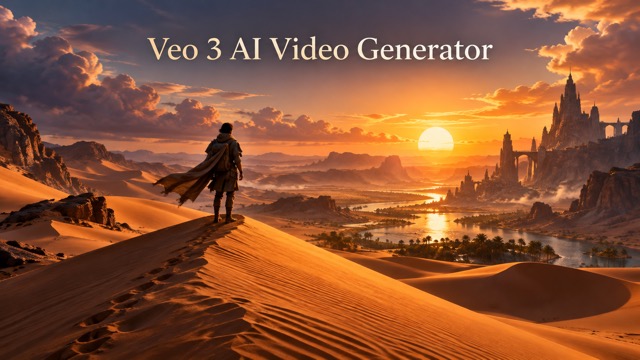
Begin with a sentence or a still image and shape a short video around the moment you imagine. Describe the subject, setting, camera movement, mood, and sound, then review the result and refine the idea.
How To Create With Veo 3
The same creative process works whether you begin with words or a picture. Pick a mode, give Veo 3 a clear direction, generate, and evaluate the result.

Choose Text To Video Or Image To Video
Start with a written scene when you want a fresh visual concept. Start with an image when you already have a subject, composition, or product frame to animate. The Veo 3 AI video generator needs a clear central action. Use the Veo 3 AI video generator to test your idea. For veo3 video generator free, check live credit terms. For veo3 video generator free, review current access terms.

Describe The Shot
Write one purposeful prompt with a subject, action, place, lighting, and camera direction. For image to video, explain what should move while preserving the identity of the uploaded frame. Use the Veo 3 AI video generator to test your idea. A Veo 3 AI video generator prompt should be focused. For veo3 video generator free, review current access terms. For veo3 video generator free, confirm available credits.

Generate With Veo 3
Review the selected mode, the prompt, and the source image if you uploaded one. Then generate the clip using the current credit terms shown by MakeShot. A Veo 3 AI video generator prompt should be focused. With Veo 3 AI video generator, refine one detail at a time. For veo3 video generator free, confirm available credits. For veo3 video generator free, confirm MakeShot terms.

Refine And Recreate
If the scene is too busy, remove competing actions. If motion is weak, make the movement explicit and narrow the shot. If the image reference drifts, restate the details that must remain recognizable. With Veo 3 AI video generator, refine one detail at a time. The Veo 3 AI video generator needs a clear central action. For veo3 video generator free, confirm MakeShot terms. For veo3 video generator free, check live credit terms.
Explore Both Veo 3 Video Modes
Use a text prompt to build a scene from scratch or bring motion to an existing image. Veo 3 supports both paths, with audio generation available as part of the model. The Veo 3 AI video generator needs a clear central action. For veo3 video generator free, check live credit terms.
Build A Scene From Text
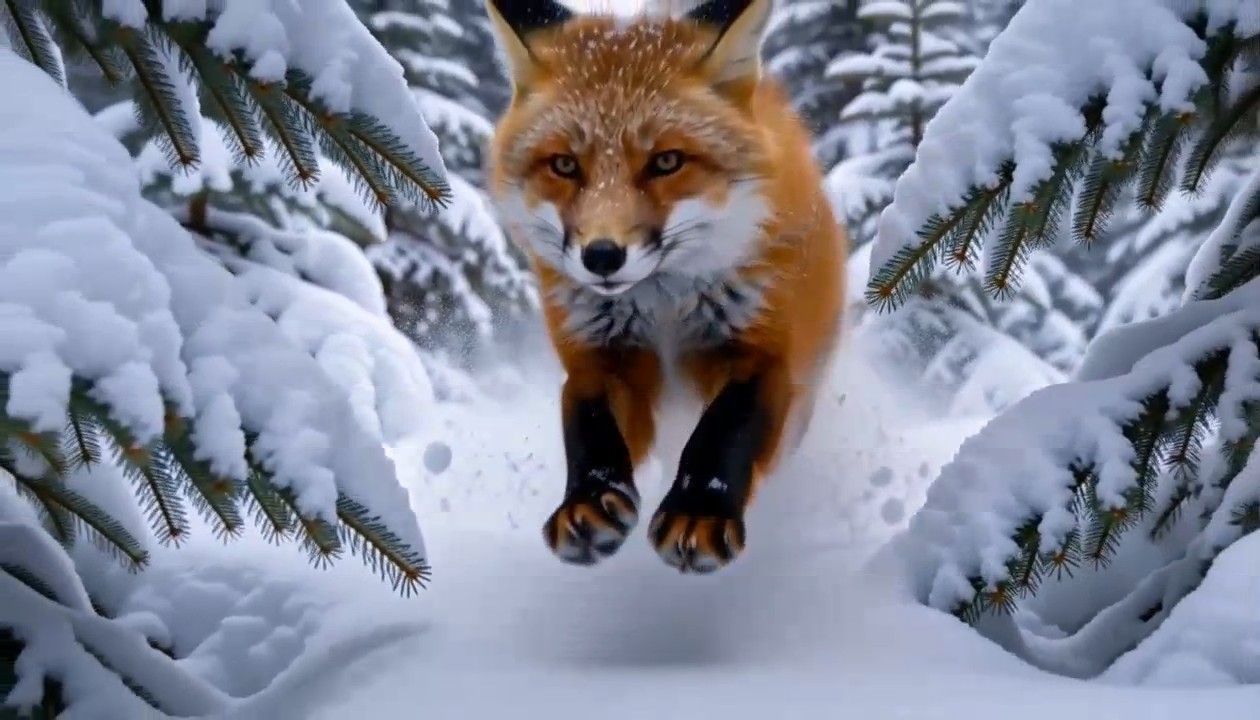
Text to video begins with a concise scene description. Imagine a lighthouse at sunset: add the weather, the direction of the waves, the camera movement, and the mood. The Veo 3 AI video generator needs a clear central action. Use the Veo 3 AI video generator to test your idea. For veo3 video generator free, check live credit terms. For veo3 video generator free, review current access terms.

Animate An Existing Image
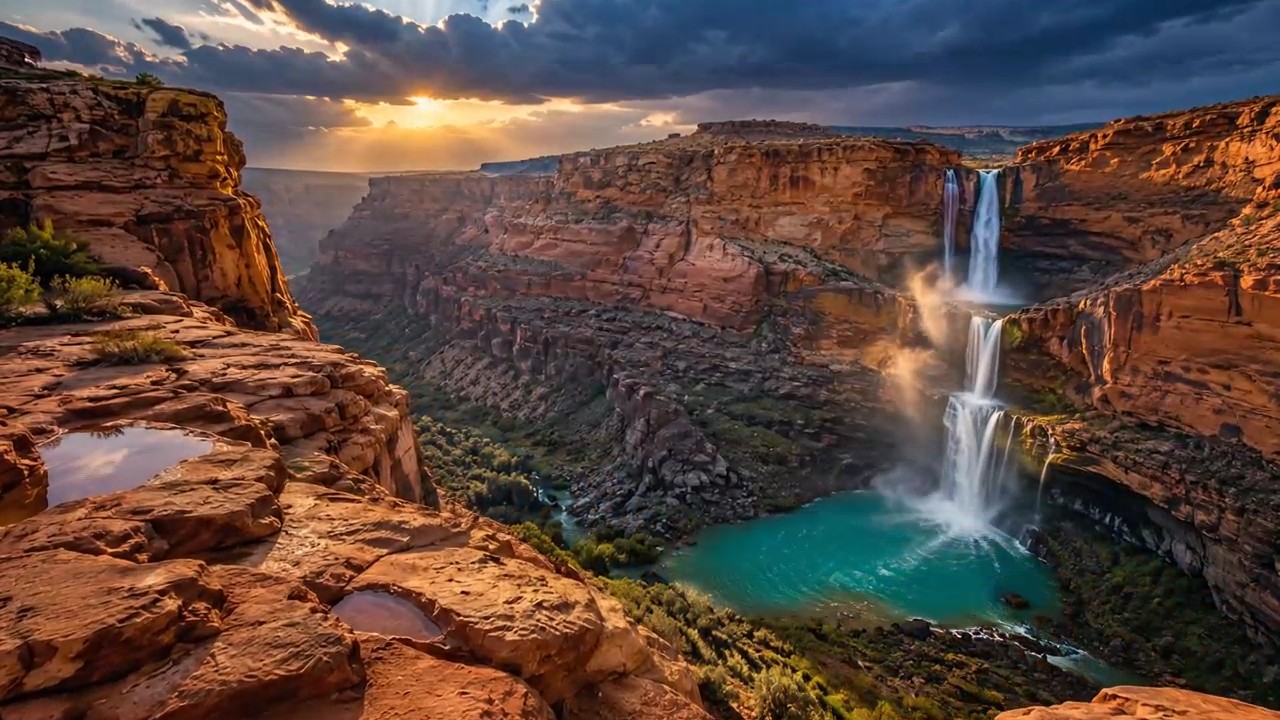
Image to video begins with a visible starting frame. A wildlife photo, character illustration, or product image gives the scene a concrete composition. Describe the motion you want and the parts that should remain stable. Use the Veo 3 AI video generator to test your idea. A Veo 3 AI video generator prompt should be focused. For veo3 video generator free, review current access terms. For veo3 video generator free, confirm available credits.
Plan Sound Alongside The Visuals
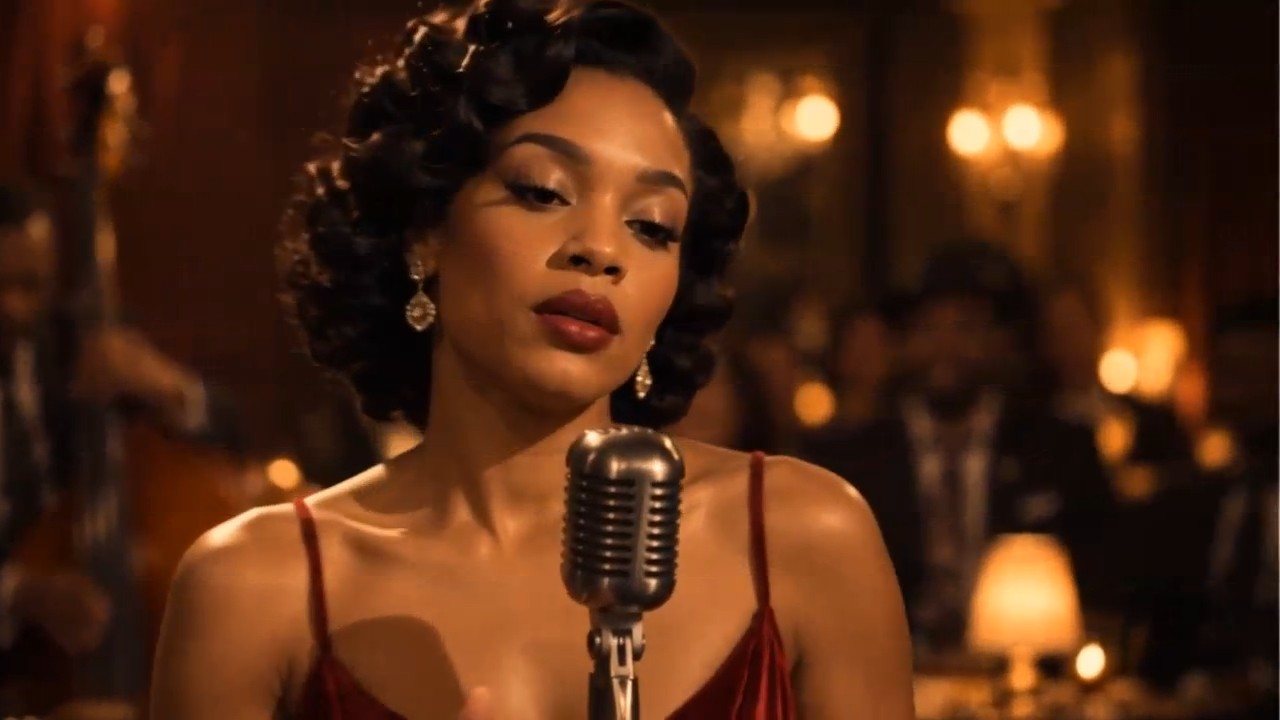
Veo 3 can generate audio together with video. A short scene can include environmental ambience, sound effects, or dialogue when the prompt calls for them. A Veo 3 AI video generator prompt should be focused. With Veo 3 AI video generator, refine one detail at a time. For veo3 video generator free, confirm available credits.
Iterate Toward A Stronger Shot
A first generation may reveal a better direction for the next one. Decide what should change before rewriting the prompt: camera angle, motion, lighting, pacing, or the relationship between the subject and its setting. With Veo 3 AI video generator, refine one detail at a time. The Veo 3 AI video generator needs a clear central action. For veo3 video generator free, confirm MakeShot terms.
Ways To Use Veo 3 Video
The best use case is a specific scene that benefits from motion and sound. Use the Veo 3 AI video generator to test your idea. For veo3 video generator free, review current access terms.

Short Film Concepts
Turn an idea for a single shot into a visual draft before a larger production. Describe the location, central action, camera movement, and emotional tone. The Veo 3 AI video generator needs a clear central action. Use the Veo 3 AI video generator to test your idea. For veo3 video generator free, check live credit terms.

Product Storyboards
Start from a product photograph or a written concept and explore how movement might present its form. Consider a clean backdrop, believable lighting, and one camera path. Use the Veo 3 AI video generator to test your idea. A Veo 3 AI video generator prompt should be focused. For veo3 video generator free, review current access terms.

Social Video Ideas
Create a short moment around a clear hook: a place changing with the weather, a character reacting, or an object moving through a setting. A Veo 3 AI video generator prompt should be focused. With Veo 3 AI video generator, refine one detail at a time. For veo3 video generator free, confirm available credits.

Photo To Motion Experiments
Bring an existing still image into a scene with restrained movement. A landscape can gain wind and cloud motion; an illustration can gain subtle character action; a portrait can gain a camera move. With Veo 3 AI video generator, refine one detail at a time. The Veo 3 AI video generator needs a clear central action. For veo3 video generator free, confirm MakeShot terms.
Creative Perspectives On Veo 3
These illustrative reactions show how different creators might approach a Veo 3 project. They are fictional examples, not customer testimonials or verified user reviews. A Veo 3 AI video generator prompt should be focused. For veo3 video generator free, confirm available credits.
I would start with one atmospheric shot and a clear camera move, then discuss the result with collaborators. The Veo 3 AI video generator needs a clear central action. Use the Veo 3 AI video generator to test your idea. For veo3 video generator free, check live credit terms.
I would start with one atmospheric shot and a clear camera move, then discuss the result with collaborators. The Veo 3 AI video generator needs a clear central action. Use the Veo 3 AI video generator to test your idea. For veo3 video generator free, check live credit terms.
I would animate a product image with subtle movement to test the campaign direction before a shoot. Use the Veo 3 AI video generator to test your idea. A Veo 3 AI video generator prompt should be focused. For veo3 video generator free, review current access terms.
I would animate a product image with subtle movement to test the campaign direction before a shoot. Use the Veo 3 AI video generator to test your idea. A Veo 3 AI video generator prompt should be focused. For veo3 video generator free, review current access terms.
I would focus on one surprising action so the scene is easy to judge. A Veo 3 AI video generator prompt should be focused. With Veo 3 AI video generator, refine one detail at a time. For veo3 video generator free, confirm available credits.
I would focus on one surprising action so the scene is easy to judge. A Veo 3 AI video generator prompt should be focused. With Veo 3 AI video generator, refine one detail at a time. For veo3 video generator free, confirm available credits.
I would study the light, camera, and subject, then refine whatever did not translate. With Veo 3 AI video generator, refine one detail at a time. The Veo 3 AI video generator needs a clear central action. For veo3 video generator free, confirm MakeShot terms.
I would study the light, camera, and subject, then refine whatever did not translate. With Veo 3 AI video generator, refine one detail at a time. The Veo 3 AI video generator needs a clear central action. For veo3 video generator free, confirm MakeShot terms.
I would add gentle environmental motion while keeping the photograph's subject recognizable. The Veo 3 AI video generator needs a clear central action. Use the Veo 3 AI video generator to test your idea. For veo3 video generator free, check live credit terms.
I would add gentle environmental motion while keeping the photograph's subject recognizable. The Veo 3 AI video generator needs a clear central action. Use the Veo 3 AI video generator to test your idea. For veo3 video generator free, check live credit terms.
I would plan ambience or dialogue alongside the action while keeping the shot readable. Use the Veo 3 AI video generator to test your idea. A Veo 3 AI video generator prompt should be focused. For veo3 video generator free, review current access terms.
I would plan ambience or dialogue alongside the action while keeping the shot readable. Use the Veo 3 AI video generator to test your idea. A Veo 3 AI video generator prompt should be focused. For veo3 video generator free, review current access terms.





Veo 3 AI Video Generator FAQ
Find answers about text to video, image to video, audio, prompt writing, and current access terms. The page uses Veo 3 Basic as its sole generation model. With Veo 3 AI video generator, refine one detail at a time. For veo3 video generator free, confirm MakeShot terms.
Veo 3 is Google’s video generation model. It accepts text and image prompts and can generate video with audio. On this page, the configured option is Veo 3 Basic. A Veo 3 AI video generator prompt should be focused. With Veo 3 AI video generator, refine one detail at a time. For veo3 video generator free, confirm available credits.
Yes. Choose Text to Video and describe the subject, action, setting, camera, lighting, and sound. A useful first prompt is specific without trying to control every detail. With Veo 3 AI video generator, refine one detail at a time. The Veo 3 AI video generator needs a clear central action. For veo3 video generator free, confirm MakeShot terms.
Yes. Choose Image to Video, upload a starting image, and explain what should move. The image supplies a visual anchor, while the prompt guides action, camera movement, and atmosphere. The Veo 3 AI video generator needs a clear central action. Use the Veo 3 AI video generator to test your idea. For veo3 video generator free, check live credit terms.
Veo 3 supports video generation with audio. A prompt can request ambience, sound effects, or dialogue that suits the scene. Use the Veo 3 AI video generator to test your idea. A Veo 3 AI video generator prompt should be focused. For veo3 video generator free, review current access terms.
MakeShot may show credits or other access terms for generation. This page does not promise unlimited free use, a particular number of credits, or a fixed price. A Veo 3 AI video generator prompt should be focused. With Veo 3 AI video generator, refine one detail at a time. For veo3 video generator free, confirm available credits.
Begin with the main subject and action. Add the setting, light, camera movement, and sound only when they support the scene. For image to video, specify how the supplied frame should remain recognizable. With Veo 3 AI video generator, refine one detail at a time. The Veo 3 AI video generator needs a clear central action. For veo3 video generator free, confirm MakeShot terms.
Create Your Next Video With Veo 3
Choose text to video or image to video, describe a focused scene, and explore what Veo 3 can create. The Veo 3 AI video generator needs a clear central action. For veo3 video generator free, check live credit terms.
