

Upload Your Image as the main subject.
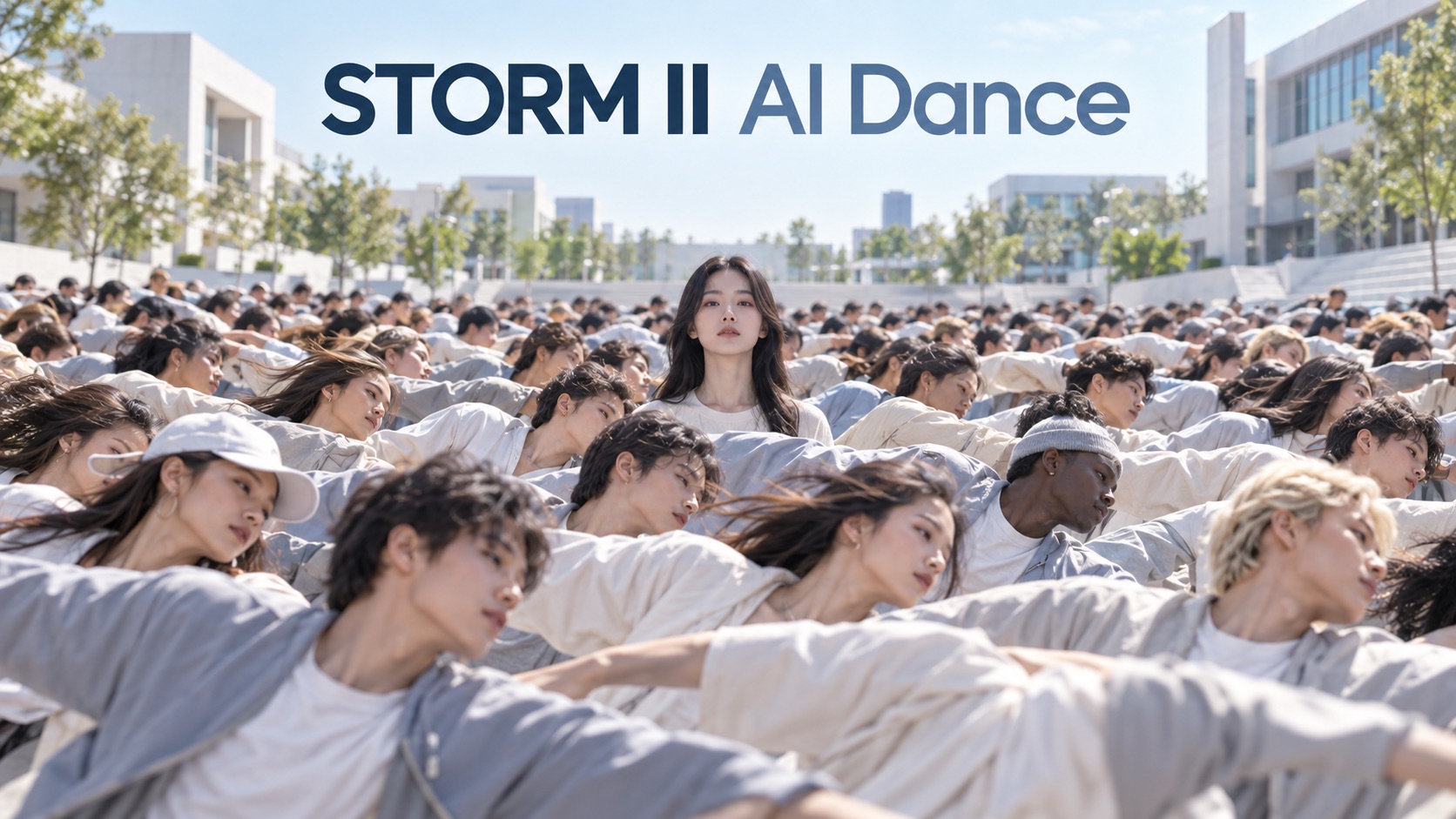
STORM II AI Dance: Turn Your Photo Into a Viral Crowd Dance
Create a dramatic crowd-dance video from your photo with synchronized movement, a strong lead character, and cinematic group choreography inspired by STORM II AI Dance Trend visuals.
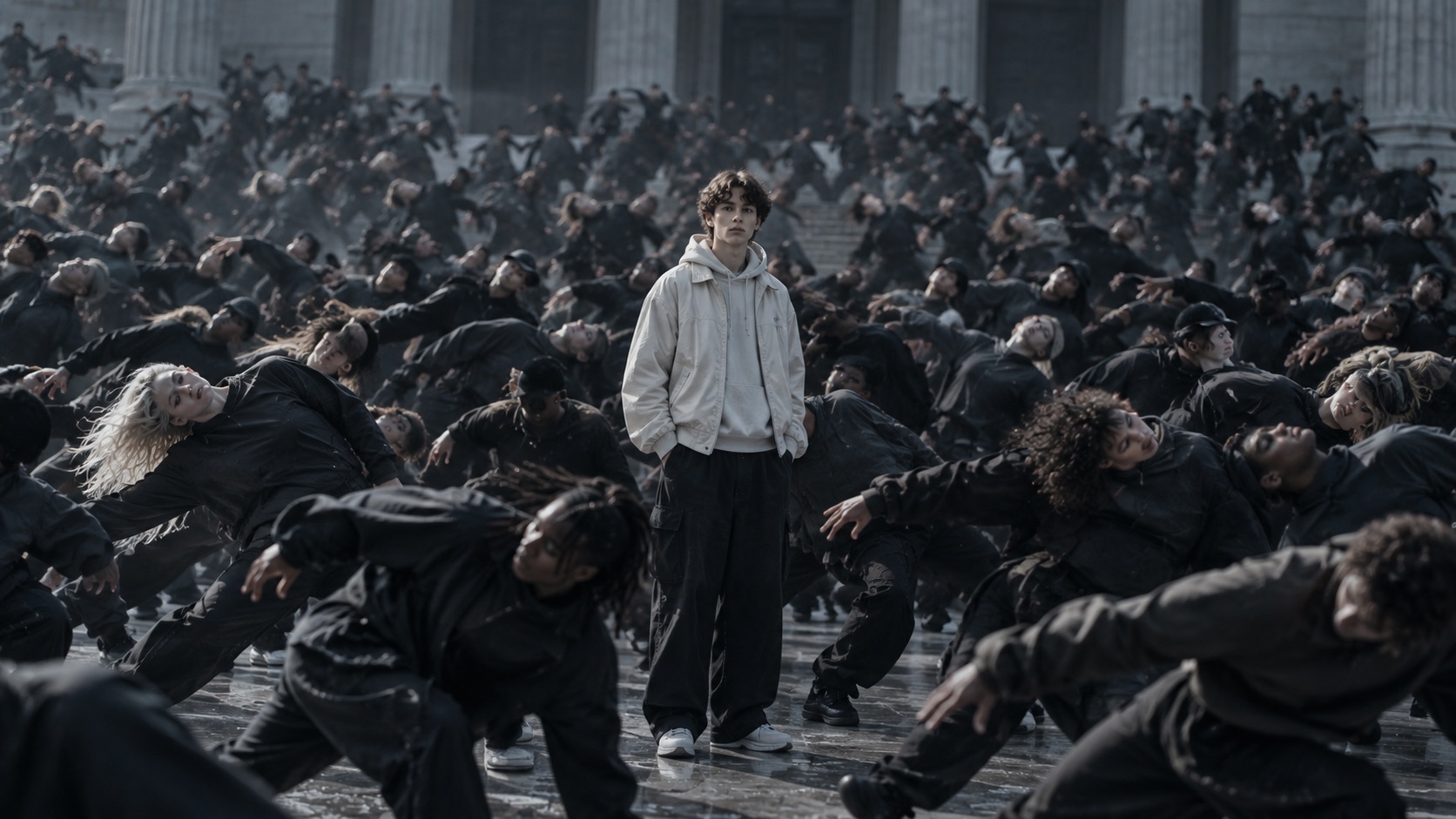
STORM II AI Dance turns a still image into a cinematic group-performance video where one lead stays visually dominant while a coordinated crowd moves around them. Use STORM II AI Dance to recreate the tension, formation, and explosive choreography associated with STORM II Trend without manually animating every performer.
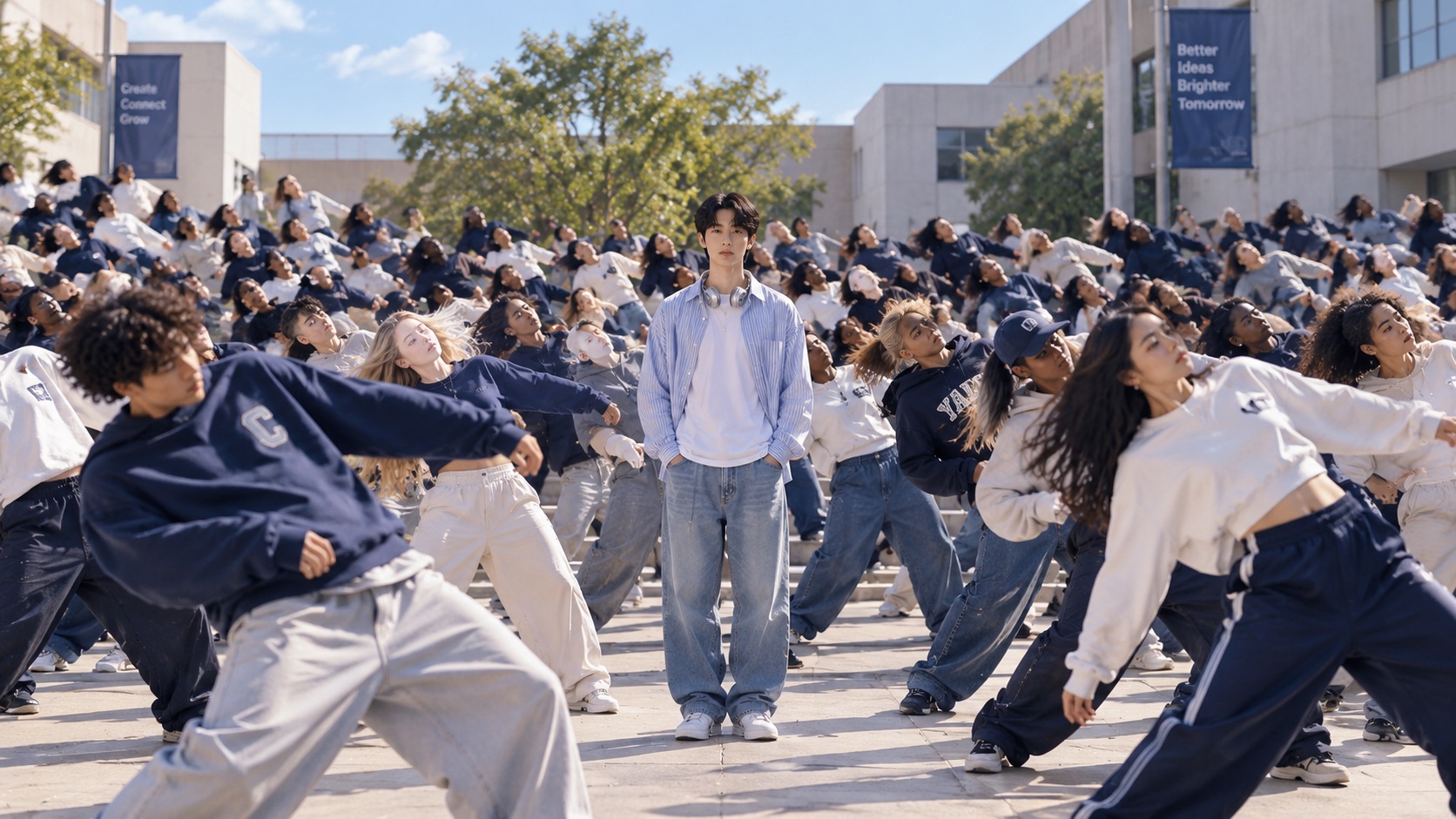
How to Make STORM II AI Dance in 3 Steps
How to Make STORM II AI Dance is simple: upload your character images, generate the scene, and preview the finished video. STORM II AI Dance handles the crowd structure and choreography so the workflow stays fast and easy.

Upload Your Photos
Upload your image as the main subject.

Generate the Dance Video
Click Generate to apply the built-in STORM II dance motion and crowd scene to your photos.

Get Your STORM II Dance Video
Preview your generated STORM II AI dance video and save the result when you're happy with it.
What Makes STORM II AI Dance Different
STORM II AI Dance focuses on crowd scale, lead-character clarity, synchronized motion, and dramatic pacing. These elements help STORM II AI Dance Trend videos feel more structured than ordinary photo animation and closer to the recognizable visual language of STORM II Trend. The result is useful when you want a trend-driven video that still gives your own character a strong, readable role instead of disappearing inside the group.
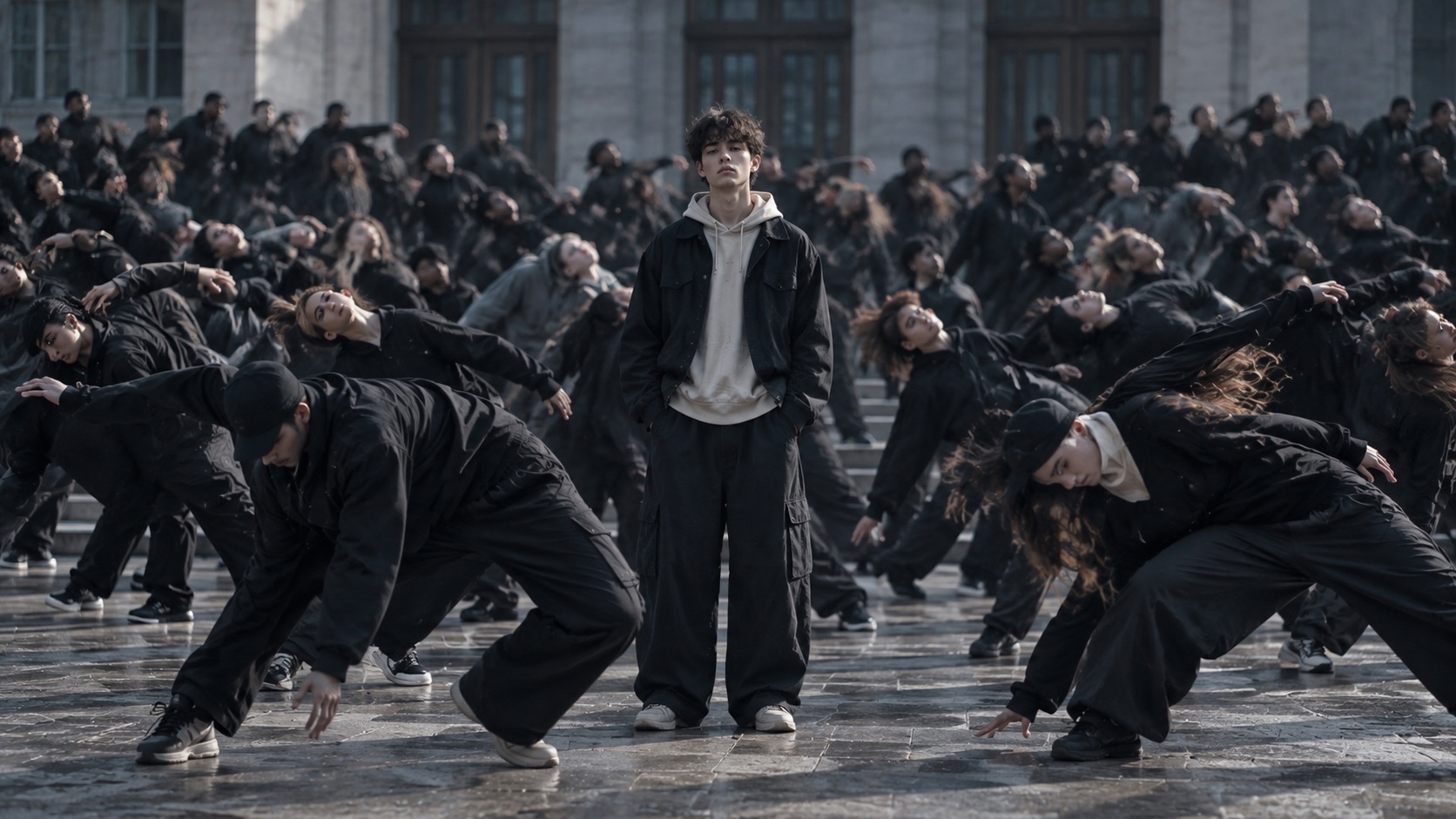
Become the Center of a Full Crowd Performance
STORM II AI Dance is built around one clear visual idea: you stay at the center while the crowd creates the scale, pressure, and energy around you. Instead of producing a generic solo dance, STORM II AI Dance uses a structured group formation that makes the lead feel more dramatic. This is especially useful for creators who want STORM II AI Crowd Dance content with a recognizable focal point rather than a random collection of moving people. STORM II AI Dance from Photo also makes it possible to turn an ordinary portrait into a scene that feels staged, cinematic, and immediately more shareable.
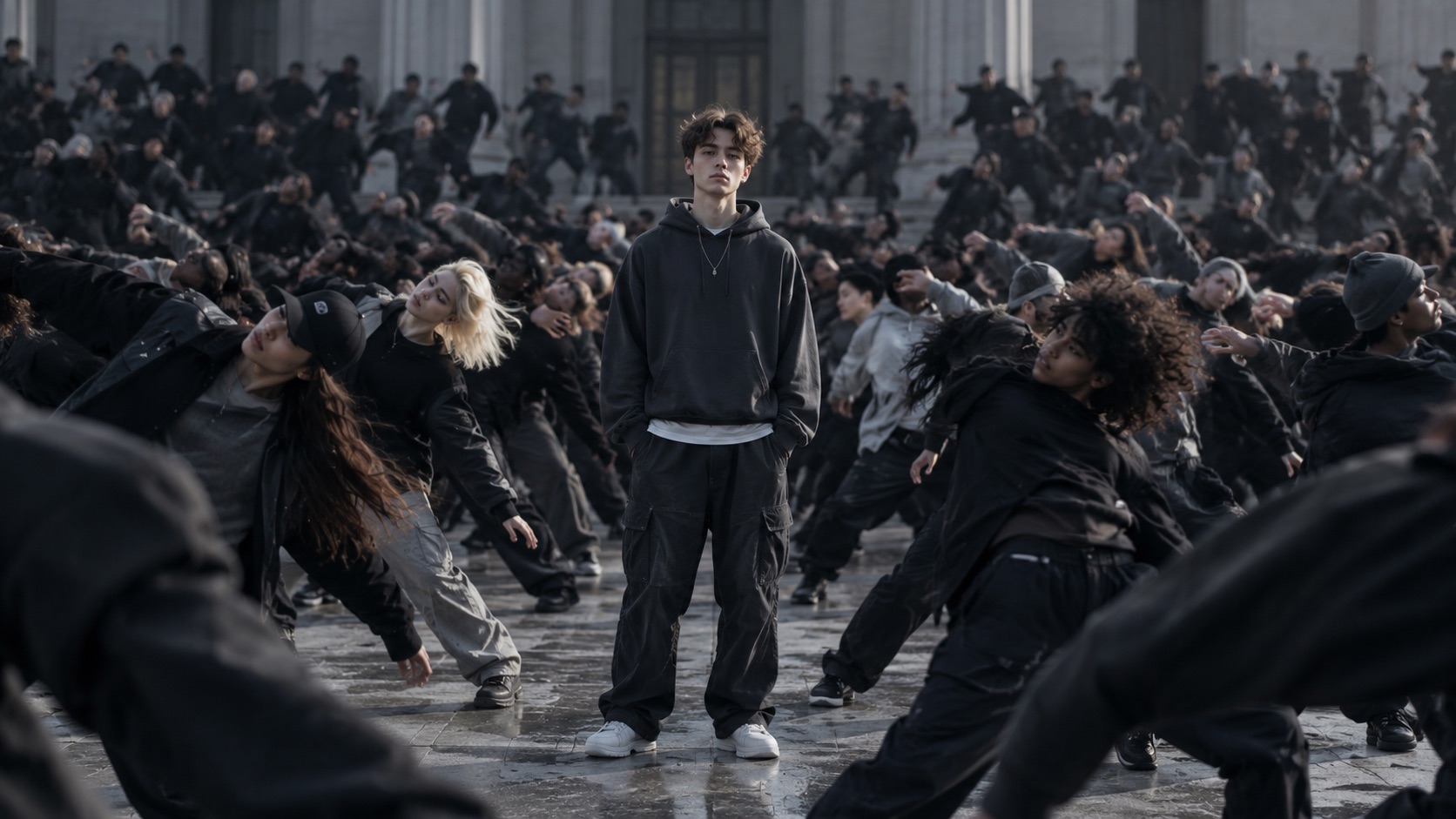
Recreate the Sudden Shift From Calm to Chaos
A major part of STORM II AI Dance Trend is the contrast between control and sudden collective motion. STORM II AI Dance can turn a quiet opening into a burst of synchronized movement, giving the result more impact than a continuous dance from the first frame. That pacing helps the finished STORM II AI Crowd Dance Video feel intentional instead of visually noisy. If you are following STORM II Trend for short-form content, this rise in energy gives viewers a clear moment to wait for, replay, and recognize.
Keep the Lead Recognizable While the Crowd Moves
Crowd scenes can easily become messy when every person competes for attention. STORM II AI Dance is useful because the lead remains the visual anchor while the supporting performers create motion around that identity. STORM II AI Dance from Photo is especially effective for profile images, portraits, character shots, and creator photos that need a more dynamic presentation. The goal is not simply to add movement, but to keep the central person easy to recognize throughout STORM II AI Dance Trend choreography and a dense STORM II AI Crowd Dance setting.
Who Can Use STORM II AI Dance?
STORM II AI Dance is designed for creators, editors, fandom communities, and anyone who wants to turn a still image into a dramatic group-performance video. From STORM II AI Dance from Photo edits to STORM II Trend remixes, the format supports both playful and cinematic ideas. STORM II Trend provides a familiar structure while leaving room for different characters, moods, and creative themes.

Short-Form Video Creators
Use STORM II AI Dance when you want a recognizable trend format without filming a large group in person. A single photo can become a STORM II AI Crowd Dance Video with a clear lead and strong group movement. For creators following STORM II Trend, STORM II AI Dance makes it easier to test multiple versions, characters, or visual directions for short-form posts. STORM II AI Dance Trend also gives short-form creators a strong hook: viewers first notice the central character, then stay for the synchronized crowd payoff. Because STORM II Trend already has a recognizable visual pattern, you can focus on the person, costume, or concept you want to remix instead of planning a real group performance.

Character and Fandom Edits
STORM II AI Dance can turn a character portrait into a large-scale performance scene that feels more dramatic than a standard animation. Use STORM II AI Dance from Photo for original characters, cosplay portraits, stylized personas, or themed edits. The format works especially well when STORM II AI Dance Trend energy is part of the joke, reveal, or visual concept. STORM II AI Dance Trend can also help fandom edits feel more cinematic by placing a familiar character inside a larger staged performance. STORM II Trend works especially well for transformations, alternate-universe edits, and character reveals where the crowd amplifies the personality of the lead.

Friends and Group Concepts
STORM II AI Dance can be used for playful edits where one person becomes the lead and another look defines the supporting cast. This gives STORM II AI Crowd Dance scenes a more personal identity while preserving the large-group effect. If your idea is based on STORM II Trend, the contrast between a familiar face and an exaggerated synchronized crowd can make the result more memorable. This makes the format useful for birthday edits, friend-group jokes, creator collaborations, or playful role swaps. STORM II Trend provides the recognizable crowd structure, while your own faces make the concept personal rather than generic.

Trend Remixes and Creative Experiments
Use STORM II AI Dance to test different lead characters, styling ideas, or crowd identities while keeping the same basic performance concept. STORM II AI Dance Trend content works well for visual remixes because the format remains recognizable even when the people change. A STORM II AI Crowd Dance Video can therefore become a reusable creative structure instead of a one-off effect. STORM II AI Dance Trend is also useful for comparing how different character designs change the mood of the same crowd setup. STORM II Trend can feel serious, strange, funny, or theatrical depending on the lead and supporting cast you choose.
What Users Say About STORM II AI Dance
Creators use STORM II AI Dance to turn portraits into recognizable crowd-performance videos, explore STORM II AI Dance Trend ideas, and create STORM II AI Crowd Dance scenes without filming a large cast.
I wanted to try STORM II AI Dance without organizing a whole group shoot. I uploaded my character photo and the result immediately had the scale I was looking for. The lead stayed clear even when the crowd started moving, and STORM II AI Dance Trend pacing made the final clip feel much more dramatic than a basic photo animation. I also liked that STORM II Trend was still obvious even though the character and styling were completely mine. That made the clip feel like a remix rather than a copy of someone else's post.
I wanted to try STORM II AI Dance without organizing a whole group shoot. I uploaded my character photo and the result immediately had the scale I was looking for. The lead stayed clear even when the crowd started moving, and STORM II AI Dance Trend pacing made the final clip feel much more dramatic than a basic photo animation. I also liked that STORM II Trend was still obvious even though the character and styling were completely mine. That made the clip feel like a remix rather than a copy of someone else's post.
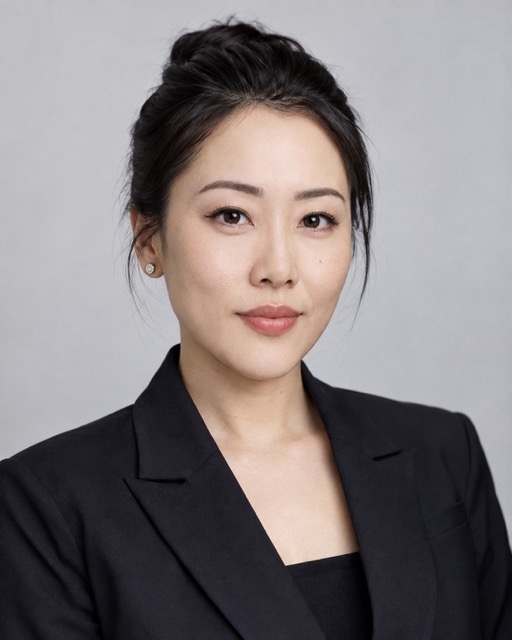
STORM II AI Dance from Photo worked well for a character edit I had been planning. What I liked most was the way the crowd created depth without taking attention away from the main person. The result looked like a full STORM II AI Crowd Dance Video rather than a single subject with random background motion. STORM II AI Dance Trend structure gave the edit a clear beginning and payoff, so I did not have to build the rhythm manually.
STORM II AI Dance from Photo worked well for a character edit I had been planning. What I liked most was the way the crowd created depth without taking attention away from the main person. The result looked like a full STORM II AI Crowd Dance Video rather than a single subject with random background motion. STORM II AI Dance Trend structure gave the edit a clear beginning and payoff, so I did not have to build the rhythm manually.
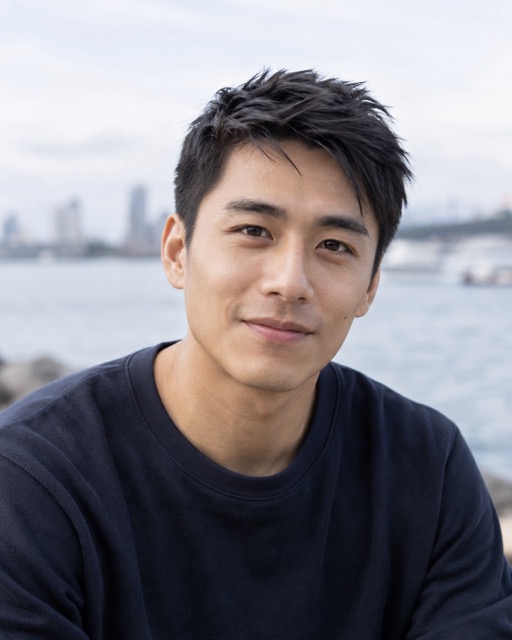
I tried STORM II AI Dance for a trend post and the calm-to-chaotic transition was the part that sold it for me. It felt much closer to STORM II Trend energy than a normal AI dance effect. I could use the same idea with different photos and still keep STORM II AI Dance Trend recognizable. STORM II Trend is easy to recognize, but changing the lead photo gave me enough room to make the result feel personal.
I tried STORM II AI Dance for a trend post and the calm-to-chaotic transition was the part that sold it for me. It felt much closer to STORM II Trend energy than a normal AI dance effect. I could use the same idea with different photos and still keep STORM II AI Dance Trend recognizable. STORM II Trend is easy to recognize, but changing the lead photo gave me enough room to make the result feel personal.
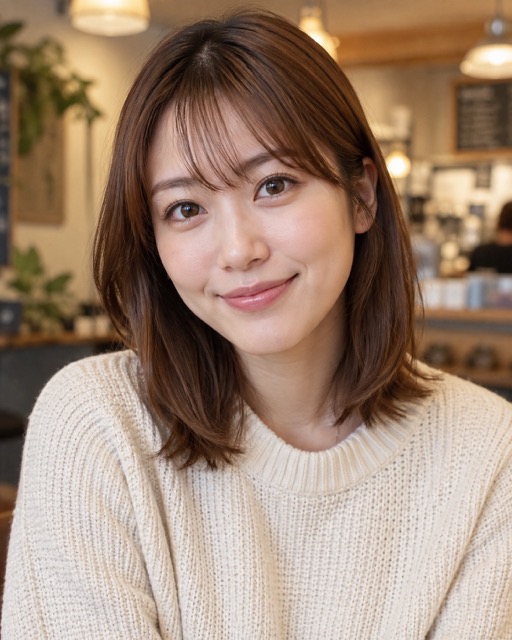
The biggest surprise was how much more interesting my portrait became once it was placed inside a synchronized crowd. STORM II AI Dance gave the image a real performance structure, and the final STORM II AI Crowd Dance felt like something made for a short video feed instead of a static photo experiment. I would use STORM II AI Dance Trend format again for themed character posts because the crowd instantly makes a simple image feel like an event.
The biggest surprise was how much more interesting my portrait became once it was placed inside a synchronized crowd. STORM II AI Dance gave the image a real performance structure, and the final STORM II AI Crowd Dance felt like something made for a short video feed instead of a static photo experiment. I would use STORM II AI Dance Trend format again for themed character posts because the crowd instantly makes a simple image feel like an event.
FAQs About STORM II AI Dance
Learn how STORM II AI Dance works, what makes STORM II AI Dance Trend recognizable, and how to get a cleaner STORM II AI Crowd Dance Video from your photos. STORM II Trend context also helps explain why the central character and synchronized crowd matter to the final effect.
Upload your character photo or photos, click generate, and preview the result. STORM II AI Dance automatically builds the crowd scene, movement, and cinematic pacing around your uploaded identity. You do not need to animate individual dancers or plan camera moves yourself; the workflow is built around the recognizable pacing of STORM II Trend.
STORM II AI Dance Trend refers to the AI-made crowd-dance format inspired by STORM II Trend visuals, where a central lead is surrounded by a large synchronized group and the movement builds into a dramatic collective performance. STORM II AI Dance Trend is recognizable because the lead remains visually important while the crowd creates a sudden, coordinated change in energy.
Yes. STORM II AI Dance from Photo is designed to turn a still portrait into a moving crowd-performance scene while keeping the uploaded person as the main visual focus. The source image supplies the character identity, while the generated scene adds crowd movement and STORM II Trend-style performance structure.
Use a clear image with a visible face, recognizable hair, and an unobstructed body shape when possible. Clean source photos help STORM II AI Dance maintain stronger identity consistency during movement. A simple background and natural pose also make it easier to separate the character cleanly before the crowd choreography begins.
A STORM II AI Crowd Dance uses a single lead and a larger supporting formation, while a regular AI dance effect often focuses on one moving person. The crowd structure is what gives STORM II Trend its distinctive visual scale. STORM II AI Dance Trend depends on that relationship between one focal character and many coordinated supporting performers.
Generation time depends on the video model and current processing load. STORM II AI Dance requires coordinated motion across many people, so complex crowd scenes may take longer than simple single-character animation. Longer or denser scenes can require more processing because many bodies, faces, and movements must remain consistent at the same time.
Create Your Own STORM II AI Dance
Turn your photo into a cinematic STORM II AI Crowd Dance Video with a recognizable lead, synchronized supporting performers, and the dramatic rhythm associated with STORM II AI Dance Trend. Create STORM II AI Dance from Photo and bring your own character into STORM II Trend. Use your own lead and supporting-character choices to make the crowd performance feel personal, recognizable, and ready for short-form sharing.
