

Seedance 2.5: Give Your Story Room to Move
An AI video generator for connected scenes, purposeful motion, and creative direction.
Shape a scene with Seedance 2.5 using words and visual references. Build a stronger beginning, guide the action, and give the ending purpose. Bring your next film, product story, or social concept into motion with Seedance 2.5.
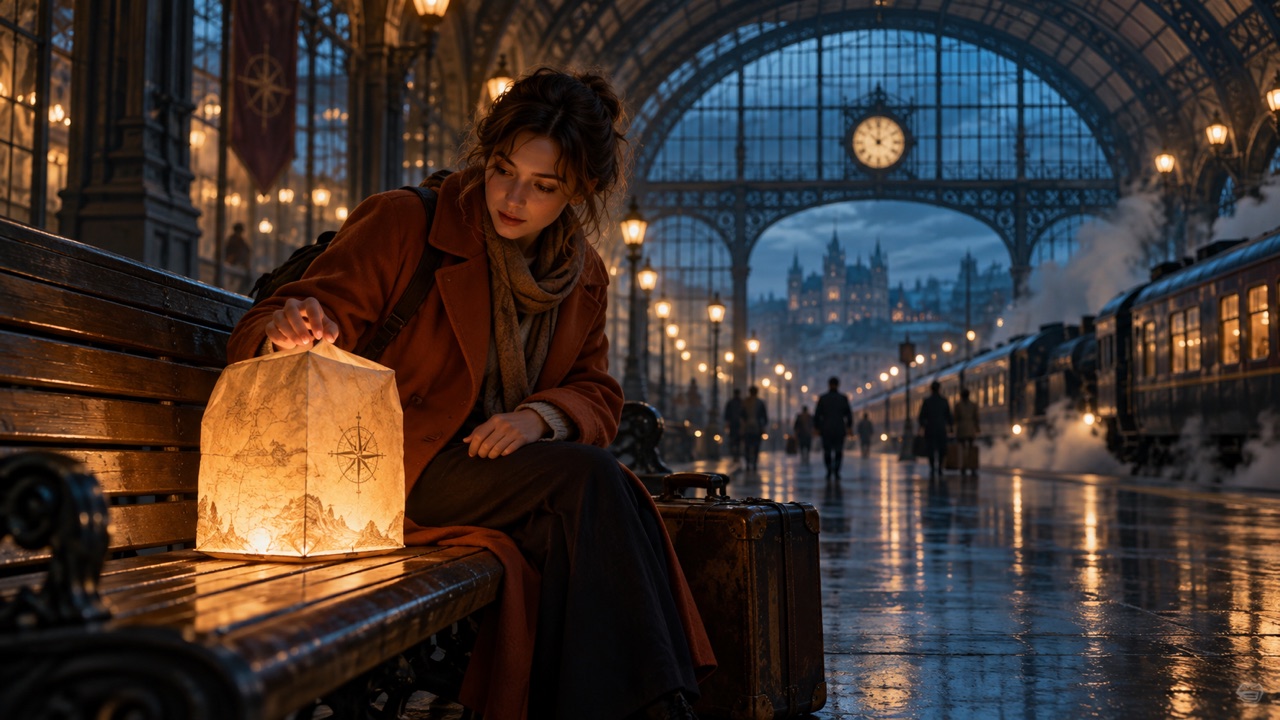
How to Create with Seedance 2.5
Start with a clear creative decision, then let the AI video generator turn that direction into a moving draft. A useful Seedance 2.5 workflow keeps the brief, references, and review criteria connected from the first attempt.

Choose Your Starting Point with Seedance 2.5
Begin Seedance 2.5 text to video with a scene you can describe in one sentence. For Seedance 2.5 image to video, choose a reference that already communicates the subject and setting. Decide which details matter before adding supporting materials. A product photograph might establish shape, while a location image establishes atmosphere. Give the AI video generator a specific purpose for each reference instead of expecting it to infer your entire intention.

Write the Action Before the Atmosphere with Seedance 2.5
Build Seedance 2.5 prompts around something the viewer can actually see happen. A dancer reaches the doorway; a paper lantern lifts into the air; a hand closes a travel case. Add the camera position and the intended ending after that action is clear. With Seedance 2.5, a concise sequence gives you a practical brief to evaluate. Use the AI video generator to test the direction, then judge whether the movement communicates your idea.

Generate a Draft You Can Evaluate with Seedance 2.5
Choose the available settings that fit your brief and generate with Seedance 2.5. Watch the full sequence before selecting a favorite frame. Check the entrance, the key action, and the final composition separately. Listen for sound that distracts from the subject or changes the mood. Treat your first Seedance 2.5 result as a creative draft: the AI video generator gives you material to assess, while your brief supplies the standard for judging it.

Revise the Decision That Matters with Seedance 2.5
Give Seedance 2.5 a focused revision: slow the reveal, simplify the background movement, or make the ending easier to read. Keep successful parts of the direction stable so you can compare versions fairly. Save the prompt beside the chosen take and record the reason for each change. This turns Seedance 2.5 experimentation into a repeatable creative process, helping you learn which instructions matter without losing the original idea in a growing list of requests.
Direct More of the Story with Seedance 2.5
Seedance 2.5 brings longer storytelling, reference control, and editing into the creative conversation. Use this AI video generator to explore how a scene develops, then refine the decisions that make the sequence understandable and memorable.
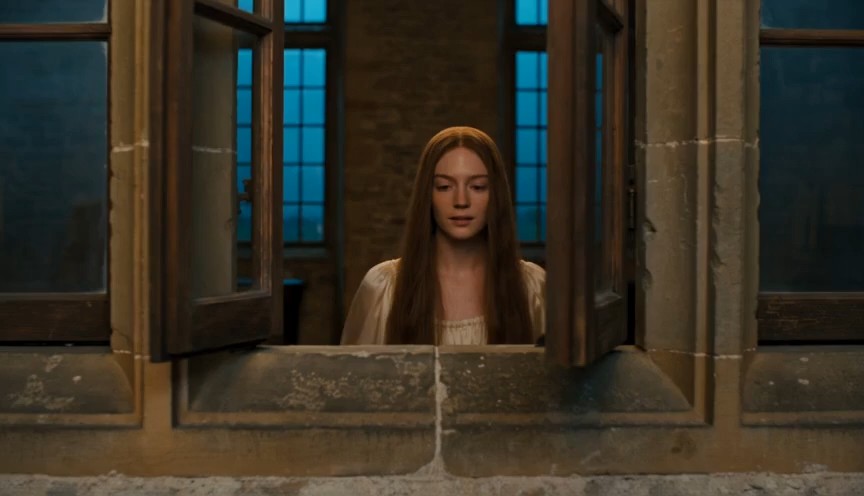
Give the Opening a Meaningful Payoff
Seedance 2.5 supports up to 30 seconds in a single generation, giving a short story room to establish a situation and resolve it. Plan an opening detail that becomes meaningful at the end: a forgotten envelope, an empty chair, or a light appearing behind a door. Seedance 2.5 can become part of that development process without requiring every moment to be a separate concept. Use the AI video generator to explore pacing, then remove actions that compete with the central reveal. For a stronger brief, write the final image first and work backward to the smallest sequence that earns it. Seedance 2.5 gives your direction a longer canvas; a clear narrative still gives the scene its purpose.
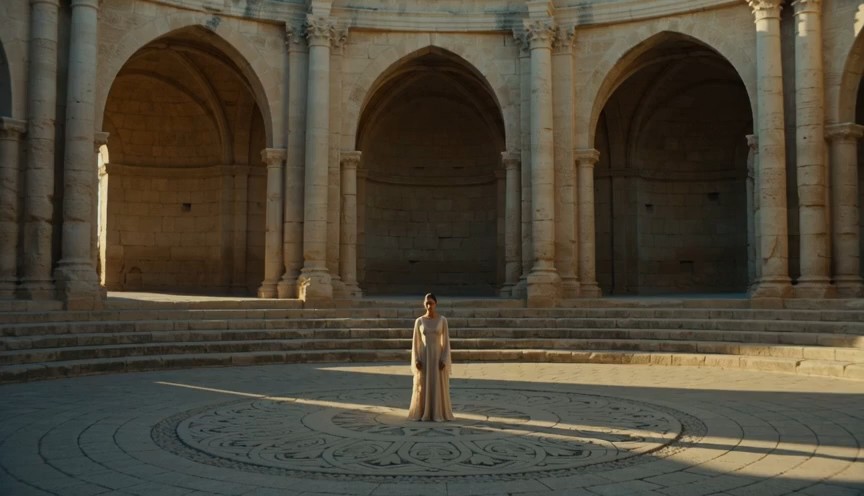
Give Each Reference a Creative Job
Seedance 2.5 supports multimodal references, letting you communicate an idea through more than written description alone. Organize materials by purpose: one establishes the subject, another suggests a setting, and a movement reference communicates the physical action. Explain those roles in your Seedance 2.5 brief so the intended relationship is clear. An AI video generator becomes easier to evaluate when you know which visual decisions should remain recognizable. Avoid supplying several conflicting looks just because you like them individually. For product work, begin with accurate source images and inspect the result for changes to shape or detail. Seedance 2.5 reference-based video creation is most useful when the materials serve a single, coherent direction.
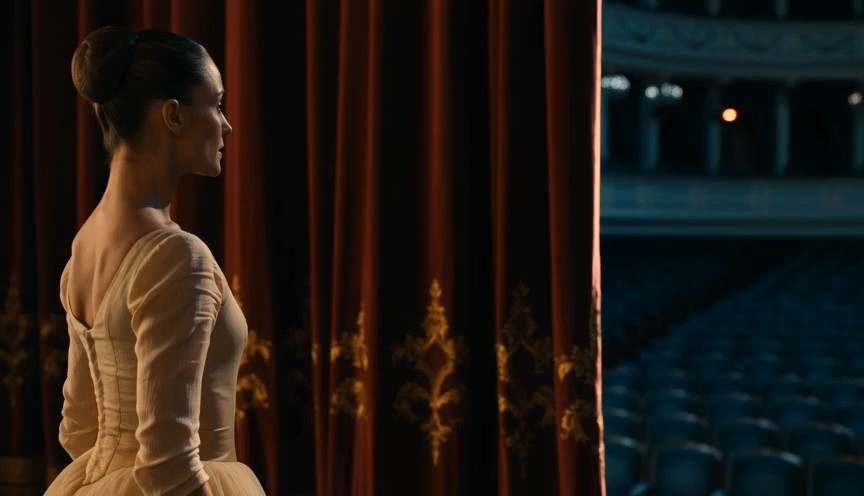
Make Camera Movement Serve the Moment with Seedance 2.5
Use Seedance 2.5 to explore a camera move with a reason behind it. A gentle push toward an unopened letter creates anticipation; a lateral move can reveal someone waiting beyond a wall. Define what the viewer learns as the camera moves, rather than adding movement for decoration. Seedance 2.5 briefs can describe perspective and action together, giving the AI video generator a clearer scene to attempt. Keep the subject movement manageable when the camera already does something complex. Compare a restrained version with a more expressive version and choose the one that tells the story clearly. Seedance 2.5 cinematic video ideas become more useful when the shot has an identifiable emotional or informational purpose.
Refine the Moment That Breaks the Scene
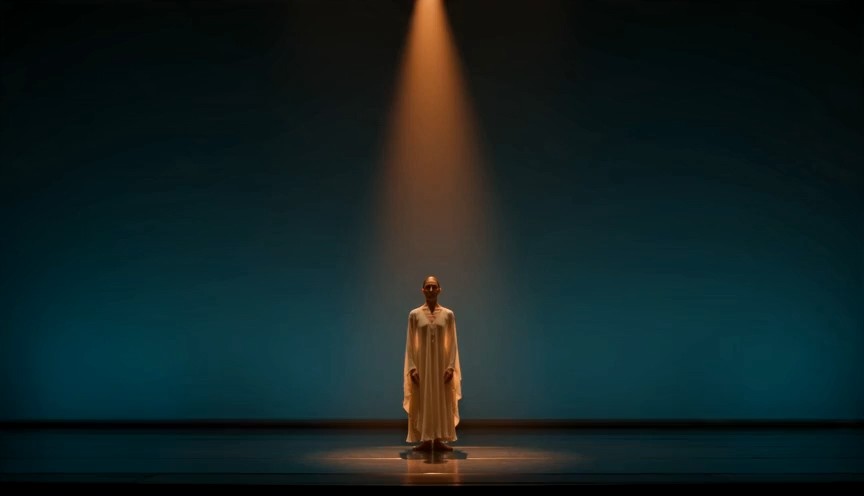
Seedance 2.5 includes timestamp-based editing capabilities for targeted audiovisual changes. Where your chosen interface exposes these controls, identify the moment that needs attention and describe the desired difference. A Seedance 2.5 revision might focus on an action, a character detail, or a transition that feels abrupt. Review the surrounding footage afterward to check that the change still belongs in the sequence. The AI video generator should support your revision process, while careful comparison protects the decisions you already like. Keep notes on what changed and retain the earlier version until the new take is approved. Seedance 2.5 editing is a way to concentrate creative attention where it can improve the result.
What Will You Make with Seedance 2.5?
Choose a practical starting brief for Seedance 2.5, then adapt the details to your audience. These creative exercises use the AI video generator to answer specific questions about a story, a product, or a visual direction.

Product Stories with a Visible Benefit
Plan Seedance 2.5 product videos around a situation your audience recognizes. Show the object entering a routine, performing one clear action, and finishing in a readable composition. For a travel bag, that could mean packing a weekend outfit and leaving the apartment. Use Seedance 2.5 to explore the sequence before selecting your strongest direction. Check every product detail against the source material, and add exact labels or promotional text during finishing when precision matters.

Social Concepts with a Strong Opening
Give Seedance 2.5 social video concepts an opening that creates a question: an unexpected object on a desk, a curtain moving in an empty room, or a miniature landscape inside a box. Resolve that question before adding another. The AI video generator can help you compare visual hooks without changing the central message. Review Seedance 2.5 drafts without sound as well, checking whether the action still makes sense to someone scrolling past.

Short Films That Establish a World
Use Seedance 2.5 for short film concepts that introduce a character through behavior. A station attendant polishing a lamp tells a different story from the same person hiding a ticket. Define the choice, then establish enough surroundings to make it understandable. An AI video generator is useful for exploring tone before committing to a broader sequence. Save the most convincing Seedance 2.5 frames as discussion material for your next storyboard or creative review.
Music Visuals with Deliberate Rhythm
Build Seedance 2.5 music video concepts around a visual pattern: fabric moving in a breeze, footsteps across a reflective floor, or light passing through colored glass. Choose a few recurring motifs rather than filling every moment with a new subject. Use the AI video generator to explore movement that complements your intended mood. During review, compare Seedance 2.5 footage against your planned soundtrack and decide where an edit should breathe, accelerate, or hold.

Campaign Directions Before Production
Explore a Seedance 2.5 campaign concept through a small set of controlled variations. Keep the featured object and action stable while changing one creative choice, such as the setting or the lighting mood. That makes feedback more specific than asking colleagues which completely different film they prefer. Present the Seedance 2.5 drafts with the original brief, and ask reviewers to identify the version that expresses the idea most clearly rather than simply choosing the prettiest image.

Storyboards That Communicate Movement
Use Seedance 2.5 storyboard experiments to answer questions a still frame leaves open. How quickly should someone enter? When should the camera reveal the room? Does the final pause feel intentional? Bring one question to each test and record the answer. The AI video generator can supply moving discussion material, but the decision belongs to your creative team. Keep approved Seedance 2.5 directions alongside shot notes so later work retains the same storytelling intent.
Four Creative Perspectives on Seedance 2.5
Illustrative scenarios with fictional names, not verified customer testimonials. These examples show how different creative roles might evaluate Seedance 2.5 within their own workflow.
For a Seedance 2.5 film exercise, I would start with a single character decision and build the scene around it. My review would focus on whether the audience understands that choice. An attractive frame is useful, but the connection between moments is what makes me keep a take.
For a Seedance 2.5 film exercise, I would start with a single character decision and build the scene around it. My review would focus on whether the audience understands that choice. An attractive frame is useful, but the connection between moments is what makes me keep a take.
My Seedance 2.5 brief would identify the product details that matter before describing the atmosphere. I would use the AI video generator to explore staging, then inspect the object carefully. That gives a creative review something concrete to discuss: the product, its action, and the impression the scene creates.
My Seedance 2.5 brief would identify the product details that matter before describing the atmosphere. I would use the AI video generator to explore staging, then inspect the object carefully. That gives a creative review something concrete to discuss: the product, its action, and the impression the scene creates.
I would test Seedance 2.5 concepts with one question in mind: can someone understand the opening immediately? I would compare a few versions of the same hook, keeping the message consistent. The most useful draft would make the idea readable before the viewer needs a caption to explain it.
I would test Seedance 2.5 concepts with one question in mind: can someone understand the opening immediately? I would compare a few versions of the same hook, keeping the message consistent. The most useful draft would make the idea readable before the viewer needs a caption to explain it.
For Seedance 2.5 music visuals, I would choose a recurring shape or movement and let it guide the sequence. I would review the footage against the track, looking for moments that deserve a pause. A coherent visual motif would matter more to me than a constant stream of new effects.
For Seedance 2.5 music visuals, I would choose a recurring shape or movement and let it guide the sequence. I would review the footage against the track, looking for moments that deserve a pause. A coherent visual motif would matter more to me than a constant stream of new effects.



Seedance 2.5 Questions, Answered
Use these answers to plan your first brief and understand what to check in the interface you choose.
Seedance 2.5 is an audiovisual generation model from ByteDance Seed. It is designed around longer scenes, reference control, and editing, helping creators develop connected video ideas from written direction and supporting materials.
The official model page describes generation of up to 30 seconds, with extension options. Check the duration choices available in your selected interface, because an individual service may expose a different set of controls.
Yes, image references can guide the visual starting point. Choose a clear source and explain what should move, what should stay recognizable, and how the camera should relate to the subject throughout the scene.
Describe a visible action, a setting, and a clear ending. Add camera direction and sound only where they support the idea, and separate essential details from optional atmosphere so revisions remain easy to evaluate.
Access and pricing depend on the service you choose. Check its current plans, credits, and generation conditions before starting; this page does not promise unlimited generation or a particular free allowance.
No generation should be treated as automatically ready for delivery. Review continuity, subject details, movement, and sound, then complete any necessary editing before using the result in a finished creative project.
Bring Your Next Idea to Seedance 2.5
Choose one scene worth exploring. Write the action, select the references that matter, and use the AI video generator to test your direction. Let Seedance 2.5 help you move from an imagined moment to a draft you can watch, question, and refine.
