

Kling 4.0 AI Video Generator: Create Controlled AI Videos from Text and Images
Turn prompts, images, and reference assets into cinematic AI video with Kling 4.0 AI Video Generator Free, featuring multi-keyframe control, longer generation, and flexible creative direction.
Create directly online. Use text prompts, images, and reference materials to shape motion, composition, and scene progression. Kling 4.0 AI Video Generator gives creators more control over how a video begins, develops, and ends while keeping the workflow simple.
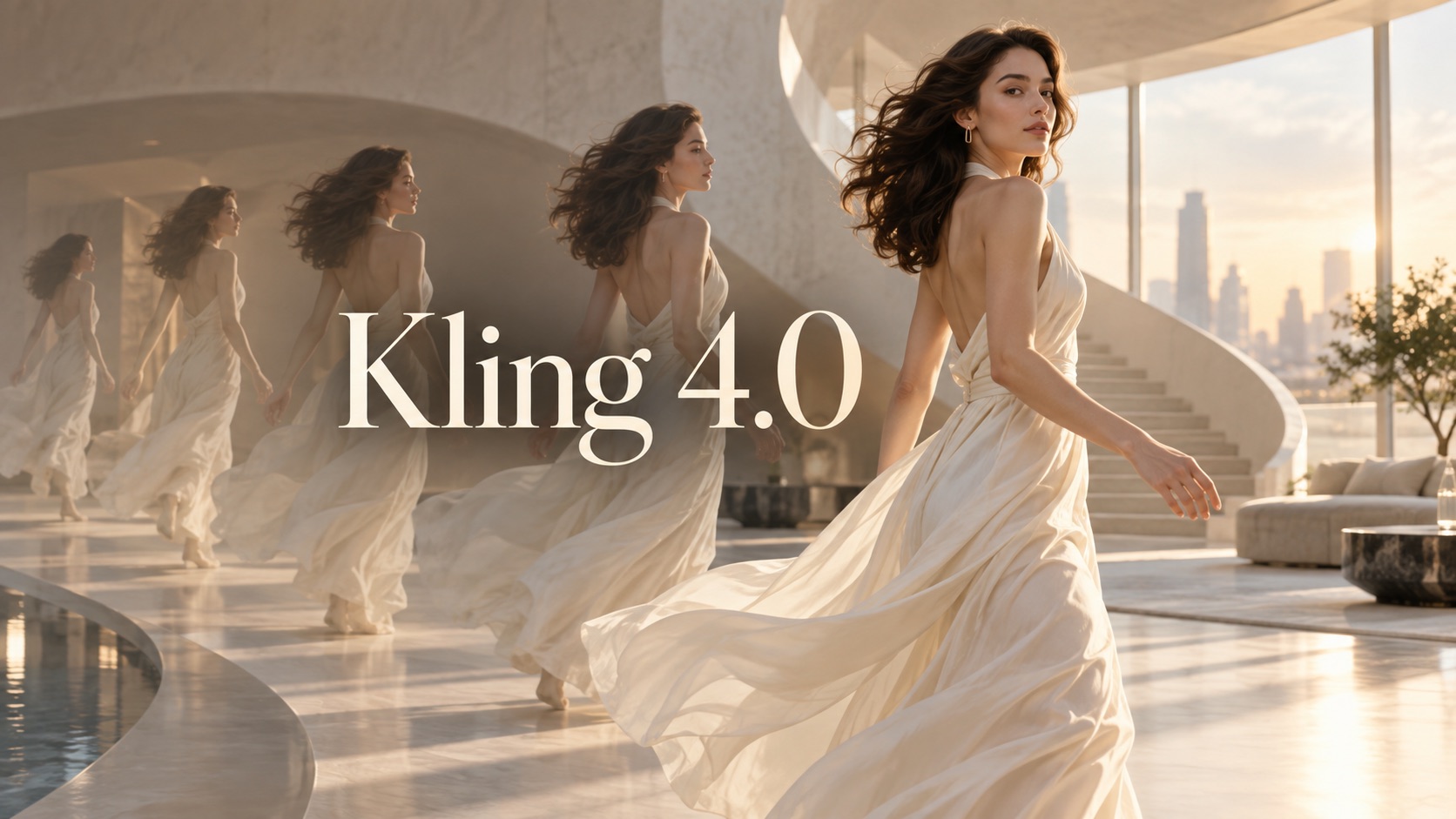
How to Use Kling 4.0 Video Generator in 3 Steps
Kling 4.0 AI Video Generator Online brings prompt-based generation, image animation, reference guidance, and multi-keyframe control into one workflow. Start with your idea, guide the sequence, and generate a finished clip.

Choose Your Input and Add References
Start Kling 4.0 with a text prompt, an image, or supported reference materials. Describe the scene you want, upload the visual source you want to animate, and add references when you need stronger control over a character, object, or visual direction. Kling 4.0 Video Generator Online can use these inputs to establish the subject and starting look before generation begins.

Set Your Video Direction
Adjust the generation setup for your idea. Define the prompt, duration, and available motion or frame controls, then use keyframes when you want to guide important moments across the clip. The model supports up to 10 keyframes, giving you more room to shape transitions, actions, camera changes, and scene progression instead of relying on one starting image alone.

Generate and Preview Your Video
Start generation and turn your instructions and references into a complete video. Preview the result, check whether movement and scene progression match your intention, and generate another version when needed. Kling 4.0 Online keeps the process direct for creators who want to move from an idea or source image to a usable AI video without a complicated editing workflow.
Create More Intentional Videos with Kling 4.0 Video Generator
Kling 4.0 AI Video Generator combines longer generation, multiple references, and keyframe-based direction to give creators more influence over how an AI video develops from the first moment to the last.
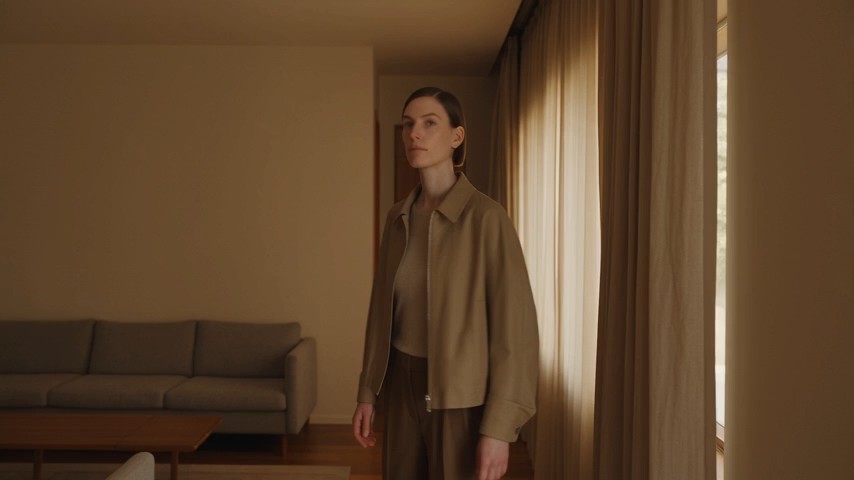
Direct the Story with Up to 10 Keyframes
A single start frame can limit how precisely a generated video develops. Multi-keyframe control lets you guide important moments with up to 10 keyframes, so you can define how a sequence should evolve over time. Use Kling 4.0 Video Generator to shape an entrance, action, transition, camera shift, or final pose across the same clip. This is especially useful for multi-stage movement, productless concept scenes, character actions, and visual storytelling where the middle of the video matters as much as the first and last frame. This control gives you a clearer way to plan motion rather than leaving the full sequence to automatic interpretation. You can treat each keyframe as a visual checkpoint, making it easier to coordinate pacing and preserve the intended order of events across a longer sequence.
Keep Characters and Visual Elements More Consistent
When a video depends on a recognizable character, object, outfit, environment, or visual style, reference inputs can make creative direction easier. Multiple reference inputs provide more context, allowing you to give the model more information before generation. With Kling 4.0 AI Video Generator, references can help anchor important visual details while the scene changes or the subject moves. This makes Kling 4.0 useful for recurring characters, short narrative clips, stylized concepts, and sequences that need continuity from one moment to the next. Instead of describing every detail repeatedly, you can combine clear prompts with visual references and focus on what should happen in the scene. This is especially practical when the same subject must remain recognizable while lighting, pose, camera position, or surrounding action changes throughout the generated sequence.
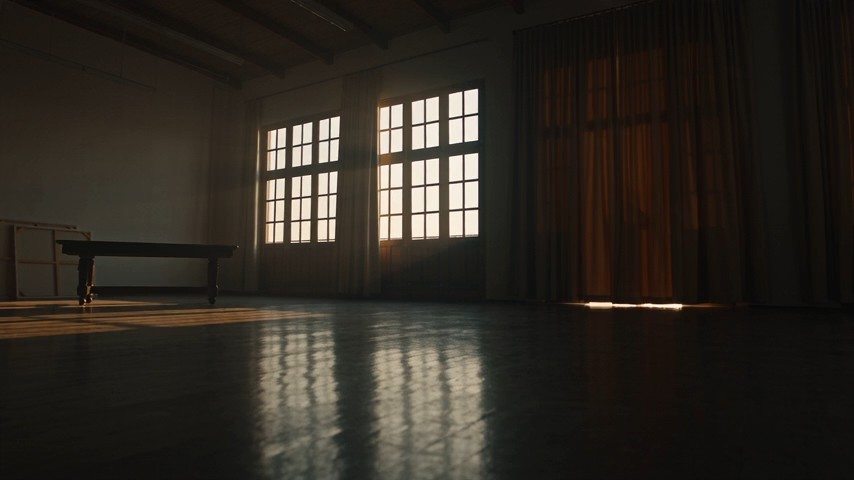
Build Longer Scenes with More Room for Action
Short clips work for simple motion, but some ideas need more time to develop. Kling 4.0 Video Generator supports video generation from 3 to 30 seconds, giving creators room for more complete actions, scene changes, and visual beats in one generation. Kling 4.0 AI Video Generator Online is useful when a concept needs a beginning, middle, and ending instead of a brief loop. You can combine longer duration with keyframe guidance to control how events unfold across the clip. Whether you are creating a mini story, a transformation, a performance, or a cinematic sequence, Kling 4.0 makes it easier to fit more progression into one generated video. Extra duration also gives motion more time to breathe, helping actions feel less rushed and making transitions easier to read when several events happen in one clip.
What Can You Create with Kling 4.0 Video Generator?
Kling 4.0 Video Generator supports a wide range of creative workflows, from prompt-driven scenes to image animation, multi-keyframe sequences, and reference-guided videos.

Text-to-Video Ideas
Use Kling 4.0 Text to Video when you have an idea but no source footage. Describe the subject, action, setting, mood, and camera behavior in a prompt, then let Kling 4.0 Video Generator build the scene. This workflow is useful for cinematic concepts, short stories, surreal visuals, social content, and visual experiments. Kling 4.0 Online helps you test several directions without filming each concept first. It also helps when you want to explore a visual direction before committing time to production, because the prompt can define both the scene and its movement.

Image-to-Video Animation
Turn a still visual into motion with Kling 4.0 Image to Video. Upload an image, describe what should move, and use Kling 4.0 AI Video Generator to animate the subject while preserving the core composition. It works well for portraits, illustrations, character art, editorial visuals, and scene concepts that already have the right look but need movement. Kling 4.0 Video Generator Online makes this a direct path from a static frame to a dynamic clip. This approach is useful when the composition is already approved and you only want to introduce motion, expression, camera movement, or environmental activity.

Multi-Shot Creative Sequences
For ideas that need several important moments, Kling 4.0 Video Generator gives you more structure through multi-keyframe control. Plan how the subject enters, moves, changes direction, or reaches the final shot, then guide the sequence with keyframes. Kling 4.0 AI Video Generator Online can support storyboards, fashion motion concepts, dance ideas, visual transitions, and other clips where timing and sequence matter. Kling 4.0 Free is also useful for testing the basic direction before refining a more detailed generation. The added structure can reduce abrupt changes between moments and gives you a clearer way to translate a rough storyboard into a continuous generated sequence.

Character and Style Continuity
Use reference materials in Kling 4.0 Video Generator when you want a generated clip to stay closer to a chosen character, object, or visual identity. Kling 4.0 AI Video Generator can combine prompt direction with reference context, helping creators work on recurring characters and consistent scene concepts. This makes Kling 4.0 Online useful for episodic social videos, character-based storytelling, branded-style visual concepts without naming a brand, and repeated creative experiments that should feel connected. That can save time when several clips belong to the same concept and need to share recognizable visual cues without rebuilding the direction from scratch.
What Creators Say About Kling 4.0 Video Generator
Creators use Kling 4.0 AI Video Generator Free for controlled motion, longer scenes, reference-guided generation, and more structured storytelling across text-to-video and image-to-video workflows.
I use AI video mostly for short narrative ideas, and Kling 4.0 Video Generator Online made the middle of the clip much easier to control. Being able to plan several key moments gave me a result that followed my storyboard more closely. Kling 4.0 Video Generator felt especially useful for scenes where one action had to lead naturally into the next.
I use AI video mostly for short narrative ideas, and Kling 4.0 Video Generator Online made the middle of the clip much easier to control. Being able to plan several key moments gave me a result that followed my storyboard more closely. Kling 4.0 Video Generator felt especially useful for scenes where one action had to lead naturally into the next.
My favorite use is turning illustrations into motion. With Kling 4.0 Image to Video, I could start from artwork I already liked and focus the prompt on movement instead of rebuilding the whole scene. Kling 4.0 AI Video Generator also handled my reference direction well, so the final clip stayed close to the visual idea I started with.
My favorite use is turning illustrations into motion. With Kling 4.0 Image to Video, I could start from artwork I already liked and focus the prompt on movement instead of rebuilding the whole scene. Kling 4.0 AI Video Generator also handled my reference direction well, so the final clip stayed close to the visual idea I started with.
I wanted more than a five-second visual loop, and Kling 4.0 Video Generator gave me enough duration to build an actual sequence. I used Kling 4.0 AI Video Generator Online for a short concept with several changes in motion, and the longer timeline made the result feel much more complete. Kling 4.0 Online was straightforward for testing alternate versions too.
I wanted more than a five-second visual loop, and Kling 4.0 Video Generator gave me enough duration to build an actual sequence. I used Kling 4.0 AI Video Generator Online for a short concept with several changes in motion, and the longer timeline made the result feel much more complete. Kling 4.0 Online was straightforward for testing alternate versions too.
The reference workflow is what stood out for me. I work with recurring character concepts, so consistency matters more than flashy one-off shots. Kling 4.0 Video Generator Online let me combine references with a clear prompt and then refine the sequence with keyframes. Kling 4.0 Free was useful for trying a few directions before choosing the version I wanted to keep developing.
The reference workflow is what stood out for me. I work with recurring character concepts, so consistency matters more than flashy one-off shots. Kling 4.0 Video Generator Online let me combine references with a clear prompt and then refine the sequence with keyframes. Kling 4.0 Free was useful for trying a few directions before choosing the version I wanted to keep developing.


FAQs About Kling 4.0 Video Generator
Learn how Kling 4.0 AI Video Generator works with prompts, images, keyframes, references, and longer video generation.
Kling 4.0 AI Video Generator Free is an AI video generation model for creating videos from text, images, and reference materials. It supports longer clips, multi-keyframe control, and reference-guided creation.
Kling 4.0 Video Generator supports videos from 3 to 30 seconds, giving you more space for actions, transitions, and scene progression in one generation.
Kling 4.0 Video Generator supports up to 10 keyframes. You can use them to guide important moments and control how a sequence develops from the opening frame to later stages.
Yes. Kling 4.0 Image to Video lets you upload a source image and describe the motion or scene development you want to create.
Yes. Kling 4.0 Text to Video can create a scene from a written prompt describing the subject, action, environment, style, and camera direction.
Kling 4.0 AI Video Generator can use multiple reference materials to guide visual details such as characters, objects, and style. Clear references and prompts help define the intended result.
Create Your Next Video with Kling 4.0 AI Video Generator
Use Kling 4.0 AI Video Generator Free to turn your next prompt, image, or reference-driven idea into motion. Explore Kling 4.0 Free online and create a more controlled AI video from start to finish.
