

Upload 2 separate images with different face.
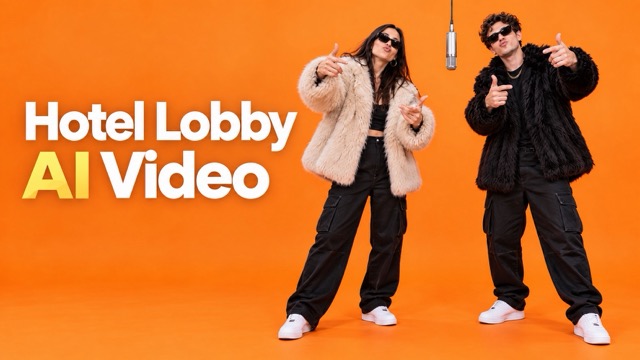
Hotel Lobby AI Video Generator for the Viral AI Rap Trend
Swap two faces into the hotel lobby video trend in minutes
Use the Hotel Lobby AI video generator to recreate the viral AI rap trend with two people of your choice. Upload two face images, keep the original hotel lobby setting, music, timing, camera movement, and performance style, then let the Hotel Lobby AI video generator replace the featured characters. The Hotel Lobby AI video generator is designed for fast social content, reaction posts, fan edits, creator videos, and shareable short-form clips inspired by the viral AI rap trend.
How the Hotel Lobby AI Video Generator Works
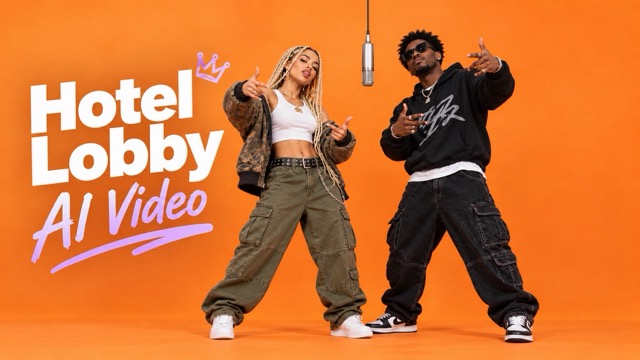
The Hotel Lobby AI video generator turns the viral AI rap trend into a simple four-step workflow. You do not need to edit faces frame by frame or rebuild the original scene. The Hotel Lobby AI video generator keeps the recognizable rhythm, hotel lobby environment, music, and performance structure of the viral AI rap trend while changing the two featured people.

Upload Two Character Images
Add two clear face images to the Hotel Lobby AI video generator. These two uploads become the new characters in the viral AI rap trend video. For stronger identity consistency, use images with visible facial features and avoid heavy obstruction.

Choose Resolution
Select the output resolution for your Hotel Lobby AI video generator clip. Pick a quality level that matches where you plan to post the viral AI rap trend, from quick social sharing to higher-resolution publishing.

Choose Video Format
Set the video format before generation. The Hotel Lobby AI video generator prepares the viral AI rap trend output for easier downloading, editing, and sharing across your preferred content workflow.

Click Generate
Start the Hotel Lobby AI video generator and create the final video. The system places your two uploaded characters into the viral AI rap trend while preserving the reference background, music, action pattern, shot structure, and overall timing.
Create the Viral AI Rap Trend with Two New Faces
The Hotel Lobby AI video generator is built for users who want the recognizable viral AI rap trend without manually recreating the original performance. Add two people, choose your output settings, and generate a new version that keeps the visual and audio structure familiar.
Replace Both Featured Characters
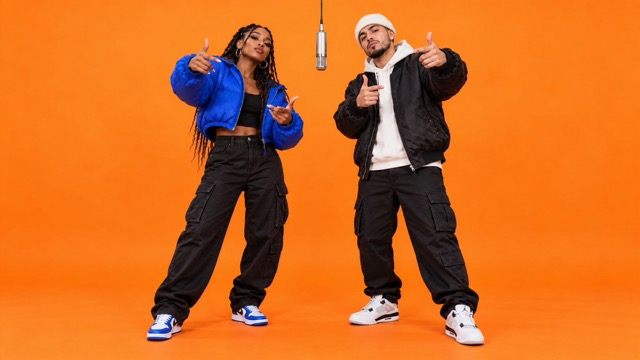
The Hotel Lobby AI video generator lets you upload two separate face images and map them to the two people in the viral AI rap trend. Instead of changing only one performer, the Hotel Lobby AI video generator updates both featured characters so the final video feels personalized from start to finish.
Keep the Original Scene and Performance
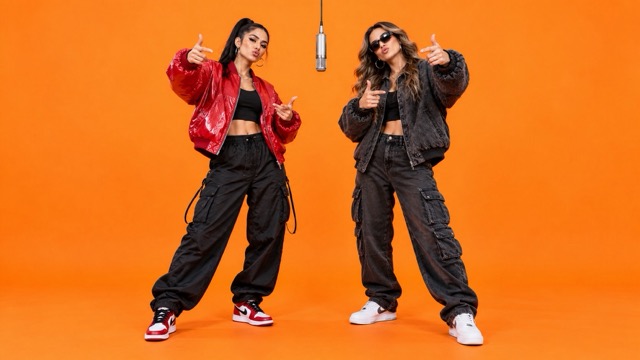
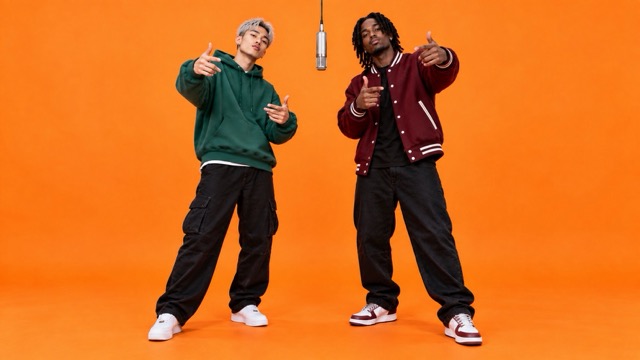
A good Hotel Lobby AI video generator result should still feel like the viral AI rap trend viewers recognize. The Hotel Lobby AI video generator keeps the hotel lobby background, camera flow, body actions, timing, and music structure consistent while replacing the people in the scene.
Choose Resolution and Format
Before generating, the Hotel Lobby AI video generator lets you select your preferred resolution and output format. This makes it easier to prepare the viral AI rap trend for TikTok-style short videos, Reels, Shorts, reaction posts, private sharing, or further editing.
Generate in One Click
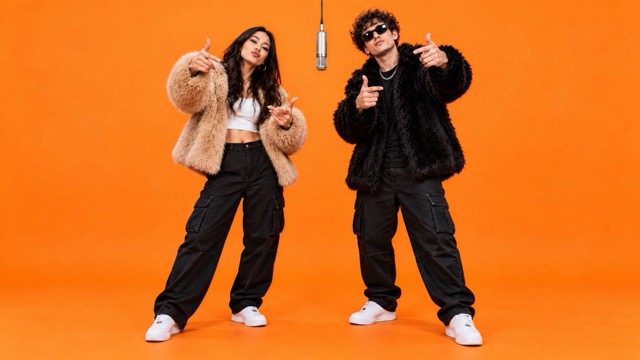
Once both images and output settings are ready, click generate. The Hotel Lobby AI video generator handles the transformation automatically and produces a fresh viral AI rap trend clip using your selected characters. No timeline editing, manual masking, or frame-by-frame face replacement is required.
Ways to Use the Hotel Lobby AI Video Generator
The Hotel Lobby AI video generator gives creators an easy way to join the viral AI rap trend with different characters, friends, public figures, fictional personalities, or original personas. Use the Hotel Lobby AI video generator to create content that feels familiar but still has a new social hook.

Friend and Couple Edits
Turn two friends, partners, or teammates into the featured pair from the viral AI rap trend. The Hotel Lobby AI video generator makes it easy to create a funny shared clip without recording a new performance.

Creator Reaction Content
Use the Hotel Lobby AI video generator to build reaction-ready versions of the viral AI rap trend for creator accounts, fan communities, meme pages, and social media conversations.

Character Mashups
Place two unexpected characters into the viral AI rap trend. The Hotel Lobby AI video generator works well for fictional pairings, fandom edits, pop-culture mashups, and imaginative social posts.

Brand Social Posts
Adapt the viral AI rap trend for a brand account by using two recognizable mascots, presenters, or campaign characters. The Hotel Lobby AI video generator helps teams respond to social trends without rebuilding the entire video from scratch.
Why Creators Use the Hotel Lobby AI Video Generator
Creators use the Hotel Lobby AI video generator to make the viral AI rap trend faster, personalize both characters, and keep the recognizable scene structure that makes the trend instantly familiar.
I used the Hotel Lobby AI video generator for a two-person creator post, and the workflow was much easier than editing every face manually. The final clip still looked like the viral AI rap trend, but the people were completely different.
I used the Hotel Lobby AI video generator for a two-person creator post, and the workflow was much easier than editing every face manually. The final clip still looked like the viral AI rap trend, but the people were completely different.
The Hotel Lobby AI video generator was useful for testing several character combinations quickly. I liked that the viral AI rap trend background and performance stayed recognizable while the two faces changed.
The Hotel Lobby AI video generator was useful for testing several character combinations quickly. I liked that the viral AI rap trend background and performance stayed recognizable while the two faces changed.
For meme content, speed matters. The Hotel Lobby AI video generator let me upload two faces, pick the output settings, and create a viral AI rap trend variation without opening a full video editor.
For meme content, speed matters. The Hotel Lobby AI video generator let me upload two faces, pick the output settings, and create a viral AI rap trend variation without opening a full video editor.
I wanted a version of the viral AI rap trend with two original characters. The Hotel Lobby AI video generator made the process straightforward and kept the music and movement aligned with the reference style.
I wanted a version of the viral AI rap trend with two original characters. The Hotel Lobby AI video generator made the process straightforward and kept the music and movement aligned with the reference style.
The Hotel Lobby AI video generator fits our fast social workflow. We can try different faces for the viral AI rap trend and choose the version that works best for the post.
The Hotel Lobby AI video generator fits our fast social workflow. We can try different faces for the viral AI rap trend and choose the version that works best for the post.
I used the Hotel Lobby AI video generator for a fan edit and liked that I did not need to recreate the lobby scene or actions. It gave me a familiar viral AI rap trend format with a completely new pair of characters.
I used the Hotel Lobby AI video generator for a fan edit and liked that I did not need to recreate the lobby scene or actions. It gave me a familiar viral AI rap trend format with a completely new pair of characters.





Hotel Lobby AI Video Generator FAQ
Learn how the Hotel Lobby AI video generator works, what you need to upload, and how to create your own version of the viral AI rap trend.
The Hotel Lobby AI video generator is a face-replacement video tool built around the viral AI rap trend. You upload two face images, choose resolution and format, and generate a new video in which the featured people are replaced while the hotel lobby setting, music, action pattern, camera flow, and timing remain consistent with the reference.
You need two face images. The Hotel Lobby AI video generator uses one image for each featured person in the viral AI rap trend. Clear images with visible facial features generally give the system stronger identity references.
The Hotel Lobby AI video generator is designed to keep the recognizable hotel lobby background and overall scene structure of the viral AI rap trend while replacing the two characters. The goal is to preserve the original visual context instead of rebuilding the entire video.
The Hotel Lobby AI video generator is designed to preserve the music, timing, body actions, performance rhythm, and shot flow associated with the viral AI rap trend, while changing the people shown in the video.
Yes. Before generation, the Hotel Lobby AI video generator lets you select the available video resolution and format so your viral AI rap trend output better matches your publishing or editing workflow.
No. The Hotel Lobby AI video generator is built for a simple upload-and-generate workflow. Add two images, select resolution and format, then click generate. You do not need to manually mask faces, edit frames, or rebuild the viral AI rap trend in a timeline editor.
You can use the Hotel Lobby AI video generator for creator posts, friend edits, fandom content, character mashups, meme videos, campaign ideas, and social experiments based on the viral AI rap trend.
Yes, as long as you have suitable face images to upload. The Hotel Lobby AI video generator can help turn original or fictional character images into a new viral AI rap trend variation while keeping the recognizable reference-video structure.
Create Your Hotel Lobby AI Video Now
Try the Hotel Lobby AI video generator and make your own viral AI rap trend with two new characters. Upload two face images, choose your resolution and format, and let the Hotel Lobby AI video generator create a shareable video while preserving the familiar scene, music, movement, and timing of the viral AI rap trend.
