

Grok video generator
Turn a written idea or a still image into a scene worth watching.
Give Grok video generator a clear subject, an action, and a mood. Create short visual stories from text or bring an image into motion. Explore your next scene with an AI video generator built around creative direction.
How to create with Grok video generator
A strong clip starts with a small, specific idea. Use Grok video generator to explore one visual moment, then refine the direction that matters most. This AI video generator workflow helps you move from a rough concept to a scene you can evaluate.

1. Give Grok video generator a clear starting point
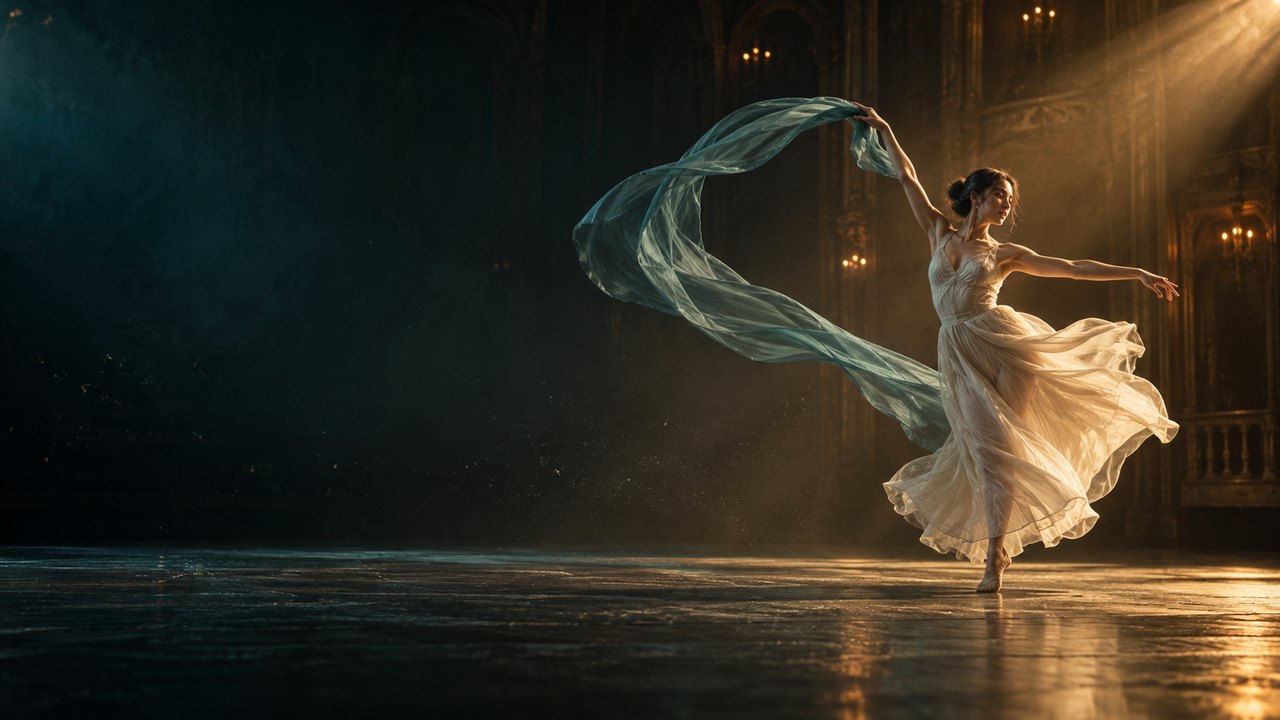
Start with a written scene or an image you have permission to use. For text, name the subject, setting, and central action before adding decorative details. For an image, describe what should move and what should remain recognizable. Grok video generator works best with a brief that gives the scene a clear purpose. A dancer turning beneath a spotlight is easier to direct than a crowded sequence with many unrelated events. Use the AI video generator to explore that single beat first. With Grok video generator, a focused starting point also makes later revisions easier to compare.

2. Direct the movement in Grok video generator
Describe the action as a short progression: what begins, what changes, and where the scene ends. Add one camera instruction, such as a slow push toward the subject or a gentle orbit around it. Grok video generator gives your written direction a visual form you can inspect. Pair the action with a lighting choice that supports the feeling you want. An AI video generator prompt becomes more useful when these choices work together.

3. Review and refine your Grok video generator clip
Watch the result from beginning to end before changing your prompt. Look for a clear subject, understandable movement, and an ending that matches your brief. If the camera feels too busy, simplify its instruction. If the action is weak, describe the physical change more precisely. Grok video generator is useful for comparing these creative decisions one at a time. Grok video generator can support an iterative process, but each result still needs your judgment.
Give every Grok video generator scene a purpose
Choose the starting point that fits your story, then direct the movement that brings it to life. Grok video generator helps you explore the visual difference between an idea, a moment, and a mood. Use the AI video generator for a focused scene rather than an overloaded sequence.
Build a scene from words with Grok video generator
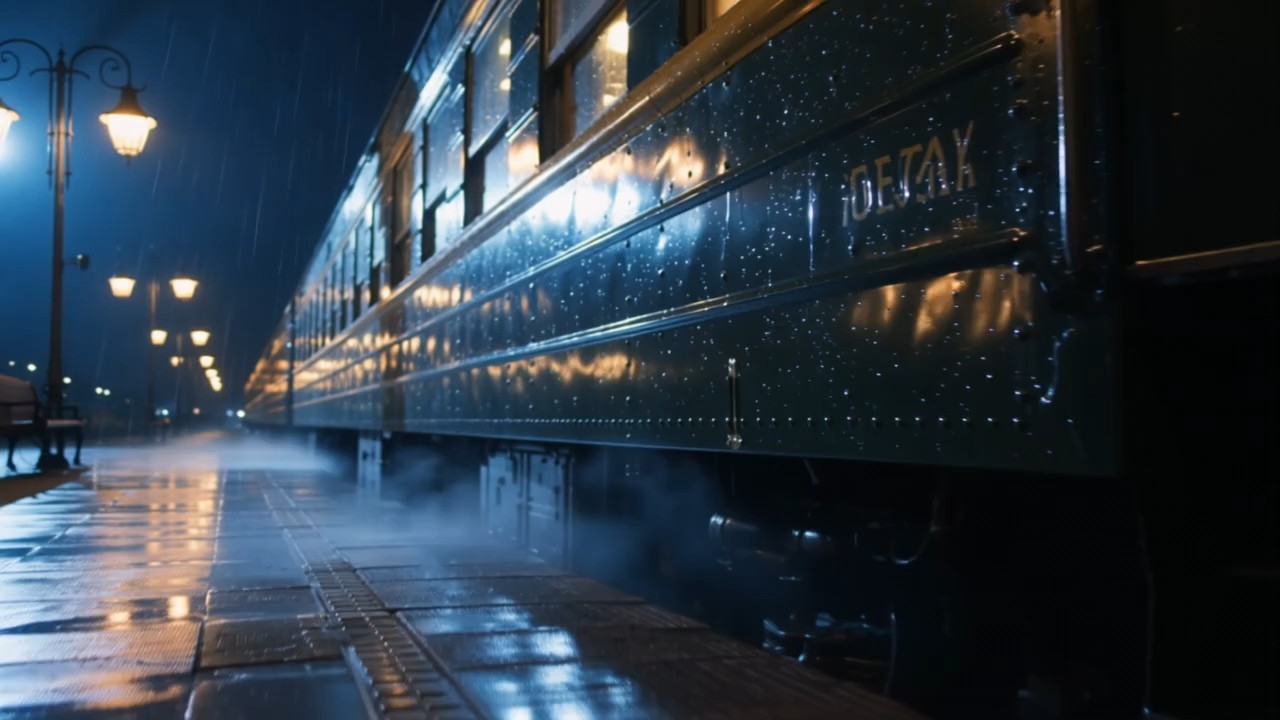
An idea becomes easier to judge when you can see it unfold. Describe an origami crane lifting from a sunlit table, a curtain opening onto an empty stage, or a ribbon twisting through a dark studio. Grok video generator turns the brief into a moving scene you can review. The useful outcome is a clearer creative decision: does the reveal feel playful, dramatic, or quiet? For Grok text to video, start with the action that carries the story. This AI video generator approach keeps the visual message readable. Use Grok video generator to test a surprising opening or a gentler reveal, then choose the version that makes your intended feeling visible.
Animate an image with Grok video generator
A still image may already have the composition you want, yet need one small movement to feel alive. Use Grok video generator to explore a blink, a fabric ripple, drifting dust, or a careful camera move around the existing subject. For Grok image to video, describe the motion relative to the picture: the foreground stays steady while the curtain lifts gently behind it. Grok video generator lets you evaluate whether that movement strengthens the original mood. An AI video generator is especially useful here when you want to explore atmosphere without inventing a new story. With Grok video generator, the goal is an expressive continuation of the image, with enough restraint that viewers can still recognize the visual idea you started with.
Shape the mood with Grok video generator
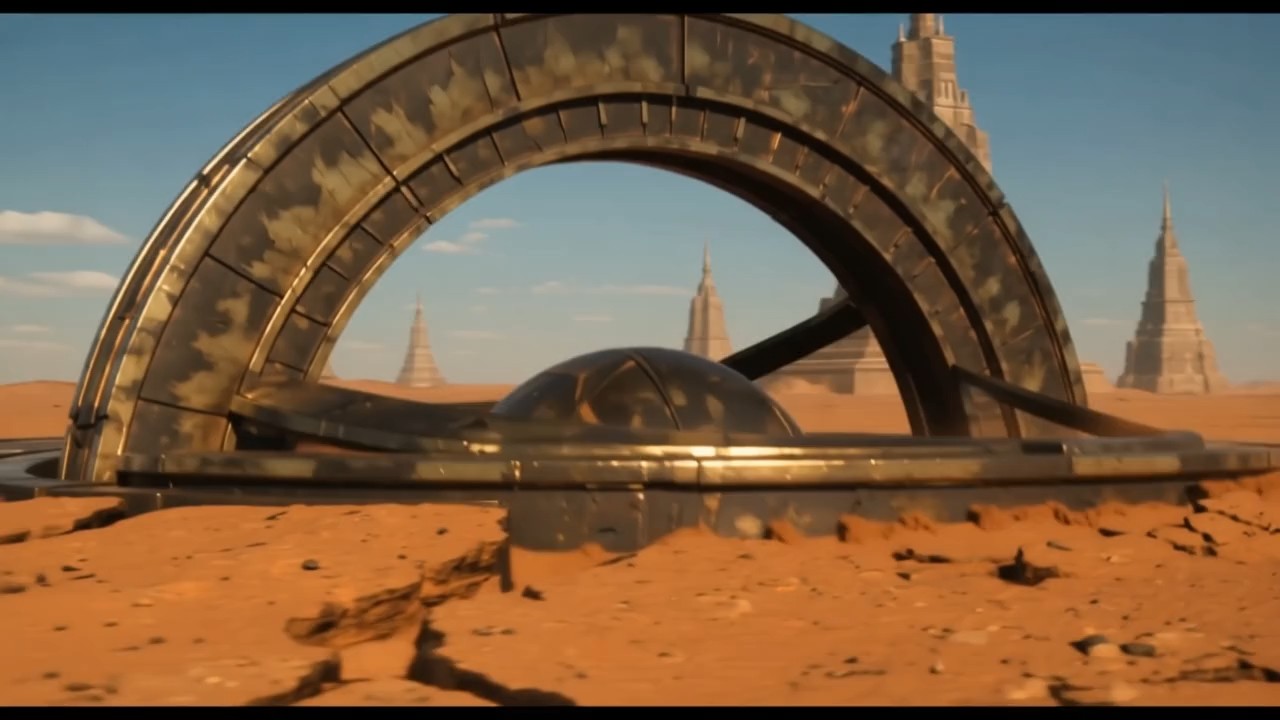
The same action can tell a different story when the camera changes. A wide view makes a dancer feel small within an empty theater; a slow push brings attention to the gesture. Grok video generator gives you a way to explore those choices before you settle on a direction. Describe the emotional effect you want, then support it with a concrete movement and lighting instruction. Grok video generator prompts are stronger when the camera serves the subject instead of competing with it. Use the AI video generator to compare a calm orbit with a direct approach. Grok video generator helps turn an abstract mood into something visible, while leaving the creative choice in your hands.
Find your next visual idea with Grok video generator
A short scene can open a story, explain a feeling, or make an ordinary moment memorable. Choose a use case, define the viewer response you want, and give Grok video generator a concise brief. This AI video generator supports exploration across creative projects without requiring every clip to tell a complete story.
Story openings with Grok video generator
Begin with a moment that invites a question. An empty theater curtain moves before anyone enters; a paper bird unfolds beside an open window; a distant light sweeps across a dusty floor. Grok video generator can help you explore an opening that creates curiosity through movement. Focus on one reveal and one visual subject so the audience has time to understand the scene. Use the AI video generator to test whether the first beat should feel mysterious or welcoming. Grok video generator gives you material for choosing that direction.

Atmospheric social clips with Grok video generator
Create a moving moment that viewers can understand without a long explanation. A dancer turning through a shaft of light or colorful fabric catching a breeze can communicate energy immediately. Grok video generator lets you explore these short visual hooks before choosing a take. An AI video generator prompt should help the viewer find the focal point quickly. Grok video generator can support a quieter clip too: a slow shadow change or a gentle gesture may fit your story better than constant motion. Use Grok video generator to develop a visual opening that earns attention through a specific action, then edit it to suit your audience and publishing context.
Illustration motion with Grok video generator
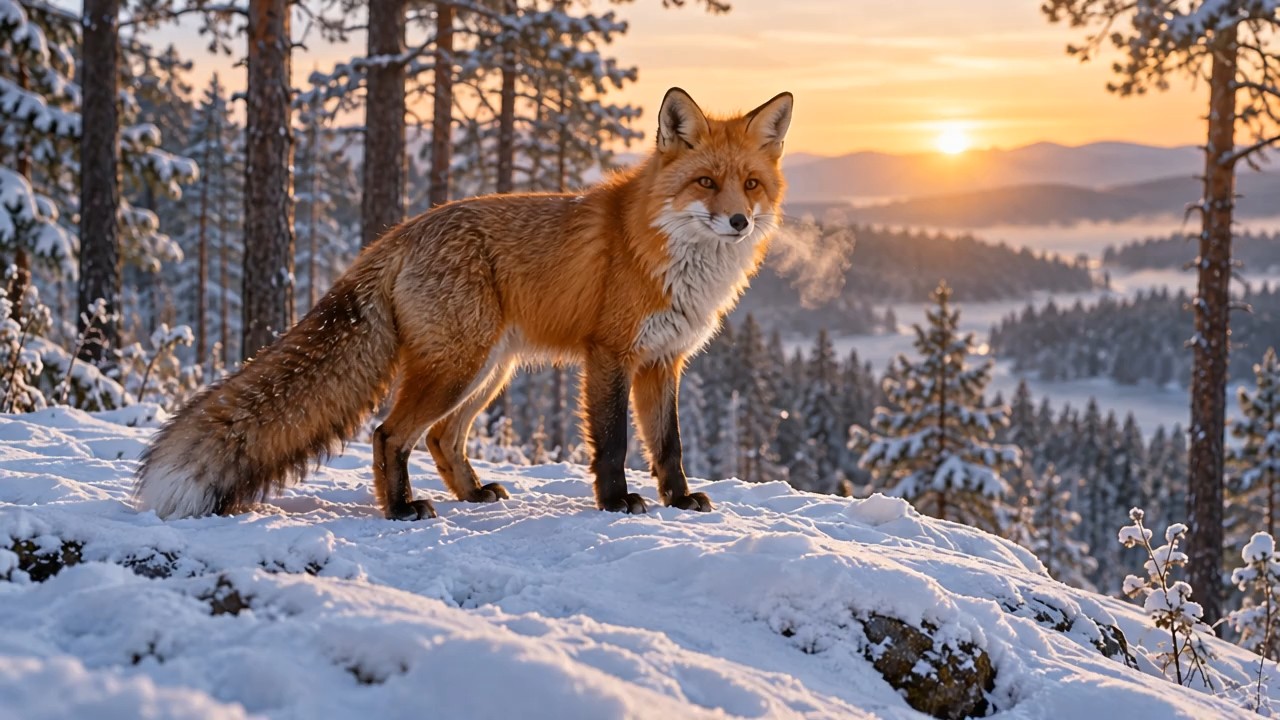
Give an illustration a simple physical event instead of asking every element to move at once. A drawn fox can lift its head as leaves drift past, or a painted curtain can ripple while the architecture stays still. Grok video generator helps you explore how motion changes the character of an existing image. Use the AI video generator to compare a delicate animation with a more expressive gesture. Grok video generator results should be checked for changes to shapes, colors, and important details. With Grok video generator, the creative goal is to add a memorable beat while retaining the feeling that made the illustration interesting in the first place.

Music and performance visuals with Grok video generator
Build a visual phrase around a movement rather than a full performance. A ribbon sweeps across a dark stage, a performer holds a silhouette, or light travels through suspended fabric. Grok video generator gives you a way to explore imagery that supports a musical mood. State the action and its pacing in plain language, then review whether the result feels calm, tense, or celebratory. An AI video generator can provide a starting visual, while precise alignment to your soundtrack belongs in your editing process. Grok video generator is useful for trying distinct interpretations of the same feeling.
Creative perspectives on Grok video generator
Illustrative feedback from fictional creator personas, provided as draft examples rather than verified customer reviews. These perspectives show how Grok video generator could fit different creative workflows. Replace them with approved real feedback before presenting them as customer testimonials.
I would use Grok video generator to explore a scene before writing a detailed shot list. My AI video generator brief would stay simple: one subject, one movement, and a clear mood. Grok video generator would be most useful when I need to compare a restrained approach with a more dramatic one. The decision still depends on watching the take carefully and choosing what serves the story.
I would use Grok video generator to explore a scene before writing a detailed shot list. My AI video generator brief would stay simple: one subject, one movement, and a clear mood. Grok video generator would be most useful when I need to compare a restrained approach with a more dramatic one. The decision still depends on watching the take carefully and choosing what serves the story.
For illustration work, I would start Grok video generator with a picture that already has a strong composition. I want a small gesture that supports the artwork, such as a head turn or drifting fabric. An AI video generator gives me a way to explore that motion before committing to an animation treatment. Grok video generator would help me judge whether the action adds personality or distracts from the image.
For illustration work, I would start Grok video generator with a picture that already has a strong composition. I want a small gesture that supports the artwork, such as a head turn or drifting fabric. An AI video generator gives me a way to explore that motion before committing to an animation treatment. Grok video generator would help me judge whether the action adds personality or distracts from the image.
I would approach Grok video generator with a visual hook rather than a long list of events. A single clear reveal is easier for an audience to follow and easier for me to evaluate. My AI video generator prompt would describe the action, the light, and where the camera should finish. Grok video generator would let me explore the tone of that moment.
I would approach Grok video generator with a visual hook rather than a long list of events. A single clear reveal is easier for an audience to follow and easier for me to evaluate. My AI video generator prompt would describe the action, the light, and where the camera should finish. Grok video generator would let me explore the tone of that moment.
I would bring Grok video generator into a workshop as a way to make creative choices visible. An AI video generator gives them a moving example to discuss instead of relying entirely on abstract descriptions. Grok video generator would support questions about pacing, attention, and atmosphere. I would encourage everyone to revise one instruction at a time, look closely at the results, and explain why one version communicates their idea more clearly.
I would bring Grok video generator into a workshop as a way to make creative choices visible. An AI video generator gives them a moving example to discuss instead of relying entirely on abstract descriptions. Grok video generator would support questions about pacing, attention, and atmosphere. I would encourage everyone to revise one instruction at a time, look closely at the results, and explain why one version communicates their idea more clearly.


Grok video generator questions
Understand the starting points, write a focused brief, and review each result with your creative goal in mind.
Create short moving scenes from a text brief or animate a supplied image where that workflow is available. Grok video generator can support visual stories, illustration motion, atmospheric clips, and early concepts. Start with one subject and one action so the result is easy to evaluate.
Name the subject, describe its action, and specify one camera move. Add lighting and an ending that support the scene. For Grok video generator, a focused sequence is easier to refine than a brief with many competing actions or abrupt changes.
Yes, image to video is a supported Grok video workflow. Use an image you have permission to use and explain what should move. Grok video generator results still need review because animation can change details, especially when the requested motion is complex.
Free access depends on the website and its current offer. Check the generation options and any credit requirements before starting. Grok video generator pricing, access, and allowances should be confirmed on the service you use rather than assumed from the page name.
No, generated lettering can vary or contain errors. Keep scene text minimal and inspect every result. For a precise title ending, use Grok video generator to create the moving background and add the approved wording in your video editor if needed.
Reduce the number of subjects and keep one main action. Simplify the camera instruction and state the ending clearly. Reuse the strongest parts of your Grok video generator brief, change one detail, and compare the next take against the original.
Make your next idea move with Grok video generator
Choose a scene you want to explore, write its central action, and give the camera a purpose. Grok video generator can help you turn that direction into a moving moment. Start with a focused brief, review the result, and develop the take that tells your story best.
