
Create a playful cartoon vlog intro from text or an image.
Cartoon AI Intro Maker for Memorable Vlog Openers
Turn Your Ideas Into a Playful Animated Opening
Turn a rough idea or reference image into a colorful opening clip. Create a cartoon vlog intro with text to video or image to video, then give every episode a memorable first beat.
How the Cartoon AI Intro Maker Works
Go from an idea to an animated opener in three straightforward steps.
Start with your idea
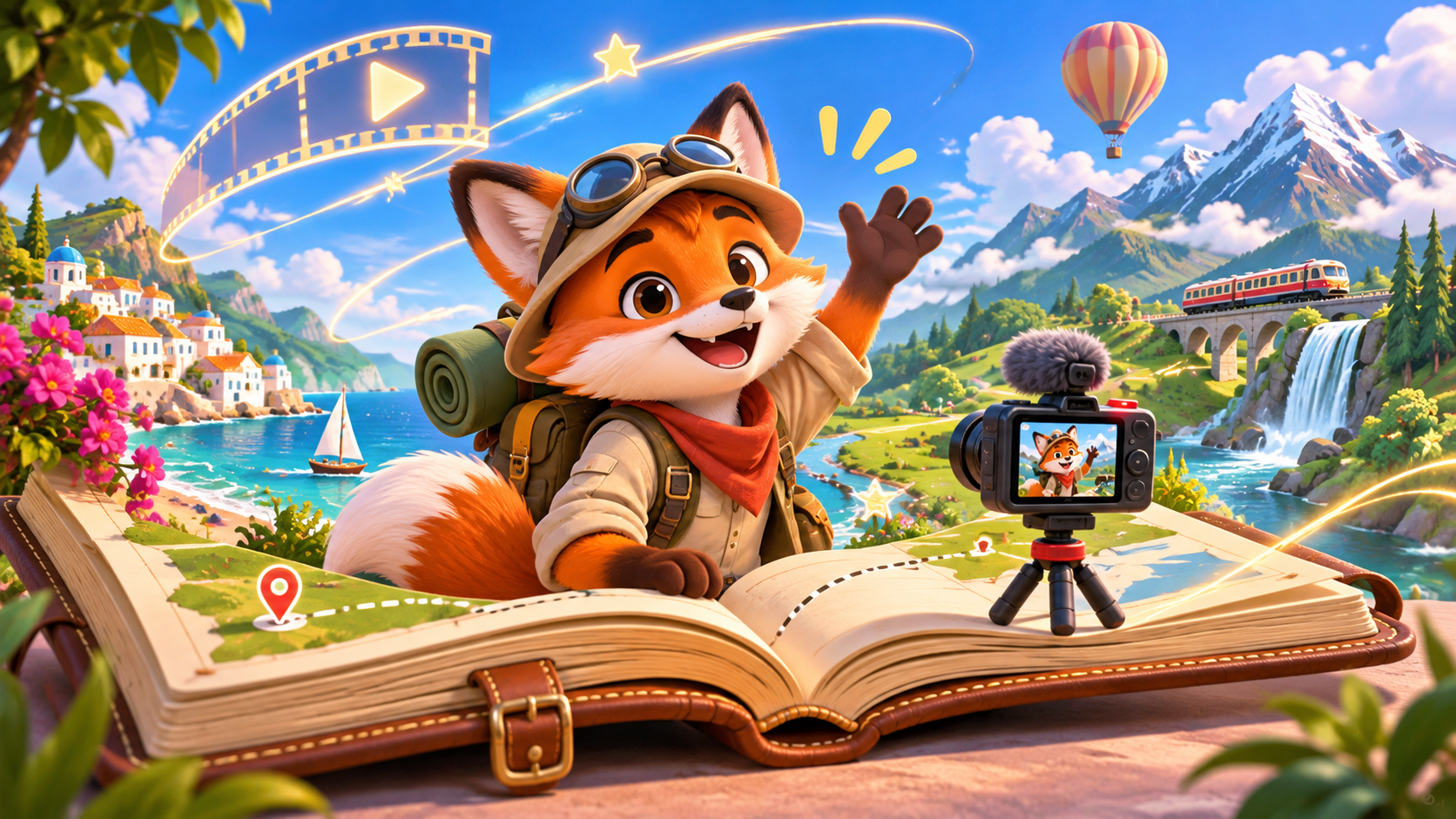
Describe the character, setting, action, camera movement, and mood you want. For example: “A friendly fox opens a travel journal, waves at the camera, and reveals a colorful title card.” Start with one main action so the cartoon AI intro maker can build a clear scene. If you have a mascot, sketch, or illustration, switch to image input and upload your reference. Tell the model what should move and which visual details should stay recognizable. Keep the wording simple, then add details after you review the first result.
Choose your video settings
Choose a landscape, vertical, or square aspect ratio to suit your channel. Set the available video length and resolution before generating. The cartoon AI intro maker preview shows the settings supported by the selected model. For Shorts or Reels, keep the subject and any title near the center of the frame.
Generate and refine
Generate a first version and review the movement, character appearance, and final frame. If the motion is too fast, request a gentler movement or a slower camera push. Shorten or remove text if it is difficult to read; you can add a precise title later in your editor. Adjust one part of the prompt at a time, then use the cartoon intro maker to compare the next result with your first version.
Features of the Cartoon AI Intro Maker
Start from words or an image, choose a suitable format, and refine your opening with MakeShot.
Create from a Text Prompt
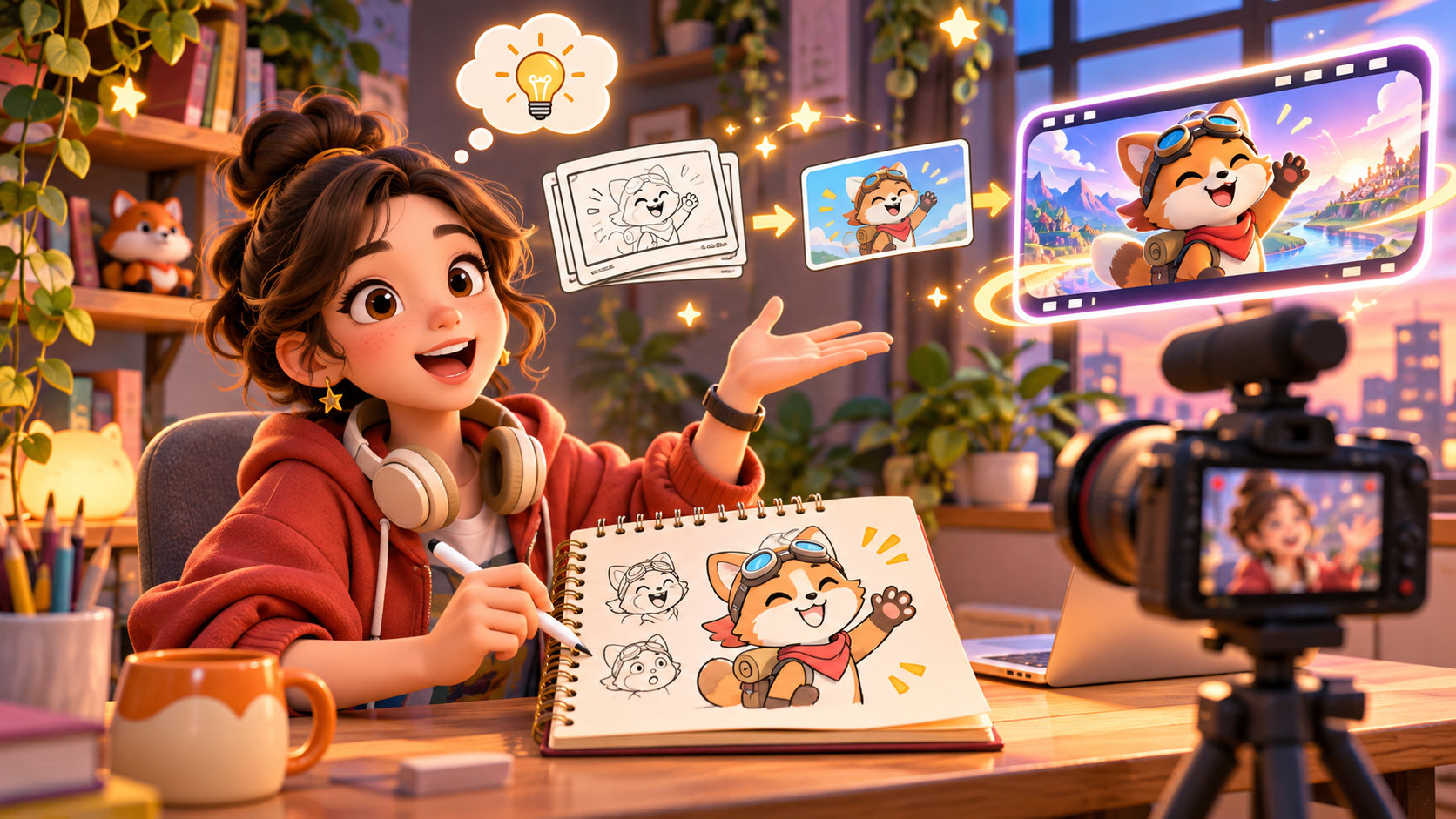
Describe your subject, action, setting, and visual style in everyday language. The cartoon AI intro maker uses your prompt to generate a short scene, making it useful when you have an idea but no illustration yet. Try a playful mascot reveal, a hand-drawn travel scene, or a cozy desk setup, then refine the motion after watching the result.
Animate a Reference Image
Use image input to give the cartoon AI intro maker a visual starting point. Upload a character illustration, sketch, or other image you have the right to use, then describe an action such as a wave, a blink, or a gentle camera move. Results can vary, so review the character and details before adding the clip to your vlog.
Choose a Format for Your Channel
Select an available aspect ratio, video length, and resolution in the generator. Use a wide frame for a YouTube vlog, a vertical frame for short-form video, or a square frame for a social post. Available settings and credit costs depend on the selected model; check the generator before creating.
Refine Your Prompt and Results
MakeShot offers an AI prompt helper when you want more detail in your description. After generation, review the pacing and composition, then adjust your instructions and create another version. A cartoon intro maker works best as part of an editing process: keep a useful result and add exact titles, music, or transitions in your video editor as needed.
Cartoon Intros for Every Kind of Story
Find an opening that fits your channel, your audience, and the story you want to tell.
Travel and Lifestyle Vlogs
Open a travel diary with a cartoon traveler, a suitcase, or an illustrated map. Change the destination and colors from episode to episode while keeping a recurring character or visual cue. The cartoon AI intro maker can help you prepare a short opening scene before the first on-camera shot.
Gaming and Streaming Highlights
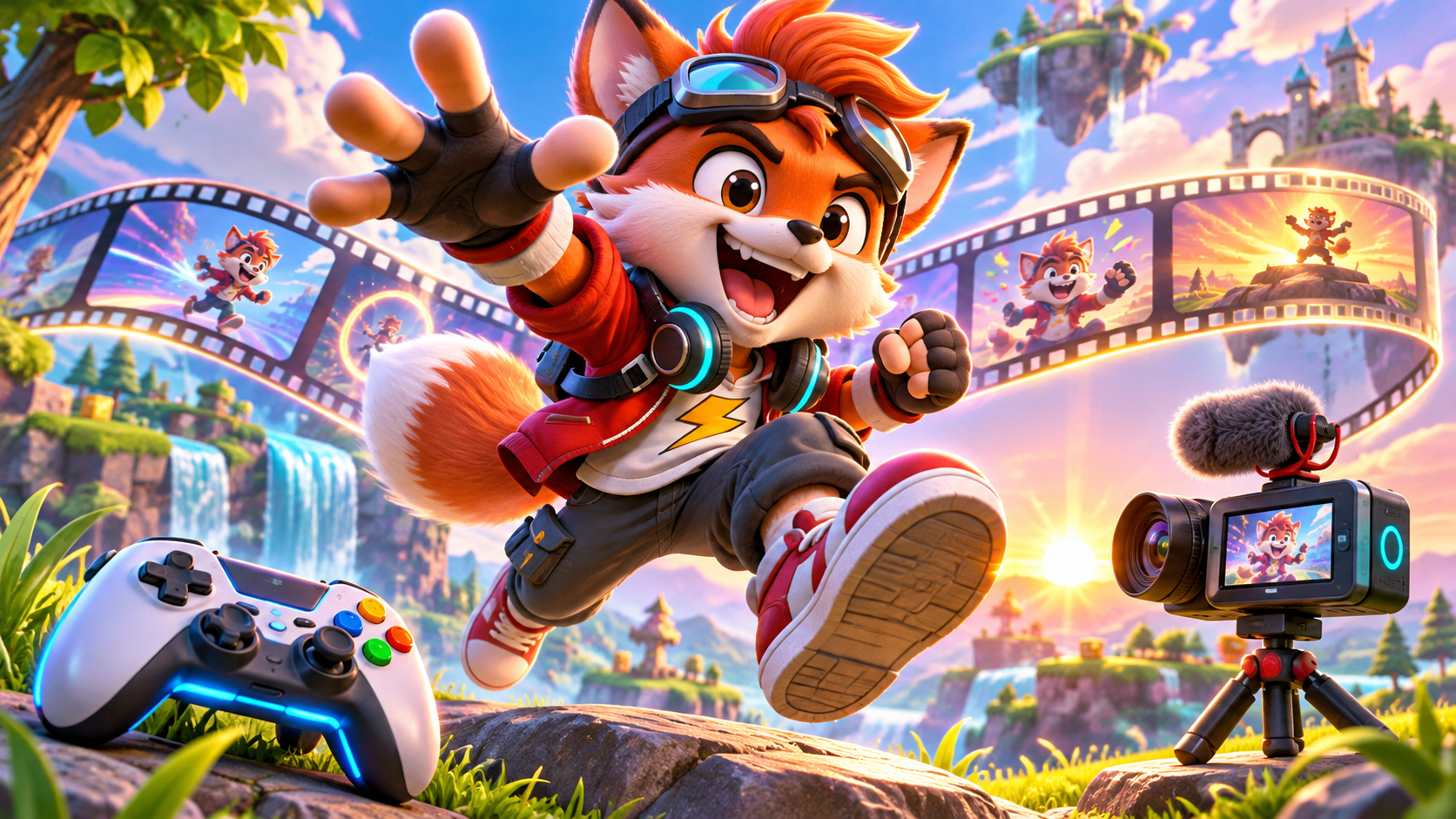
Introduce a gameplay recap or channel update with a mascot, controller, or energetic camera move. Describe one clear action and leave room for a channel title. The resulting clip can serve as a short transition into the highlights you edit elsewhere.
Study and Educational Videos
Set a welcoming tone with a notebook opening, a desk lamp turning on, or a friendly character presenting the topic. Choose a calm pace and simple background so the viewer can focus on the lesson. A cartoon intro maker can help establish a consistent look for a series.
Brand and Product Stories
Give a founder update, behind-the-scenes video, or product story a playful opening. Begin with an illustration you own or describe a mascot in a setting that fits your brand. Review the generated result against your brand guidelines before using it in a campaign.
Creator Profiles — Illustrative Examples
The names, titles, quotes, and avatars below are fictional examples for layout and design. Replace them with verified customers and approved assets before publishing.
“I would use MakeShot to turn a travel idea into a bright opening clip that feels consistent from episode to episode.”
“I would use MakeShot to turn a travel idea into a bright opening clip that feels consistent from episode to episode.”
“A short animated mascot intro could give each highlight reel a clear start without slowing down the edit.”
“A short animated mascot intro could give each highlight reel a clear start without slowing down the edit.”
“A simple character and title reveal would make a lesson series feel more welcoming on mobile.”
“A simple character and title reveal would make a lesson series feel more welcoming on mobile.”
“Starting from a reference illustration would help our team explore motion before choosing a final campaign cut.”
“Starting from a reference illustration would help our team explore motion before choosing a final campaign cut.”


Cartoon AI Intro Maker FAQ
Answers to common questions about making a cartoon vlog opener.
A cartoon AI intro maker creates a short animated opening from a written prompt, a reference image, or both. It is designed for channel intros, vlog openers, title cards, and short storytelling moments. The cartoon intro maker is a focused version of a broader AI video workflow: it helps you solve the opening beat first.
Yes. Text to video lets you describe the character, action, camera, and mood. The cartoon AI intro maker then generates a short scene you can review and refine. The cartoon AI intro maker can turn a single sentence into a first draft, then help you compare alternate moods. If you prefer a visual starting point, the cartoon intro maker can animate a reference image instead.
Yes. Upload an approved image or character reference and use image to video. Ask the cartoon AI intro maker to preserve the key colors and proportions while adding one clear movement. The cartoon AI intro maker is useful when the character already belongs to your channel and only needs motion. That keeps the cartoon intro maker aligned with the character your audience already knows.
Many creators start with 3–8 seconds. Use the shortest version that establishes the channel identity, then test it against your actual edit. A compact cartoon intro maker workflow makes it easy to compare several lengths. The cartoon AI intro maker lets you test the same idea at different durations before you commit to a final template.
Yes. Choose a vertical aspect ratio for Shorts, Reels, and mobile-first stories. Keep the title centered and preview the result at phone size. The cartoon AI intro maker keeps the vertical version focused on the face, action, and title. The cartoon intro maker can then deliver a mobile-ready opening without rebuilding the scene.
No. Start with a plain sentence, choose a format, and refine from the first result. The cartoon AI intro maker is meant to help beginners and experienced creators reach a usable draft quickly. The cartoon AI intro maker gives beginners a clear first step and gives experienced editors a fast visual option. The cartoon intro maker turns the first attempt into a starting point, not a test of animation skill.
Create a Cartoon Intro That Feels Like You
Give your next vlog a visual signature. Describe your scene or upload a reference image, then create an opening your audience can recognize.