

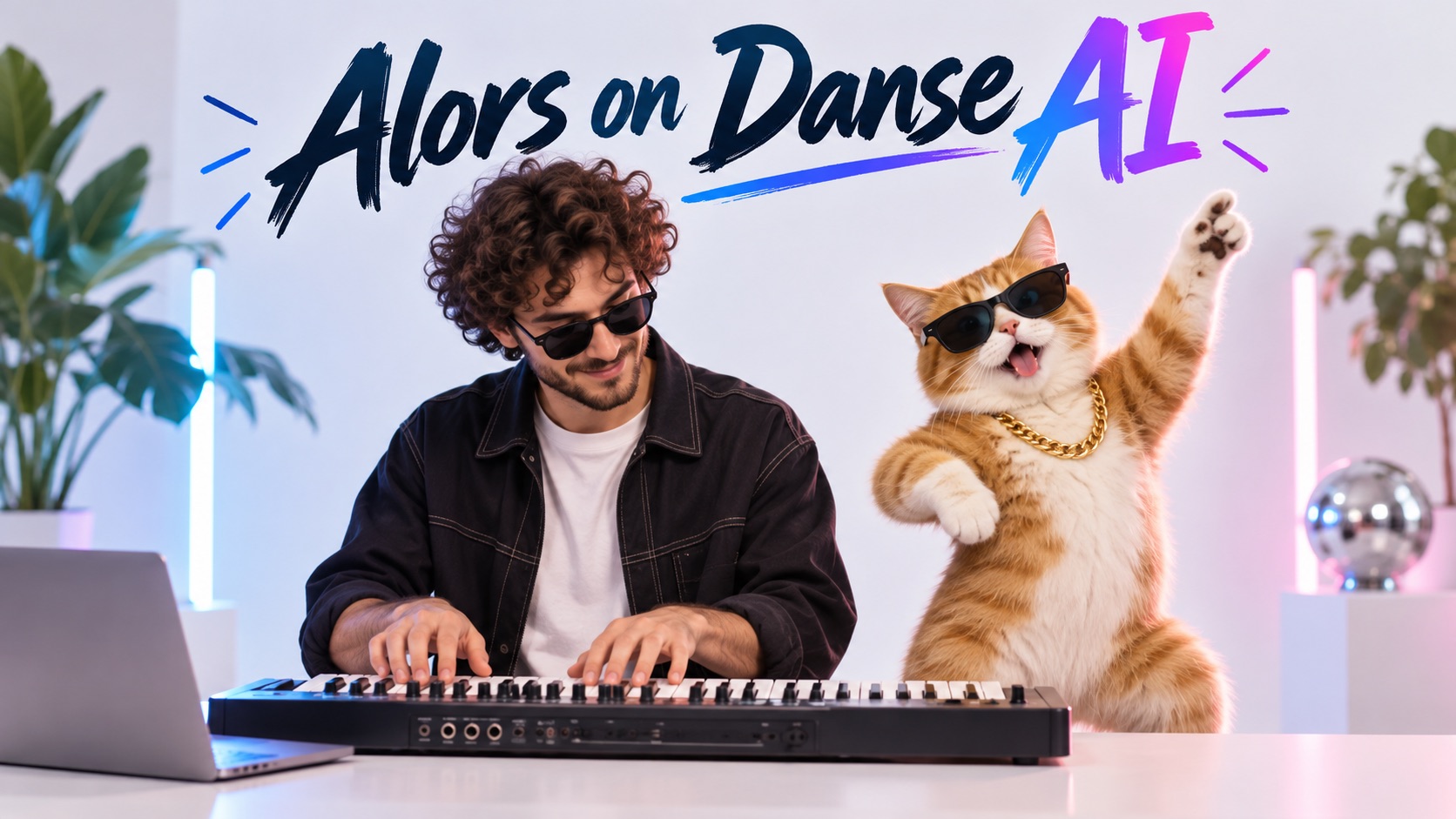
Alors on Danse AI Video Generator: Star in the Keyboard Duet
Two Photos In, One Funny Studio Performance Out
Turn two portraits into a playful keyboard duet. Choose who plays the keys and who brings the energy. The Alors on Danse AI Template provides a ready-made studio scene, so nobody has to film together. If you searched for Alors on Danse AI Video Generator Free, check the live credits before generating.
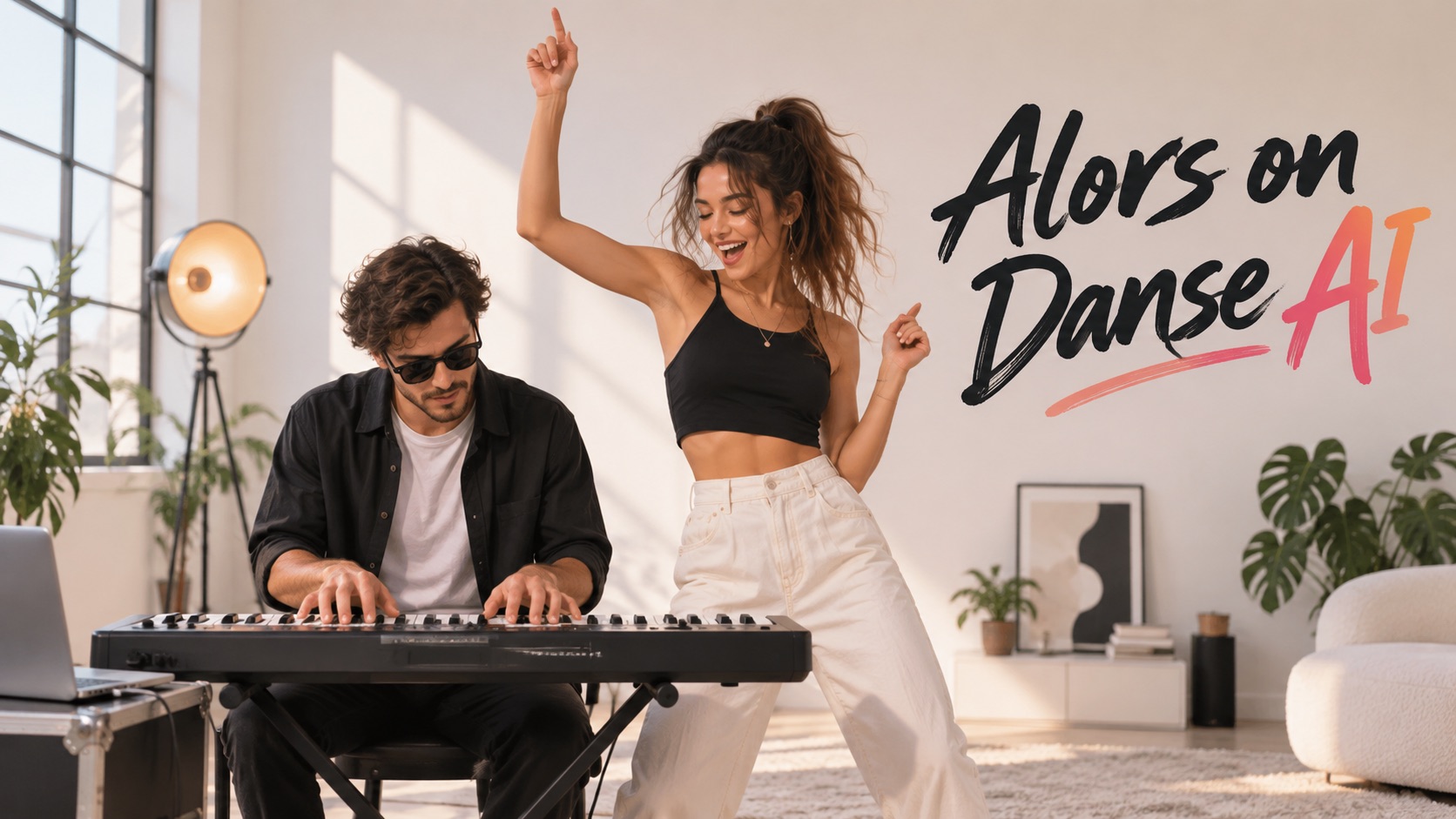
How to Make an Alors on Danse AI Video in 3 Steps
You only need two portraits, not a recording studio. Use the Alors on Danse AI Video Generator to set up the cast and generate a playful keyboard performance. The Alors on Danse AI Template provides the familiar scene while you supply the personalities. Whether you discovered the Alors on Danse AI TikTok trend or a friend's clip, you can make Alors on Danse video with two photos without filming together.

Upload Two Clear Portraits
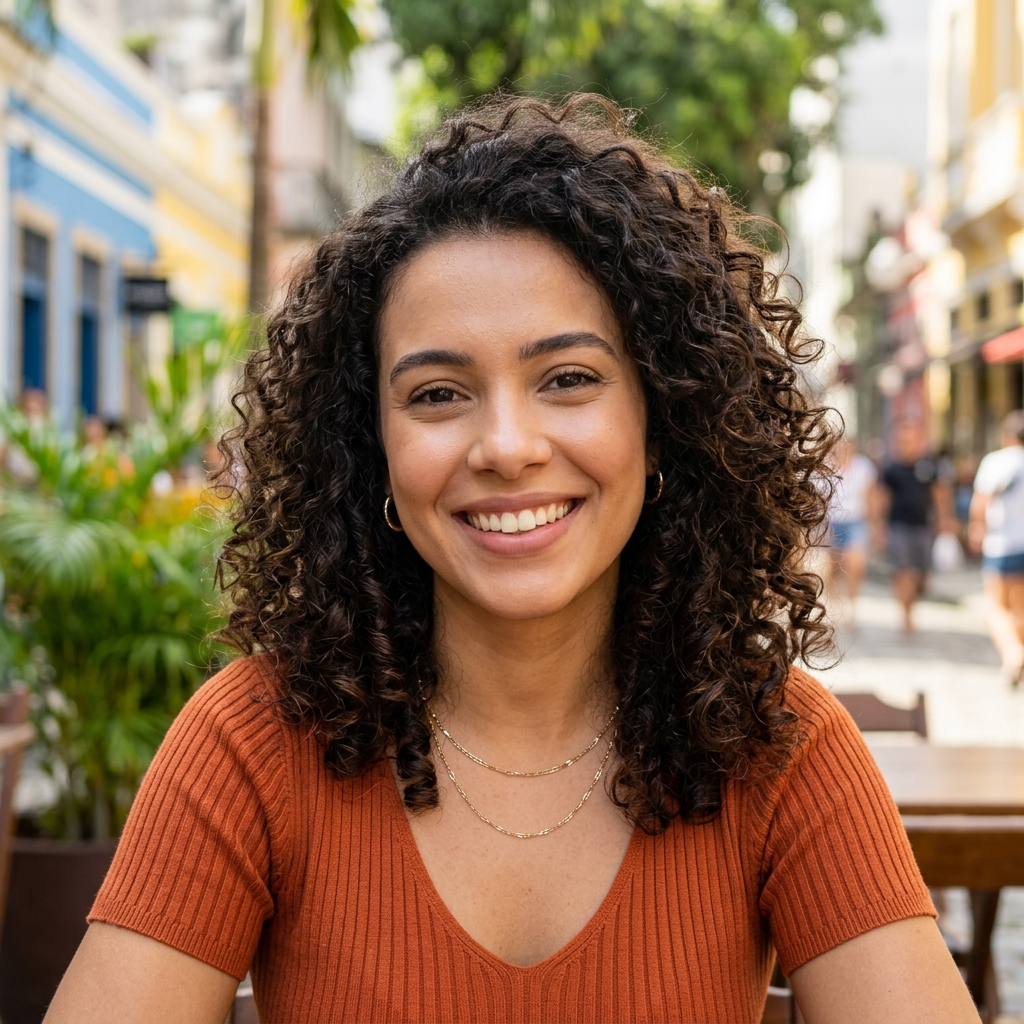
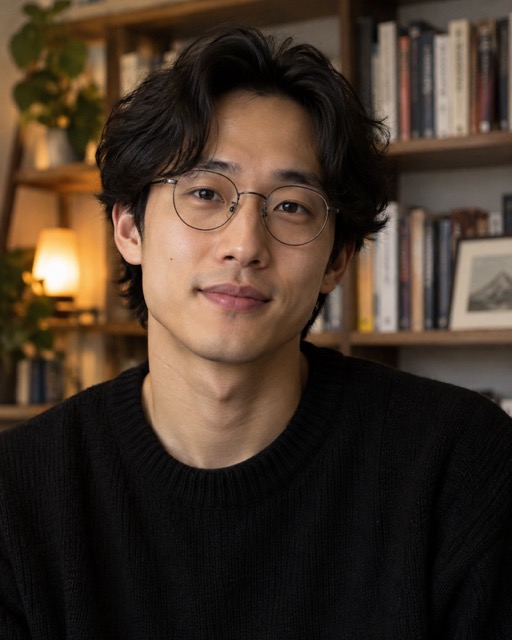
Start with one clear portrait for each performer. The first photo represents the person at the keyboard; the second represents the partner beside them. Choose individual faces with even lighting, visible eyes, and natural expressions. You do not need a picture of both people together. Alors on Danse AI video from photos works best when each identity is recognizable. To make Alors on Danse video with two photos, upload two separate images in the order you want them cast. The Alors on Danse AI Template uses those portraits as references for the prepared performance. Ask permission before uploading anyone else's image.

Check Your Pairing and Generation Options
Check that each portrait occupies the intended left or right role. The contrast between a focused keyboard player and an excited companion is the heart of the joke. The Alors on Danse AI Video Generator Online workflow already has a performance concept, so you can concentrate on casting. Review the generation options and visible credits rather than assuming a fixed length or price. If you arrived by searching Alors on Danse AI Video Generator Free, the displayed credits show the actual cost before you start. The Alors on Danse AI Template is most recognizable when the keyboard, partner, and energetic reactions stay central. Switch the photos before starting if you want to reverse the roles.

Generate, Preview, and Share
Start the Alors on Danse AI Video Generator after confirming both images. Preview the completed performance from beginning to end, checking recognizable faces, consistent roles, and natural reactions. If one person looks unfamiliar, use a clearer portrait for another attempt. Save your favorite result and show it to the people pictured before sharing publicly. The Alors on Danse AI Template supplies the shared studio setting, so you can focus on the duo's chemistry rather than recording or choreographing your own scene.
What You Can Do with the Alors on Danse AI Template
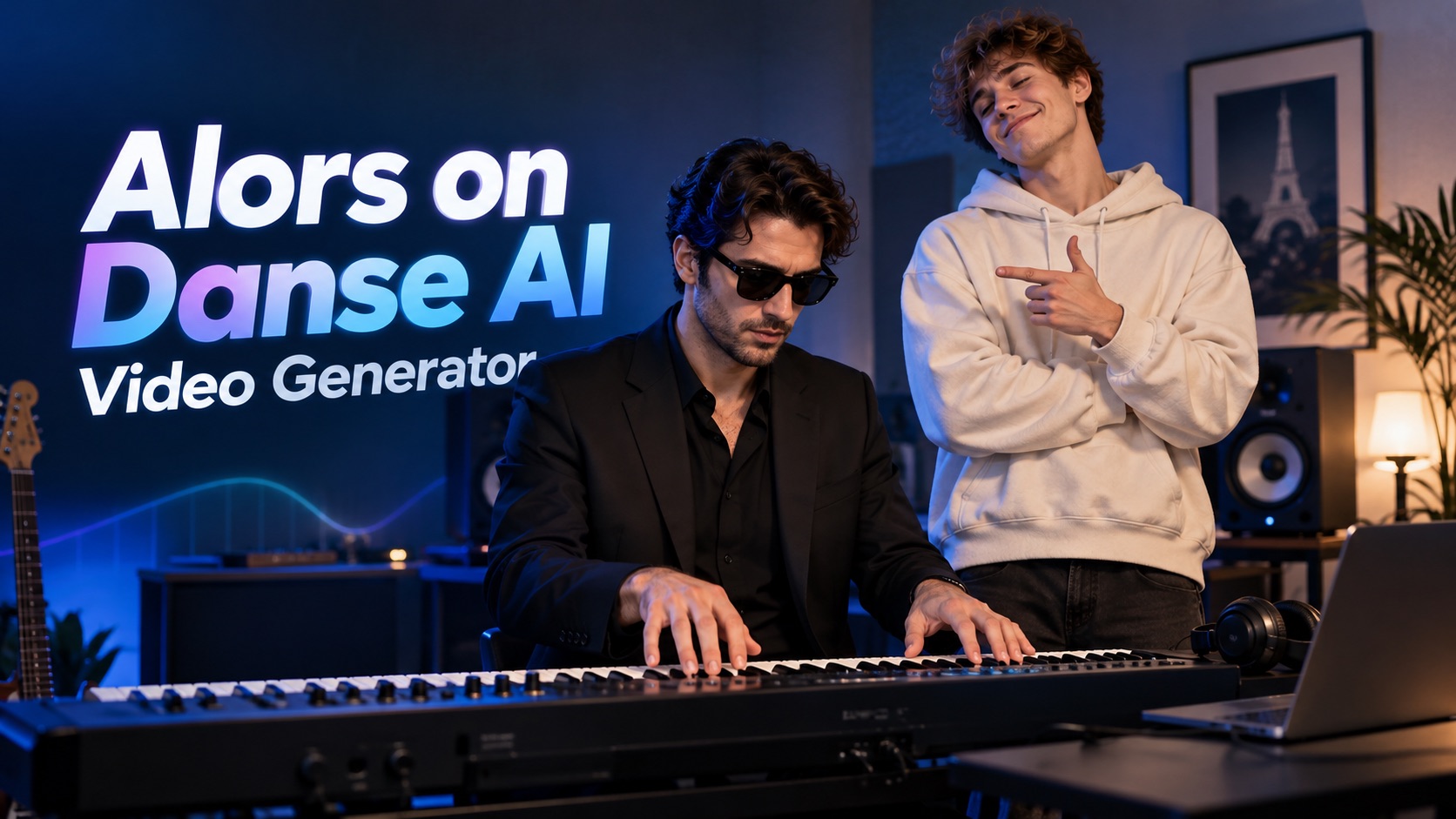
This is not a generic dancing-photo effect. The Alors on Danse AI Video Generator puts two familiar faces into a coordinated keyboard performance. Use Alors on Danse AI face swap to explore unexpected pairings and a clear left-and-right cast. The Alors on Danse AI Template makes the joke recognizable while giving your chosen duo a chance to stand out.
Keep Both People Recognizable in One Funny Scene
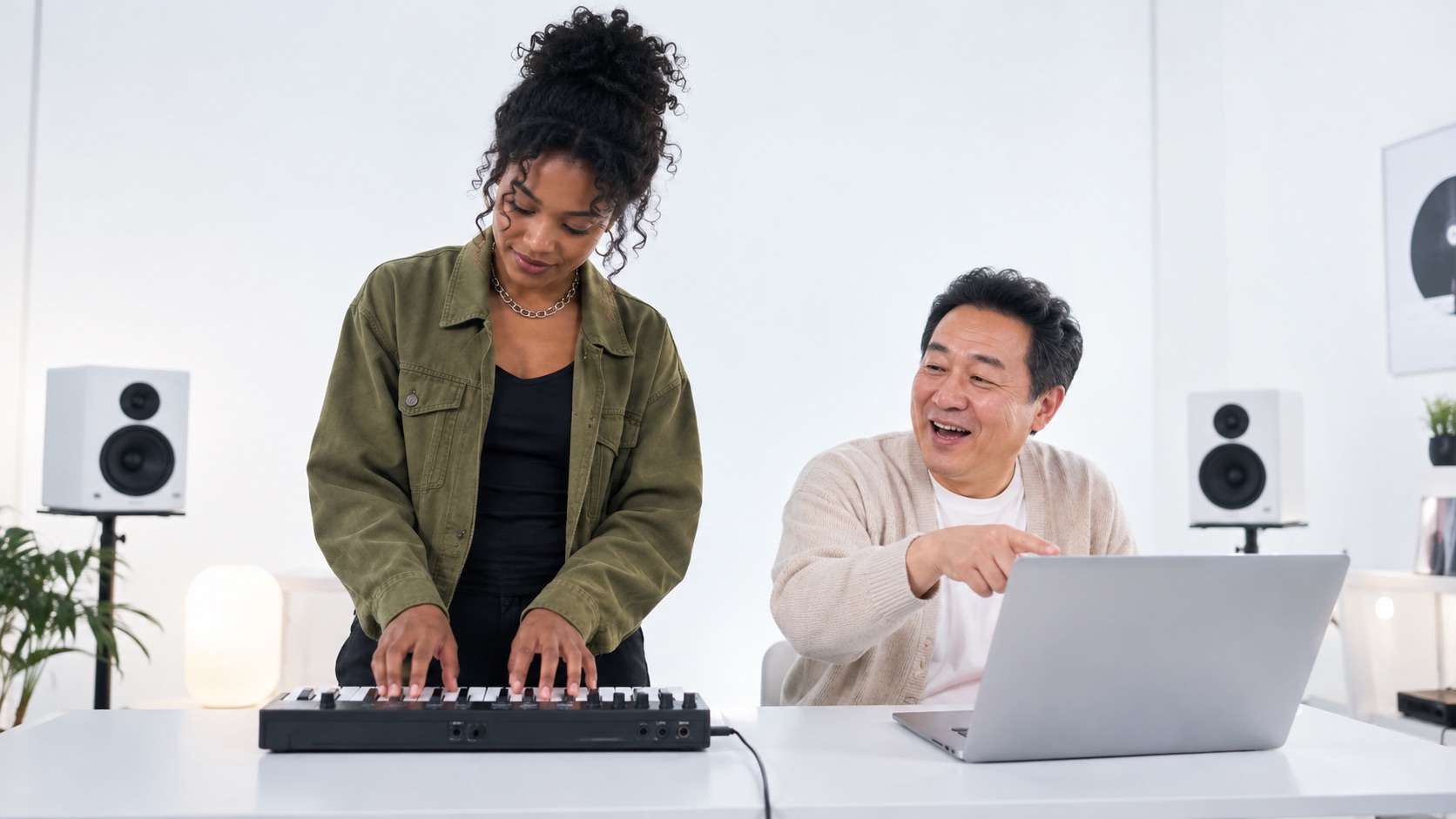
The joke works best when viewers immediately recognize both performers. Alors on Danse AI face swap lets you rethink the duet around real relationships rather than anonymous characters. Cast the serious friend at the keyboard and the lively one beside them, or reverse the roles. The Alors on Danse AI Video Generator accepts separate portraits, making a long-distance pairing possible. With the Alors on Danse AI Template, a shared studio scene connects two people who never filmed together. Avoid distant group photos and faces hidden by sunglasses. Then review the clip carefully: good source portraits help the two identities stay distinct through changing expressions and head movements.
Recreate the Keyboard Moment Without Filming
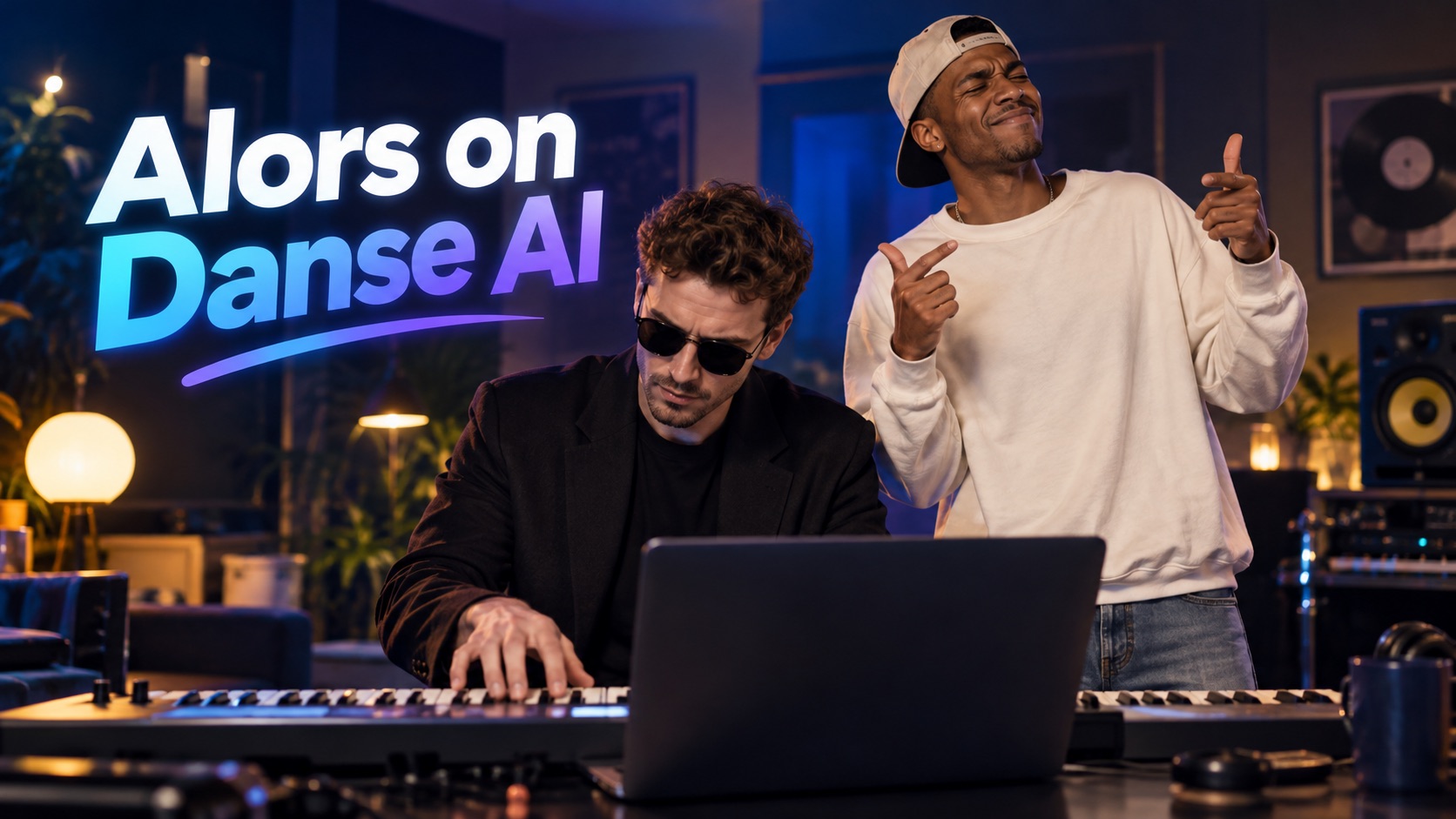
Two faces alone do not create this joke. The keyboard, laptop, gestures, and exaggerated confidence make the performance recognizable. Instead of finding props or rehearsing, choose the prepared video template to start with an established scene. The Alors on Danse AI Video Generator turns your casting choice into a short performance, although individual renders may vary. This is useful when you want Alors on Danse AI video from photos without filming. People familiar with the Kong Kong King King King meme will understand the reference before reading a caption. Your job is choosing the most amusing duo; the familiar setting supplies the context.
Turn a Viral Format Into Your Own Inside Joke
A meme becomes personal when the cast changes. The Alors on Danse AI TikTok trend lets friends reinterpret a familiar performance with unexpected pairings. Put the playlist-obsessed friend at the keyboard or give the energetic partner the leading reaction. The online generator starts from existing portraits, so no joint filming session is needed. The Alors on Danse AI Template can frame a birthday surprise, friendship joke, or creator introduction. If you recognize Kong Kong King King King from online comments, it refers to the same playful duet idea. Aim for a pairing people know, not an elaborate edit they must decode.
Who Can Use the Alors on Danse AI Video Generator?
The strongest cast is a pair whose chemistry viewers already understand. An Alors on Danse AI Template turns a friendship, couple, family relationship, or creator partnership into one playful performance. The Alors on Danse AI Video Generator keeps the premise simple. The trend demonstrates how familiar scenes can invite many different personal interpretations.

Best Friends with Opposite Personalities
Every friend group has a natural double act: the quiet organizer and the person who makes everything a performance. The Alors on Danse AI Template puts both in one shared scene. The generator works from separate portraits, so friends in different cities can still appear together. To make Alors on Danse video with two photos, choose people whose usual roles will make your group laugh instantly. A caption about an imaginary first concert adds a personal touch. Show the finished result to both friends before sending it to a wider chat.

Couples Making a Playful Memory
Turn an ongoing playlist disagreement or shared music obsession into a miniature performance. Decide who plays the keys and who reacts dramatically. The template gives the couple a familiar stage for a birthday greeting or everyday inside joke. Anyone searching for a Free Alors on Danse AI Video Maker should check the current generation credits before proceeding; the phrase does not promise a free finished render. Choose portraits both partners like, and ask permission before turning the result into a public post.
Siblings, Parents, and Family Chats
Relatives can understand a joke from two faces alone. Imagine adult siblings performing together, or parents becoming a comically confident studio duo. The Alors on Danse AI Video Generator Online workflow begins with separate photos, even when relatives live far apart. The Alors on Danse AI Template keeps the keyboard premise clear. Ask family members before using their images, and select portraits they are comfortable sharing. You might know the same meme as Kong Kong King King King; the recognizable setting helps your family version feel instantly familiar.

Creators Making a Two-Person Introduction
Introduce a collaboration with two creators sharing the same keyboard scene. The Alors on Danse AI TikTok trend provides a visual format that viewers can understand quickly, while your caption explains the relationship. The generator can use existing portraits, so collaborators need not meet to film. Try a friendly-rivalry angle or a contrast in personalities, but do not assume any particular clip will go viral. The best result should make sense even without a lengthy explanation or a complicated sequence of edits. If you are comparing a Free Alors on Danse AI Video Maker with other options, factor the live credit requirements into plans for repeated attempts.
Why People Like the Alors on Danse AI Template
A memorable duet starts with recognizable personalities. The Alors on Danse AI Video Generator gives them a common keyboard scene, while the Alors on Danse AI Template provides the visual punchline. These creative perspectives show different ways to plan a funny two-person clip for friends, family, or collaborators.
I pictured my two college friends at the keyboard immediately. The prepared template gives them clear roles: one plays while the other behaves like an overexcited DJ. I'd use the generator for a group-chat birthday joke because the personalities carry the humor. We already have separate portraits, so no one needs to arrange a shoot. Anyone searching for Alors on Danse AI video from photos probably has their ideal duo in mind. I'd show the result to both friends before posting it.
I pictured my two college friends at the keyboard immediately. The prepared template gives them clear roles: one plays while the other behaves like an overexcited DJ. I'd use the generator for a group-chat birthday joke because the personalities carry the humor. We already have separate portraits, so no one needs to arrange a shoot. Anyone searching for Alors on Danse AI video from photos probably has their ideal duo in mind. I'd show the result to both friends before posting it.
I like creative introductions that viewers understand immediately. The Alors on Danse AI Template offers a simple scene for two very different personalities. I'd try the Alors on Danse AI Video Generator Online workflow with our existing portraits and check whether the roles feel right. If I were comparing a Free Alors on Danse AI Video Maker with other options, I'd look at the credits before assuming the finished video costs nothing. What appeals to me is the chance to collaborate without first filming in the same place.
I like creative introductions that viewers understand immediately. The Alors on Danse AI Template offers a simple scene for two very different personalities. I'd try the Alors on Danse AI Video Generator Online workflow with our existing portraits and check whether the roles feel right. If I were comparing a Free Alors on Danse AI Video Maker with other options, I'd look at the credits before assuming the finished video costs nothing. What appeals to me is the chance to collaborate without first filming in the same place.
Putting two serious relatives at a tiny keyboard would make our family laugh before the first movement. The video generator seems like a natural fit for that kind of surprise. The Alors on Danse AI Template gives the video a familiar starting point, so the people make it funny. I first noticed Kong Kong King King King as a nickname in comments and recognized the duet format. I'd send the finished clip to the people pictured before sharing it in the family group.
Putting two serious relatives at a tiny keyboard would make our family laugh before the first movement. The video generator seems like a natural fit for that kind of surprise. The Alors on Danse AI Template gives the video a familiar starting point, so the people make it funny. I first noticed Kong Kong King King King as a nickname in comments and recognized the duet format. I'd send the finished clip to the people pictured before sharing it in the family group.
The two-performer setup gives every cast a slightly different joke. I'd start with clear portraits in the Alors on Danse AI Video Generator, then check that both roles stay consistent. Alors on Danse AI face swap interests me because recognition matters more than flashy effects. An Alors on Danse AI Template can keep the keyboard scene understandable while changing the people who perform it. If a face looked unclear, I'd test a sharper source photo rather than assume the first render is final.
The two-performer setup gives every cast a slightly different joke. I'd start with clear portraits in the Alors on Danse AI Video Generator, then check that both roles stay consistent. Alors on Danse AI face swap interests me because recognition matters more than flashy effects. An Alors on Danse AI Template can keep the keyboard scene understandable while changing the people who perform it. If a face looked unclear, I'd test a sharper source photo rather than assume the first render is final.

FAQs About the Alors on Danse AI Video Generator
Learn how the Alors on Danse AI Template works with two portraits, which role each photo plays, and what to check before sharing. The Alors on Danse AI Video Generator uses a prepared scene, but good source images and careful review still matter.
It is a two-person video effect built around a recognizable keyboard performance. The Alors on Danse AI Template supplies the scene; two portraits supply the cast. You might also see the trend called Kong Kong King King King.
Yes. Alors on Danse AI video from photos uses one image for each performer, even if the people were never photographed together. To make Alors on Danse video with two photos, choose clear individual portraits. The template places both roles into the shared scene.
Alors on Danse AI face swap uses two portraits as references for the performers. The Alors on Danse AI Video Generator attempts to keep their roles distinct, although expressions and hand movements may vary. Preview the entire clip before sharing.
Yes. The Alors on Danse AI TikTok trend is a short-form way to recast a familiar duet. The Alors on Danse AI Template gives your pair the recognizable studio setting. Check your completed video and get permission from anyone pictured before posting.
The prepared Alors on Danse AI Template supplies the performance concept, so no separate choreography is needed. The Alors on Danse AI Video Generator Online workflow emphasizes portraits and simple generation choices. If you searched for Alors on Danse AI Video Generator Free, check the current credit display before generating.
Try clearer, well-lit portraits and verify the upload order. The video output can vary between renders. For face replacement, inspect both identities throughout the clip. Then try the keyboard template again with improved inputs.
Make Your Own Alors on Danse AI Keyboard Duet
Choose two people who would never share a keyboard in real life and give them an imaginary duet. The Alors on Danse AI Video Generator brings that casting idea into a familiar studio setting. Upload clear portraits, check the roles, and review the clip before sharing. If you came looking for a Free Alors on Danse AI Video Maker or Alors on Danse AI Video Generator Free, review the current credits first. To make Alors on Danse video with two photos, you simply need the right pair.
