

Seedream AI Image Generator: Create and Edit Images
Create original visuals, refine uploaded images, and work with multiple references through one flexible Seedream workspace. Seedream AI Image Generator keeps creation flexible.
Seedream AI Image Generator brings image creation and editing into one workflow. Write a prompt, add reference images when needed, choose an available Seedream model, and generate a result that follows your visual direction. Use Seedream Image Generator for new scenes or Seedream AI Generator for controlled edits, composition changes, and design-focused image tasks.
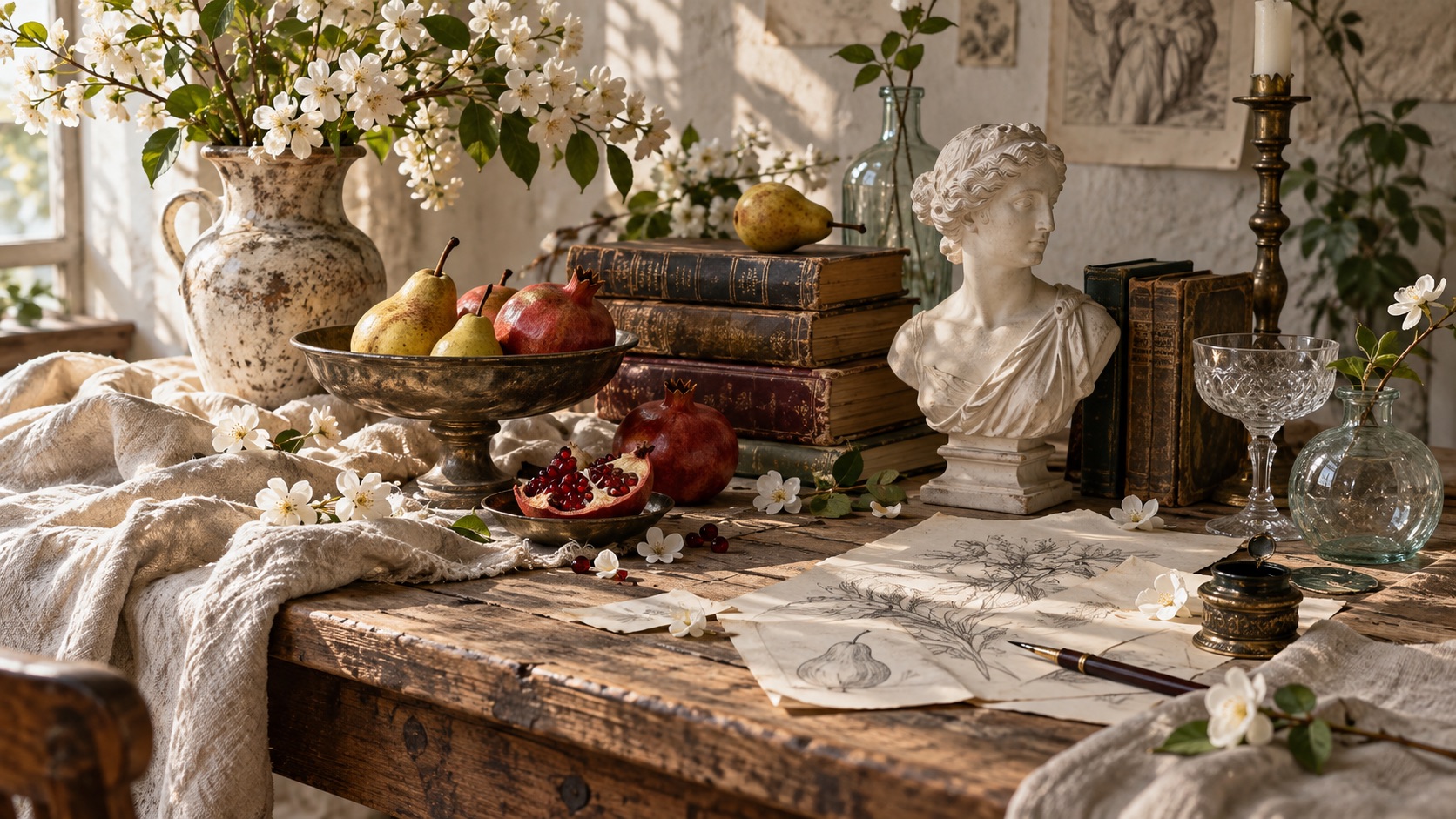
How to Use Seedream AI Image Generator in 3 Steps
Use Seedream AI Image Generator for prompt-based creation, reference-guided generation, and image editing in one streamlined flow. Seedream Image Generator and Seedream AI Generator let you keep the same creative brief while exploring different Seedream models. Seedream AI Image Generator keeps the process unified.

Add a Prompt or Reference Image
Start Seedream AI Image Generator with a clear text prompt, an uploaded reference image, or both when your task needs visual guidance. Describe the subject, setting, style, composition, lighting, and any text you want inside the image. Seedream Image Generator works well for prompt-led creation, while Seedream AI Generator can also use visual references to guide edits, preserve important details, or build a new scene around existing content. Seedream AI Image Generator Online keeps the starting point simple whether you are creating from scratch or refining an image. Seedream AI Image Generator keeps inputs aligned.

Choose a Seedream Model
Select the Seedream model that best matches the job. Seedream AI Image Generator can provide access to Seedream 5.0 Pro, 5.0 Flash, 5.0 Lite, 4.5, and 4.0 from one page, so you can choose between newer reasoning-focused options and earlier models that remain useful for generation and editing. This workflow gives you a practical way to compare how available models interpret the same direction. Seedream AI Generator is especially useful when you want to test prompt adherence, reference consistency, typography, composition, or photographic style without rebuilding your workflow each time. Seedream AI Image Generator simplifies model comparison.

Generate, Review, and Download
Run Seedream AI Image Generator and review the output against your original goal. Check the main subject, reference details, text placement, scene structure, and overall visual balance before downloading. If something needs adjustment, revise the prompt or switch models and generate again. Seedream Image Generator supports fast creative iteration, while Seedream AI Generator makes it easier to compare alternative interpretations. Seedream Online keeps the workflow centered on the result, so you can move from idea to usable visual without changing tools. Seedream AI Image Generator supports quick iteration.
What Seedream AI Image Generator Helps You Create
Seedream AI Image Generator is more than a basic prompt box. Use Seedream Image Generator for original visuals and Seedream AI Generator for reference-aware editing, multi-image composition, typography, and structured creative tasks. Seedream AI Image Generator supports both starting points.
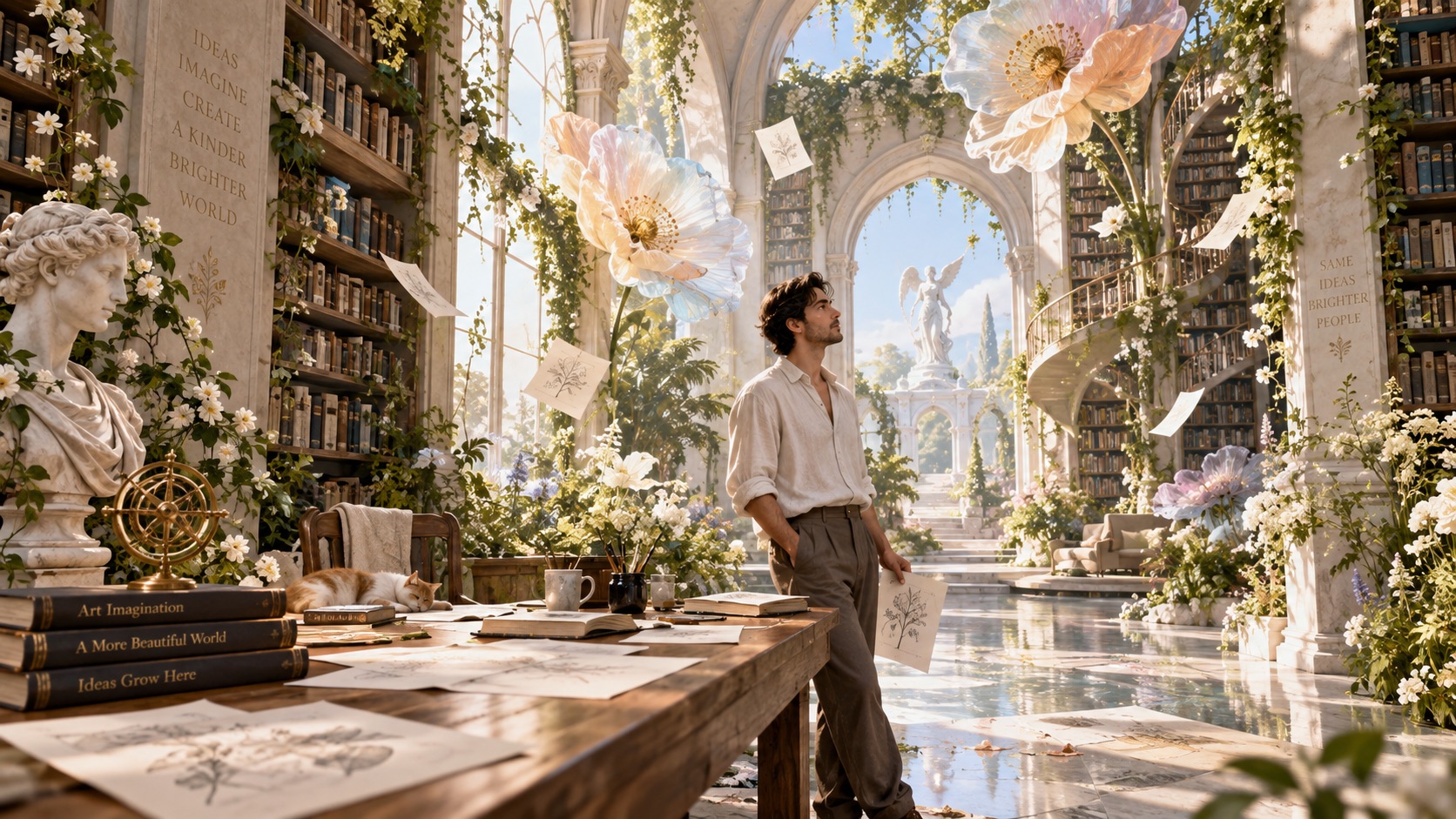
Create Complex Visuals From Detailed Prompts
Seedream AI Image Generator is useful when a short prompt is not enough. Describe relationships between subjects, layout priorities, environmental details, lighting, camera feel, or written elements, then let the selected model interpret the full brief. Newer Seedream models are designed for stronger image-text alignment, structure, typography, and information organization. Seedream Image Generator suits posters, infographics, editorials, and concept scenes. Seedream AI Generator can also help turn a rough creative direction into a more coherent visual arrangement. For browser-based creation, Seedream AI Image Generator Online keeps prompt iteration close to model selection. Seedream AI Image Generator supports structured briefs.
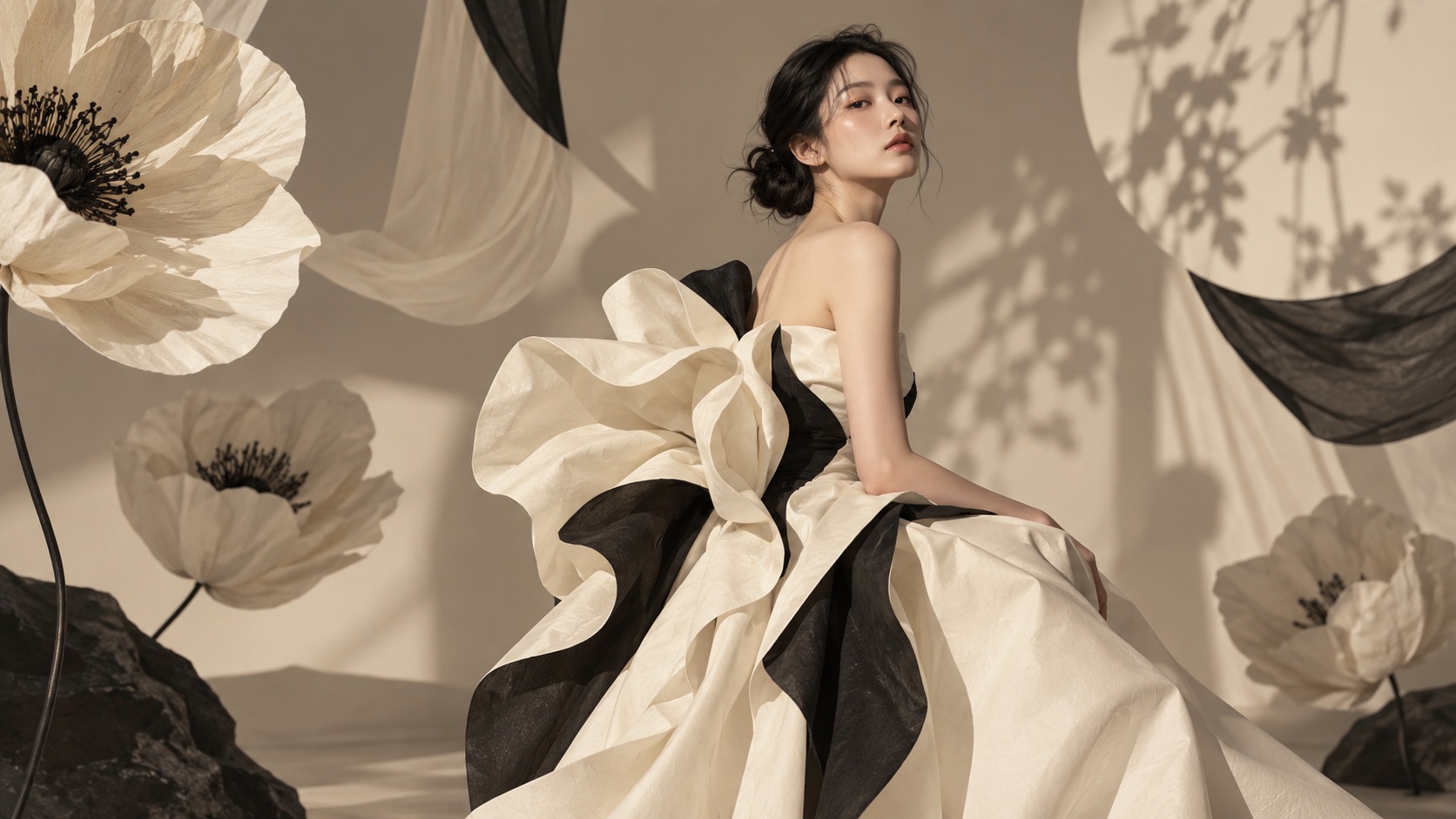
Edit Images Without Rebuilding the Whole Scene
Seedream AI Image Generator can also work as a practical editing path when you already have an image worth keeping. Upload a reference and describe what should change while stating what must remain untouched. Depending on the selected model and task, Seedream Image Generator can help preserve recognizable subjects, lighting, color tone, pose, or scene structure while changing targeted content. Seedream AI Generator is useful for replacing objects, adjusting materials, changing written text, revising a background, or developing a new visual direction from an existing composition. Seedream Online keeps revisions anchored to the visible reference. Seedream AI Image Generator preserves visual context.
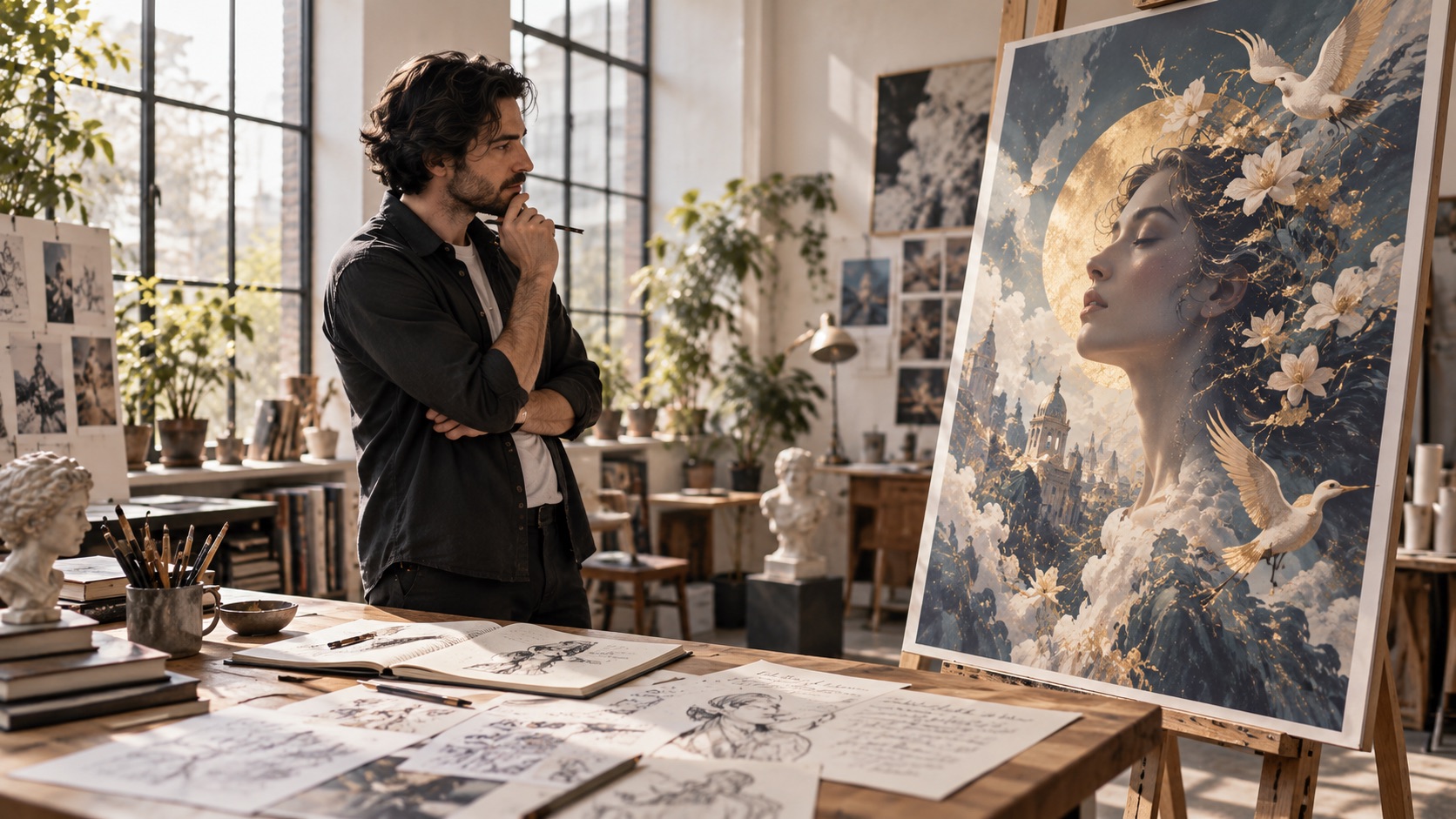
Combine Multiple References With Better Control
Seedream AI Image Generator is valuable for projects that depend on more than one source image. Supported Seedream models can interpret multiple references to identify subjects, styles, objects, or scene information and use them in a controlled generation task. Seedream Image Generator can help combine a character from one reference, a visual style from another, and structural cues from additional images. Seedream AI Generator is therefore useful for consistent campaign concepts, character studies, fashion combinations, product compositions, and visual ideation. Seedream AI Image Generator Free helps test reference-led prompts. Seedream AI Image Generator Free supports first-time reference experiments. Seedream AI Image Generator coordinates multiple references.
Who Can Use Seedream AI Image Generator?
Seedream AI Image Generator fits creators, designers, marketers, and visual teams that need both generation and editing. Seedream Image Generator supports new concepts, while Seedream AI Generator extends the same workflow to references, revisions, and model comparisons. Seedream AI Image Generator keeps model choice flexible.

Designers Building Visual Concepts
Seedream AI Image Generator helps designers explore a concept before committing to a final production direction. Use the generation workflow to test layouts, visual moods, poster ideas, campaign scenes, or editorial compositions from detailed prompts. When a concept already exists, Seedream AI Generator can refine specific parts without forcing you to restart from zero. Seedream AI Image Generator Online is particularly useful when several Seedream models are available because you can compare how each one handles the same visual brief. This supports early ideation and art direction. Seedream AI Image Generator helps compare directions.

Creators Editing Existing Images
Seedream AI Image Generator is practical for creators who already have a strong image but need a controlled change. With reference-led generation, a reference can anchor the composition while your prompt requests a new background, material, object, written element, or atmosphere. Seedream AI Generator can help preserve important visual information while changing the part that no longer fits the project. Seedream Online also keeps revision simple when you need several alternatives. Seedream AI Free Online gives users an accessible starting point. Seedream AI Free Online also supports low-friction exploration. Seedream AI Image Generator supports preservation-focused edits.

Marketers Creating Campaign Visuals
Seedream AI Image Generator can support marketing teams that need fresh visual directions for ads, social posts, landing-page graphics, campaign concepts, or branded scenes. Seedream Image Generator helps turn a written creative brief into multiple visual approaches, while Seedream AI Generator can reuse reference elements when consistency matters. Typography and structured layouts help with headlines, labels, and organized information. Seedream Image Generator Online Free can be useful for early experimentation, and Seedream AI Image Generator Free can help users validate a concept before producing more variations. Seedream AI Image Generator keeps briefs consistent.

Teams Comparing Seedream Models
Seedream AI Image Generator is well suited to users who do not want to be locked to one Seedream version. Run the same prompt through available models and compare subject fidelity, text handling, structure, realism, style, or reference consistency. Seedream Image Generator turns model choice into part of the creative process instead of a technical obstacle. The editing workflow also helps teams decide which model fits a specific task before they scale production. Seedream AI Image Generator Online makes those comparisons easier because the brief can remain consistent while the selected Seedream model changes. Seedream AI Image Generator centralizes model comparison.
How Creators Use Seedream AI Image Generator
Users choose Seedream AI Image Generator for flexible creation, controlled editing, and model comparison. Seedream Image Generator supports prompt-led concepts, while Seedream AI Generator helps extend those concepts with reference images and targeted revisions.
I use Seedream AI Image Generator when a project starts with a detailed creative brief rather than a simple subject prompt. The generation workflow gives me a fast way to test the overall composition, and Seedream AI Generator is useful when I need to revise one part without losing the original direction. I also like being able to compare different Seedream models on the same idea. Seedream Online has become a practical part of my early concept process because I can move through variations without rebuilding the brief each time. Seedream AI Image Generator keeps my setup reusable.
I use Seedream AI Image Generator when a project starts with a detailed creative brief rather than a simple subject prompt. The generation workflow gives me a fast way to test the overall composition, and Seedream AI Generator is useful when I need to revise one part without losing the original direction. I also like being able to compare different Seedream models on the same idea. Seedream Online has become a practical part of my early concept process because I can move through variations without rebuilding the brief each time. Seedream AI Image Generator keeps my setup reusable.
Seedream AI Image Generator works well for the kind of reference-heavy concepts I make. I can bring in an existing image, explain what should stay recognizable, and then ask for a controlled change. Seedream Image Generator is useful for generating the first direction, while Seedream AI Generator helps me explore edits and alternative layouts. Seedream AI Image Generator Online also makes it easier to test which model interprets a complicated request most clearly before I settle on the version I want. Seedream AI Image Generator handles reference-heavy ideas well.
Seedream AI Image Generator works well for the kind of reference-heavy concepts I make. I can bring in an existing image, explain what should stay recognizable, and then ask for a controlled change. Seedream Image Generator is useful for generating the first direction, while Seedream AI Generator helps me explore edits and alternative layouts. Seedream AI Image Generator Online also makes it easier to test which model interprets a complicated request most clearly before I settle on the version I want. Seedream AI Image Generator handles reference-heavy ideas well.
Our team uses Seedream AI Image Generator for campaign ideation when we need several visual routes from one written brief. Seedream Image Generator helps us explore scenes and compositions, while Seedream AI Generator is useful when an existing reference already has the right subject or structure. I first found the page while searching for Seedream Image Generator Online Free, and the multi-model workflow was the part that kept me using it. It is much easier to compare interpretations when the prompt stays consistent. Seedream AI Image Generator keeps variation work manageable.
Our team uses Seedream AI Image Generator for campaign ideation when we need several visual routes from one written brief. Seedream Image Generator helps us explore scenes and compositions, while Seedream AI Generator is useful when an existing reference already has the right subject or structure. I first found the page while searching for Seedream Image Generator Online Free, and the multi-model workflow was the part that kept me using it. It is much easier to compare interpretations when the prompt stays consistent. Seedream AI Image Generator keeps variation work manageable.
Seedream AI Image Generator is especially useful when I need text and layout to be part of the image rather than an afterthought. Seedream Image Generator gives me a good starting composition, and Seedream AI Generator lets me iterate on the wording, structure, and visual hierarchy. I also tested Seedream AI Free Online before using it for a larger project. Having multiple Seedream options in the same workflow makes it easier to find the model that matches the specific task instead of forcing every job through one model. Seedream AI Image Generator separates brief from model choice.
Seedream AI Image Generator is especially useful when I need text and layout to be part of the image rather than an afterthought. Seedream Image Generator gives me a good starting composition, and Seedream AI Generator lets me iterate on the wording, structure, and visual hierarchy. I also tested Seedream AI Free Online before using it for a larger project. Having multiple Seedream options in the same workflow makes it easier to find the model that matches the specific task instead of forcing every job through one model. Seedream AI Image Generator separates brief from model choice.



Seedream AI Image Generator FAQ
Learn how Seedream AI Image Generator handles prompts, references, editing, and model selection. Seedream Image Generator and Seedream AI Generator can support different creative goals within the same online workflow. Seedream AI Image Generator keeps answers task-focused.
Seedream AI Image Generator is an online image creation and editing experience built around Seedream models. You can enter a prompt, add references when needed, select an available model, and generate a new or revised visual. Seedream Image Generator focuses on image creation, while Seedream AI Generator also supports editing-oriented workflows.
Seedream AI Image Generator can support both text-to-image creation and reference-based image work. Available capabilities depend on the selected Seedream model, but current models cover text generation, single- or multi-image input, and image editing workflows. Seedream AI Image Generator Online keeps those tasks in one place.
Choose a model based on the task you care about most, such as prompt understanding, reference consistency, typography, complex layout, realism, or editing control. The page makes model comparison practical because you can reuse a similar brief across different available versions.
Yes. Seedream AI Image Generator can use reference images for supported workflows, including single-image and multi-image tasks. Seedream AI Generator is especially helpful when you want the output to preserve a subject, style, object, lighting direction, or structural cue from existing visuals.
Write the result you want, not just a list of objects. Include the subject, setting, composition, style, lighting, camera perspective, important relationships, and any exact text that should appear. Seedream Online works best when the prompt clearly separates what must change from what must remain consistent.
Seedream AI Image Generator can be used for posters, campaign concepts, infographics, editorial scenes, reference-based edits, character studies, product compositions, social visuals, and other image tasks. Seedream Image Generator Online Free and Seedream AI Image Generator Free are useful search paths for users who want to test these workflows online.
Create With Seedream AI Image Generator
Turn a written idea or reference image into your next visual with Seedream AI Image Generator. Compare available models, refine the prompt, and iterate without changing your workflow. Seedream Image Generator helps you start from an idea, while Seedream AI Generator helps you develop, edit, and reshape it. Try Seedream AI Image Generator Online, explore Seedream AI Free Online, or begin with Seedream Image Generator Online Free when you want an accessible way to test Seedream creation. Seedream AI Image Generator keeps the workflow connected.
