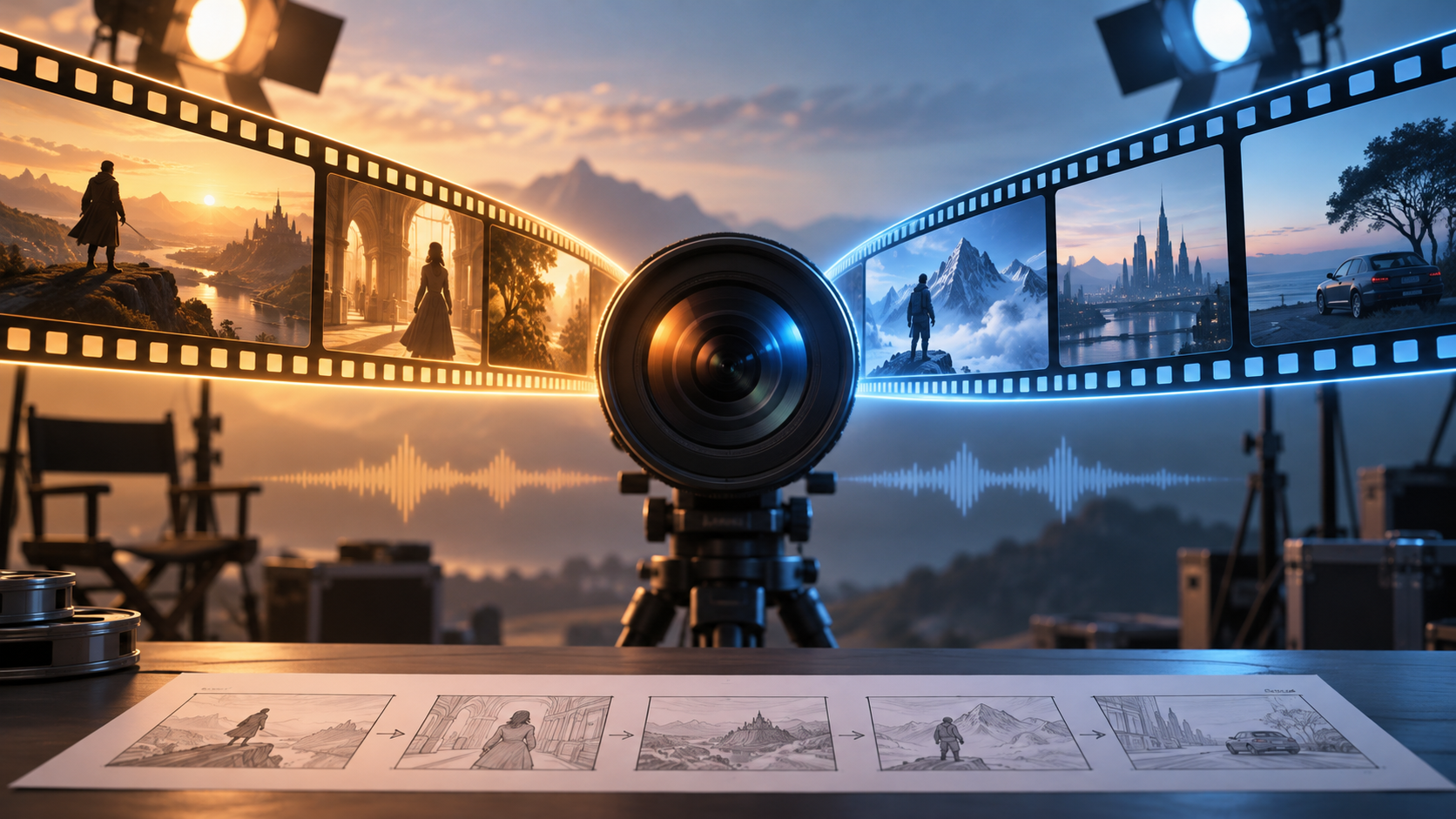
Kling 4.0 vs Seedance 2.5: Which AI Video Generator Fits Your Creative Style?

Compare the Officially Announced Capabilities of Kling 4.0 and Seedance 2.5, From Motion and Sound to Storytelling and Editing. Discover Which Creative Controls Fit Your Social Clips, Product Videos, or Short Stories, and Learn What to Check Before Spending Credits on Your Next Video.
A product reveal that lands at the right moment. A character who stays recognizable as the camera moves. A short story with an ending worth watching. Choosing an AI video generator comes down to how well it helps you make those moments happen.
Kling 4.0 and Seedance 2.5 both promise more complete video creation. Their most useful distinction is how you direct the result: Kling offers explicit visual checkpoints, while Seedance emphasizes extensive references and timestamp-based audiovisual editing. This comparison uses officially published capabilities, with no invented hands-on results or overall performance winner.
Kling 4.0 vs Seedance 2.5 at a Glance
These are model-level specifications. The controls available through a particular service can differ.
| Creative Need | Kling 4.0 | Seedance 2.5 |
|---|---|---|
| Single-generation length | 3–30 seconds | Up to 30 seconds |
| Planning visual moments | Up to 10 keyframes | Timestamp-based narrative direction |
| Reference materials | Up to 15 combined assets | Up to 30 images, 10 videos, and 10 audio clips |
| Published visual emphasis | Dynamic motion and 1080p/4K 10-bit HDR | Natural appearance, continuity, and reference control |
| Refining footage | Targeted multimodal video editing | Targeted audio-video editing using timestamps |
Sources: Kling’s official capability comparison and ByteDance Seed’s Seedance 2.5 announcement. Reference counts describe input capacity, not measured output quality.
Motion and Picture Quality: What Will Viewers Notice?
For dance clips, sports concepts, or a camera circling a moving character, watch how bodies and surroundings hold together throughout the shot. One beautiful still frame cannot tell you that.
Kling’s launch overview highlights improved fast movement, continuous action, and complex camera work. It also announces 10-bit HDR at 1080p and 4K: a format intended to retain richer color and smoother light-to-dark transitions. That is relevant to backlit scenes and neon-lit streets, although your export and viewing workflow must support it.
ByteDance describes improvements to Seedance 2.5’s skin, eyes, materials, lighting, and saturation, aiming for a less artificial appearance. Neither developer’s statements establish which model looks better on the same prompt. For your project, inspect faces, hands, object shapes, and background stability across the whole clip.
Storytelling: Plan the Reveal or Develop the Sequence
Both models advertise up to 30 seconds in one generation, enough room for a setup, action, and payoff.
Kling’s distinctive tool is its set of up to 10 keyframes—images that specify important visual moments. Imagine a candle advertisement: an unopened box, a hand lifting the lid, a lit candle, then the final tabletop composition. Those checkpoints give you a concrete way to communicate progression.
Seedance’s official model page emphasizes 30-second storytelling with extension options. That makes it worth exploring for a character moving through connected scenes or a story that continues beyond its opening sequence. Longer generation still needs a clear brief; extra seconds alone do not create a stronger story.
References and Editing: How Much Can You Direct?
A reference is a picture, clip, or sound that communicates something you want preserved or followed. Your product photo might establish shape; a movement clip might explain the action.
Kling’s published workflow combines images, videos, subjects, and voice references. Seedance advertises larger reference capacities, useful when a concept includes several characters, locations, or sounds. More inputs also require clearer organization. Tell the model what each reference contributes, and remove conflicting materials.
Both developers describe targeted editing. Seedance specifically emphasizes timestamps for changing selected audiovisual moments; Kling describes changes to elements such as expressions, backgrounds, and camera direction. These are promising controls for fixing a weak moment while retaining a useful take. Check that your chosen interface actually exposes them before planning a project around them.
Sound and Dialogue: Listen Beyond the First Impression
Kling announces stereo sound and improved lip-sync, alongside expanded multilingual speech. Seedance builds on joint audio-video generation and supports audio references and targeted audiovisual changes.
For a talking character, judge whether words are intelligible, mouth movements match, and the voice stays consistent. For a mood-driven reel, check whether music and effects support the scene. Neither specification sheet establishes superior dialogue accuracy or sound quality across languages.
AI Video Generator Benchmarks: Is There a Clear Winner?
The official sources reviewed here do not provide a shared head-to-head benchmark establishing a winner between these exact versions. There is no supported basis here for claims such as “twice as fast” or “more realistic overall.”
Try the same short brief, references, duration, and comparable settings in both. Generate several takes and count how many you would actually use. Record waiting time and credits spent. This gives you a practical comparison for your content, without mistaking one lucky result for consistent performance.
Pricing: Compare the Cost of a Usable Video
As of October 15, 2026, MakeShot’s pricing page lists Seedance 2.5 as a SOTA model with per-second credit pricing. It requires credits across plans, with plan-dependent discounts. Broad subscription video estimates should not be treated as the price of every model.
The pages reviewed do not establish a reliable like-for-like Kling 4.0 versus Seedance 2.5 price comparison. Check the required credits after selecting your settings. For any AI video generator, divide your total spend by the number of usable clips; retries can change the value considerably.
Which Should You Try on MakeShot?
Start with Kling 4.0 on MakeShot if visual checkpoints and a carefully planned reveal match how you create. Explore Seedance 2.5 on MakeShot if your idea depends on reference materials, connected storytelling, and focused revisions.
Model announcements and platform integration can move at different speeds, so verify the available duration, resolution, and controls before generating. Also distinguish the full Kling 4.0 model from Flash, which has a different capability set.
Choose one scene you want to share, then open MakeShot’s AI video generator and test that brief. The best fit is the model that gives you a convincing, usable result with controls you understand and a cost you can repeat.