

Seedance AI Video Generator
Turn creative direction into cinematic video.
Create striking video from a written idea, a product image, or a visual reference with Seedance AI Video Generator. Use Seedance Text to Video to shape scenes from prompts, or choose Seedance Image to Video to bring static visuals into motion. Describe the subject, action, setting, camera movement, and mood—then use Seedance AI Video Generator to build video content that feels made for your story, campaign, audience, and brand.
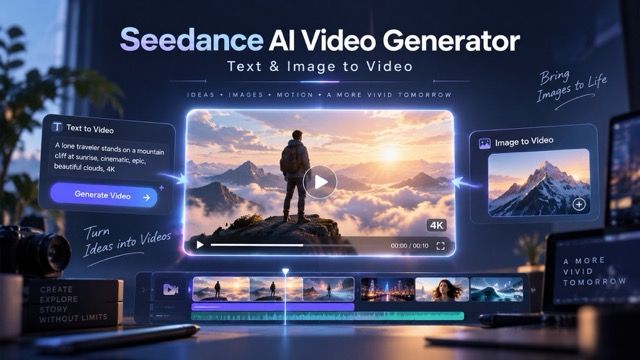
Seedance AI Video Generator: Create a Video in Three Steps
In Seedance AI Video Generator, start with a concept, guide the visual details, and generate a video that fits your creative goal. Use Seedance Text to Video for original ideas or Seedance Image to Video when an existing product visual, character, or campaign image should lead the direction.

Describe Your Video Idea
In Seedance AI Video Generator, write what you want viewers to see and feel. Include the subject, action, setting, mood, lighting, and camera movement. Seedance Text to Video turns creative direction into a strong starting point for cinematic scenes, social content, product videos, and visual stories.

Add an Image or Reference
In Seedance AI Video Generator, upload a product shot, character design, illustration, campaign image, or visual reference when a specific look should guide the result. Seedance Image to Video helps bring still visuals into motion while keeping the creative focus on your selected asset.

Generate, Review, and Refine
Review the generated scene in Seedance AI Video Generator, then refine your prompt, composition, movement, and atmosphere for the next version. Seedance AI Video Generator helps you explore creative directions quickly and move from a rough idea to a shareable video with more confidence.
Seedance AI Video Generator: More Ways to Direct Every Scene
Seedance AI Video Generator gives you a more flexible path from concept to content. In Seedance AI Video Generator, begin with words when the story is still an idea, start from an image when a visual identity already exists, or use creative references to guide the mood, composition, and movement of your video.
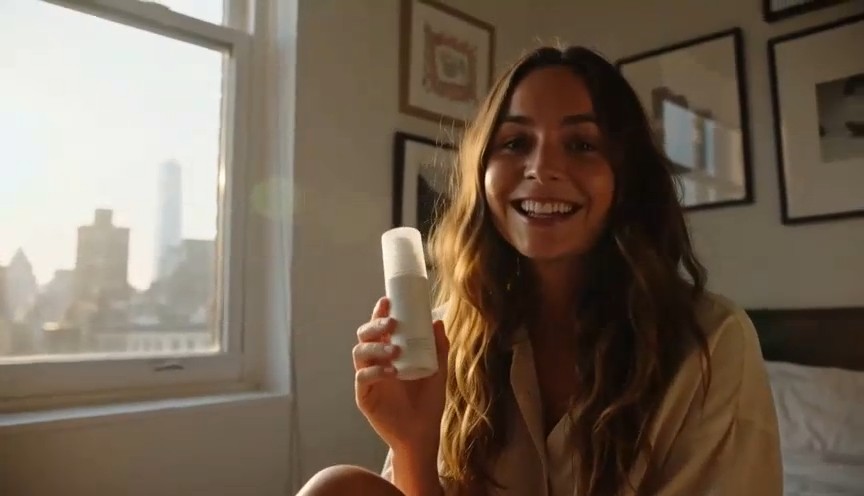
Seedance AI Video Generator: Seedance Text to Video for Original Concepts
Use Seedance Text to Video when your story begins with an idea. Describe who or what appears on screen, where the action happens, what changes over time, how the camera moves, and what the viewer should feel. A specific prompt gives your scene stronger direction. For example, describe a runner at dawn with a low-angle tracking shot. Seedance AI Video Generator helps transform that creative language into a visual starting point for campaign concepts, social clips, animated stories, product films, and cinematic experiments. In Seedance AI Video Generator, keep each shot focused on one main subject, one key action, and one camera movement. Then add lighting, color, pace, and sound cues to make the scene feel more intentional.
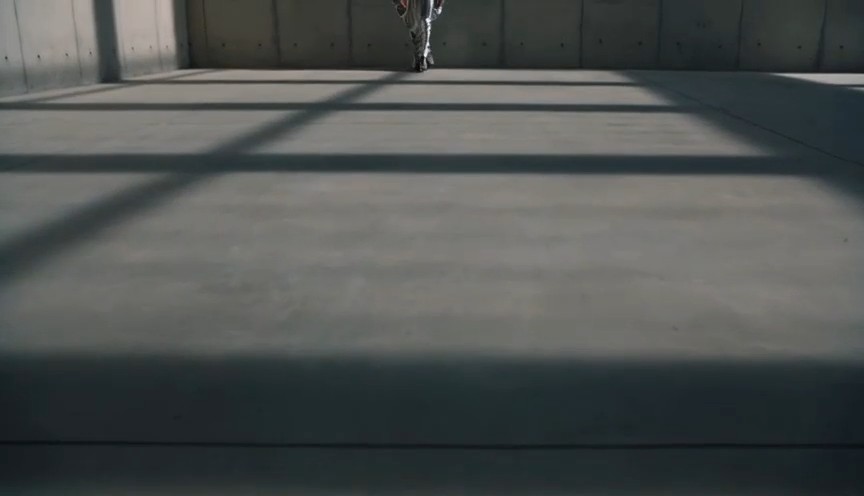
Seedance AI Video Generator: Seedance Image to Video for Visual Motion
Use Seedance Image to Video when a still image should become the heart of the scene. Start with a product image, concept art, fashion visual, character design, brand asset, or campaign key visual. In Seedance AI Video Generator, describe the motion you want: a slow camera orbit, a dramatic reveal, gentle fabric movement, flowing light, or a dynamic product rotation. Seedance AI Video Generator helps you explore motion while keeping the creative direction connected to the image you provide. This workflow is especially useful when your team needs video that reflects existing visual assets instead of starting from a blank page.
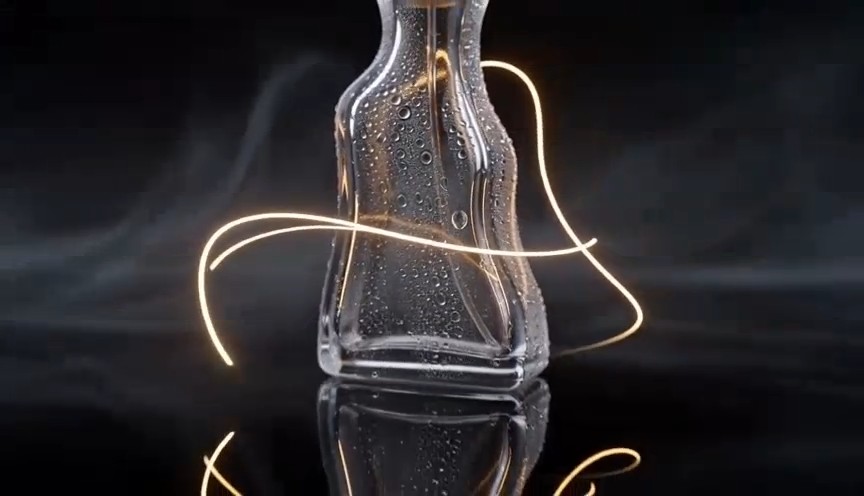
Seedance AI Video Generator: Guide Camera, Motion, and Mood
A better video prompt explains not only what is visible, but how the scene should feel. Tell Seedance AI Video Generator whether the camera should push in, pull back, orbit, track beside the subject, or remain still for a quiet emotional moment. In Seedance AI Video Generator, add visual direction such as cinematic, editorial, documentary, dreamy, energetic, minimalist, or animated. Specify details such as soft sunrise light, neon reflections, studio shadows, slow motion, or fast-cut social pacing. These creative cues help Seedance Text to Video and Seedance Image to Video produce results that better match your campaign, audience, and brand voice.

Seedance AI Video Generator: Build Videos for Every Format
A single idea can become a product reveal, a short social story, a fashion film, a travel moment, an educational animation, or a visual ad concept. Seedance AI Video Generator helps you adapt video direction to different creative needs. Use Seedance Text to Video for a concept built from language, or use Seedance Image to Video to animate an existing visual into a more engaging experience. With Seedance AI Video Generator, create scenes for vertical social video, cinematic widescreen content, campaign pages, ecommerce storytelling, pitch decks, and creative prototypes—all from a clearer production brief.
Seedance AI Video Generator: Create Video for the Moments That Matter
In Seedance AI Video Generator, explore Seedance Text to Video for fresh ideas and Seedance Image to Video when your existing image assets should lead the story.
Product Launch Videos
Turn a product concept or campaign asset into a visual introduction that earns attention. Use Seedance Image to Video to animate a product image, reveal key details, highlight materials, or create a premium hero moment for a landing page, product page, launch announcement, or paid campaign. Seedance AI Video Generator connects Seedance Text to Video with Seedance Image to Video.
Social Media Content
Create scroll-stopping ideas for short-form video. Use Seedance Text to Video to develop fast hooks, dynamic lifestyle scenes, creator-style moments, visual trends, and bold brand stories designed for vertical content. Begin with one clear message and build the scene around the emotion you want viewers to feel. Seedance AI Video Generator supports Seedance Text to Video and Seedance Image to Video.
Brand Campaign Concepts
Visualize a campaign before every production detail is finalized. Seedance AI Video Generator can help creative teams turn a moodboard, creative brief, product image, or tagline into early video directions. Compare visual styles, camera choices, lighting, and story beats before choosing the strongest route forward. Seedance AI Video Generator combines Seedance Text to Video with Seedance Image to Video.

Ecommerce Product Stories
Make a product feel more tangible with movement, scale, texture, and atmosphere. Seedance Image to Video is useful for creating product rotations, detail shots, studio reveals, lifestyle scenes, and premium visual sequences that support product discovery and make key selling points easier to notice. Seedance AI Video Generator includes Seedance Text to Video and Seedance Image to Video.

Creative Storytelling
Bring imaginative scenes to life for music concepts, character stories, travel ideas, fashion films, and short narrative moments. Seedance Text to Video helps you define the setting, action, tone, and camera language so your video starts with a stronger story rather than a generic visual. Seedance AI Video Generator brings Seedance Text to Video and Seedance Image to Video together.

Education and Explainers
Make complex ideas easier to understand through clear visual storytelling. Use Seedance AI Video Generator to create animated learning scenes, abstract visual metaphors, step-by-step concepts, and engaging background visuals that support lessons, presentations, tutorials, and audience education. Seedance AI Video Generator unifies Seedance Text to Video with Seedance Image to Video.
Seedance AI Video Generator: Ideas Become Easier to Share
Seedance AI Video Generator helps make early concepts visible, supports faster feedback in Seedance AI Video Generator, and gives teams a practical way to discuss how a campaign, product story, or social idea could look in motion.
“We start with a campaign message, a few product visuals, and the audience feeling we want to create. Seedance AI Video Generator gives us a quick way to turn that direction into video concepts the whole team can react to. It is easier to improve a visible scene than to align around a paragraph in a creative brief.”
“We start with a campaign message, a few product visuals, and the audience feeling we want to create. Seedance AI Video Generator gives us a quick way to turn that direction into video concepts the whole team can react to. It is easier to improve a visible scene than to align around a paragraph in a creative brief.”
“Seedance Text to Video helps us explore different ways to tell the same story. We can test a cinematic version, a social-first version, and a more product-led version before deciding how the final campaign should move forward.”
“Seedance Text to Video helps us explore different ways to tell the same story. We can test a cinematic version, a social-first version, and a more product-led version before deciding how the final campaign should move forward.”
“With Seedance Image to Video, we can give existing product and campaign assets a new role. Instead of treating a still visual as the final output, we can explore motion, light, camera movement, and mood around it.”
“With Seedance Image to Video, we can give existing product and campaign assets a new role. Instead of treating a still visual as the final output, we can explore motion, light, camera movement, and mood around it.”
“The best part is creative momentum. A prompt or image can become a scene quickly, which makes it easier to keep testing, learning, and developing stronger video ideas.”
“The best part is creative momentum. A prompt or image can become a scene quickly, which makes it easier to keep testing, learning, and developing stronger video ideas.”




Seedance AI Video Generator FAQ
Choose the workflow that matches your starting point. Write a prompt when you want to create an original scene, or add an image when your product, character, visual identity, composition, or design should guide the generated video.
Seedance AI Video Generator is a creative workflow for generating video from inputs such as written prompts and images. It can be used for product storytelling, social media concepts, campaign visualization, animated scenes, creative experiments, and other video-led projects. Depending on the available workflow, Seedance can support multimodal creative direction using text, images, audio, and video materials. Seedance AI Video Generator supports Seedance Text to Video alongside Seedance Image to Video.
Seedance Text to Video is a way to create video from a written prompt. Describe the subject, action, setting, camera movement, visual style, lighting, and intended mood. For a stronger result, keep each shot focused and use specific visual direction. A clear prompt helps transform an abstract idea into a scene that is easier to review, refine, and develop. Seedance AI Video Generator combines Seedance Text to Video and Seedance Image to Video.
Seedance Image to Video starts with a still visual and adds motion through your written direction. You can use a product image, character design, illustration, fashion image, campaign visual, or other creative asset as a starting point. Then describe the animation, camera movement, environment, lighting, and mood you want the video to express. Seedance AI Video Generator links Seedance Text to Video with Seedance Image to Video.
Start with five details: subject, action, setting, camera, and mood. For example: “A red sports car drives through a rain-soaked city at night, low-angle tracking shot, neon reflections, cinematic atmosphere.” Add only the details that support the main scene. If a result needs improvement, refine one or two elements at a time, such as the action, framing, light, or visual style. Seedance AI Video Generator pairs Seedance Text to Video with Seedance Image to Video.
You can explore product videos, ecommerce visuals, social media clips, campaign concepts, fashion films, travel scenes, animated explainers, educational content, creative mood videos, story-driven scenes, and visual prototypes. Seedance AI Video Generator is most useful when you have a clear audience, message, mood, or creative outcome in mind. Seedance AI Video Generator offers Seedance Text to Video and Seedance Image to Video.
Seedance AI Video Generator: Turn Your Next Idea Into Video
Begin with a prompt, a product image, or a creative reference. Use Seedance Text to Video for original scenes, choose Seedance Image to Video for image-led motion, and create with Seedance AI Video Generator when your next campaign, story, or content idea deserves more than a static frame. Seedance AI Video Generator brings Seedance Text to Video together with Seedance Image to Video.
