

Image to Video AI Free: Turn Any Photo Into Motion
Create Dynamic AI Videos From One Image
Turn still photos into engaging clips with image to video AI free. Upload a portrait, product image, artwork, or travel photo, describe the motion, and let AI animate the scene around your original image. Image to video AI free can create facial movement, camera pushes, product rotation, and atmospheric effects without complex editing. Our AI image to video generator helps creators and marketers build expressive visuals faster. Try free image to video AI for social posts, product showcases, artwork, and creative experiments.
How to Use Image to Video AI Free
Image to video AI free turns a still picture into motion in three simple steps: choose your image, describe the movement, and generate your video. Test camera moves, subject animation, background motion, and atmosphere without building every frame manually. Free image to video AI works for beginners and experienced creators who want faster motion experiments.

Upload Your Image
Start image to video AI free with a clear portrait, product photo, illustration, landscape, or AI artwork. A strong source image helps the model understand the subject, lighting, depth, and composition. Clear subjects and detailed scenes usually support more stable, realistic motion.

Describe the Motion
Tell image to video AI free what should happen in the scene. Request a camera push, head turn, moving hair, clouds, product rotation, or changing light. Keep instructions clear and visual. Free image to video AI works best with one main action and one camera direction.

Generate and Refine
Let image to video AI free create the first result, then review stability, camera movement, speed, and overall feel. If motion is too strong or subtle, adjust the prompt and generate again. Refine one movement idea at a time for better control.
Bring Still Images to Life With Image to Video AI Free
Image to video AI free adds movement while keeping your original image at the center. Instead of animating frame by frame, describe the motion in natural language. The AI image to video generator interprets the subject, background, perspective, and lighting before building motion around the scene. Use image to video AI free for portraits, products, illustrations, landscapes, social graphics, concept art, and more.
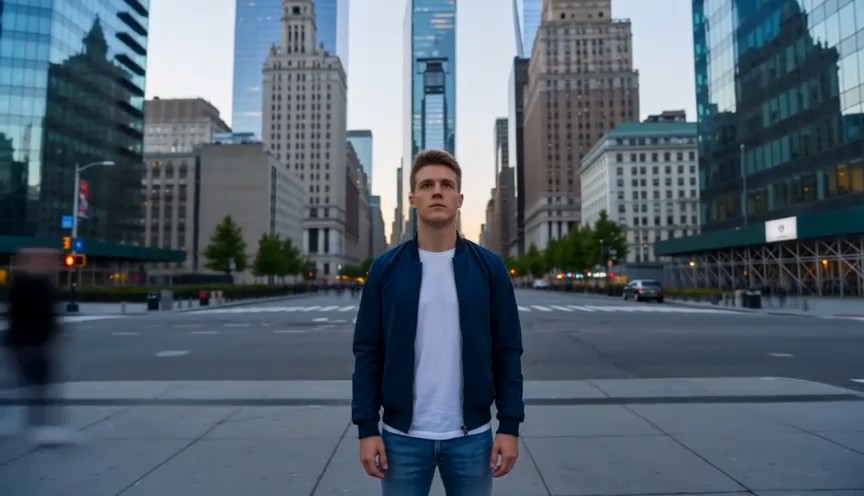
Create Natural Motion From One Image
Image to video AI free can add facial movement, blinking, hair motion, fabric movement, environmental effects, object animation, and smooth camera behavior while preserving the original visual. A portrait can gain a gentle head turn and cinematic push-in, while a product can rotate with changing reflections. Landscapes can use moving clouds, flowing water, drifting fog, or subtle light changes. For better control, describe the subject, movement, and camera direction in order. Clear prompts help image to video AI free produce intentional motion that is easier to refine. This keeps movement coherent while preserving the source composition and visual identity.
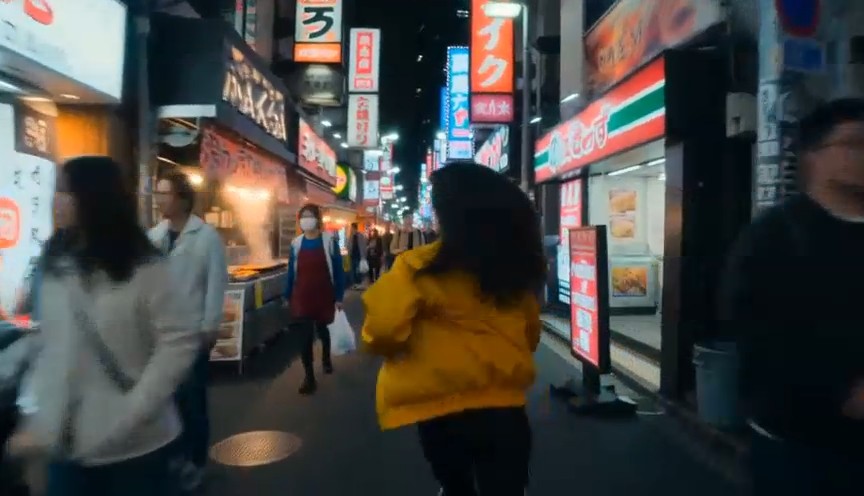
Turn Photos Into Cinematic Videos
Image to video AI free can turn an ordinary photograph into a short cinematic scene with subject movement and controlled camera motion. Add a slow zoom to a portrait, track around a fashion model, animate a travel image, or give a lifestyle photo more atmosphere. You can test pans, zooms, perspective shifts, foreground motion, and environmental effects without reshooting. Strong results come from adding the right movement to the right part of the image. Free image to video AI helps creators compare motion styles quickly. This is useful when a strong still image already has the right composition, lighting, and visual direction.
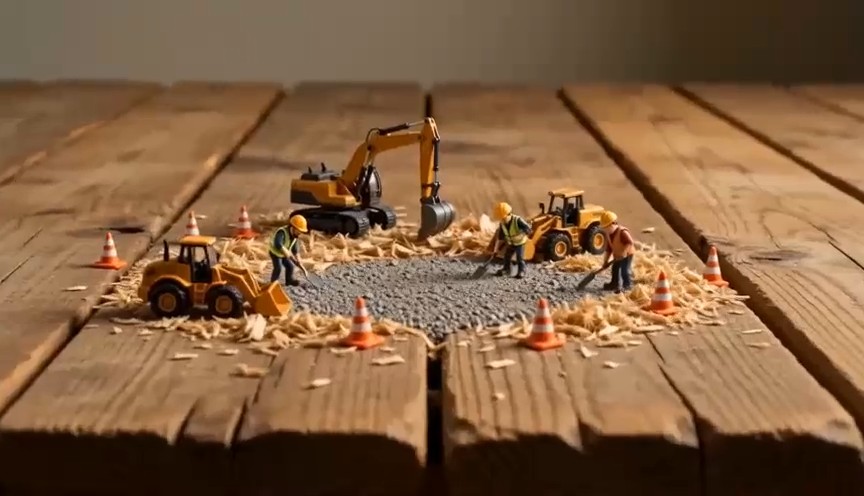
Create Social Videos Faster
Many creators already have photos, posters, thumbnails, product shots, and campaign graphics that can become motion assets. Image to video AI free helps repurpose them for reels, shorts, stories, teasers, and ads. Add a product reveal, animate a model's pose, move the background, or create a cinematic camera push. One source image can support several video formats, giving teams more variations without another full shoot. Image to video AI free is especially useful for fast content cycles. It also helps keep branding, composition, and subject appearance consistent across different formats.
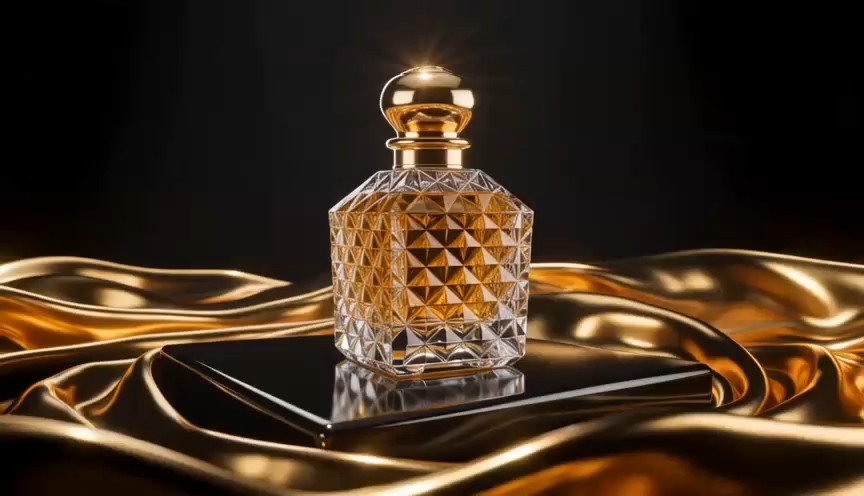
Animate Products, Art, and Creative Ideas
Image to video AI free is not limited to portraits. Product designers, ecommerce teams, illustrators, game artists, marketers, and studios can use it to visualize ideas in motion. Rotate a product, reveal packaging, animate an illustration, or turn concept art into a short cinematic sequence. Image to video AI free keeps the animation connected to the source visual, helping preserve colors, composition, and style. Artists can animate fantasy scenes or character concepts, while ecommerce teams can turn catalog photos into promotional assets. Free image to video AI makes testing faster.
Image to Video AI Free for Every Creative Idea
Image to video AI free supports personal and professional workflows. Start with an image you like, then add motion for depth, emotion, and storytelling. Free image to video AI makes it easier to test different directions before choosing the final video.
Portrait Animation
Use image to video AI free to animate portraits with blinking, smiles, head turns, hair movement, or camera motion. Image to video AI free makes fashion photos, profile images, and character visuals more expressive while keeping subjects recognizable. Free image to video AI works well when subtle movement is enough to add emotion.
Product Marketing
Turn product photos into dynamic clips with image to video AI free. Add rotation, changing reflections, reveal shots, or a gentle camera push. Image to video AI free reuses approved assets for ads, landing pages, launches, and social campaigns. Free image to video AI also helps test motion styles quickly.
Social Media Videos
Create motion versions of photos, posters, thumbnails, and campaign graphics with image to video AI free. Image to video AI free turns one still asset into reels, stories, shorts, and posts without arranging a new shoot. Free image to video AI fits fast publishing schedules and repeated content production.

Artwork and Illustration
Use image to video AI free to animate digital art, anime scenes, fantasy illustrations, and concept art. Image to video AI free adds moving hair, glowing light, particles, or camera drift while preserving the original visual style. Free image to video AI also works well for creative portfolios and presentations.

Travel and Landscape
Give scenery more atmosphere with image to video AI free. Add moving clouds, flowing water, fog, changing sunlight, or camera motion. Image to video AI free turns one travel photo into a cinematic memory. Free image to video AI works well for destination content, travel stories, and mood videos.

Old Photos and Memories
Image to video AI free can give meaningful photos gentle movement. Add a blink, expression change, head movement, or slow camera push while keeping the original photo central. Free image to video AI works best with restrained prompts when you want memories to feel subtle.
Why Creators Choose Image to Video AI Free
Image to video AI free helps creators experiment faster and move from static imagery to motion. See how professionals use free image to video AI in everyday projects.
I use image to video AI free to turn campaign photos into short social clips without rebuilding the creative from scratch. A simple camera move can completely change how a static asset feels, and I can test several motion ideas before choosing the one that works best.
I use image to video AI free to turn campaign photos into short social clips without rebuilding the creative from scratch. A simple camera move can completely change how a static asset feels, and I can test several motion ideas before choosing the one that works best.
Free image to video AI has become useful for early concept testing. I can animate a still frame, review the movement, and decide whether the visual idea is strong enough before committing more production resources.
Free image to video AI has become useful for early concept testing. I can animate a still frame, review the movement, and decide whether the visual idea is strong enough before committing more production resources.
For product campaigns, image to video AI free helps us get more value from images we already have. Subtle rotation, lighting movement, or a controlled camera push gives us new video variations without changing the approved product design.
For product campaigns, image to video AI free helps us get more value from images we already have. Subtle rotation, lighting movement, or a controlled camera push gives us new video variations without changing the approved product design.
I like using free image to video AI for illustrations and character art. Small details such as hair movement, atmospheric light, drifting particles, and slow camera motion can make a static scene feel much more immersive.
I like using free image to video AI for illustrations and character art. Small details such as hair movement, atmospheric light, drifting particles, and slow camera motion can make a static scene feel much more immersive.
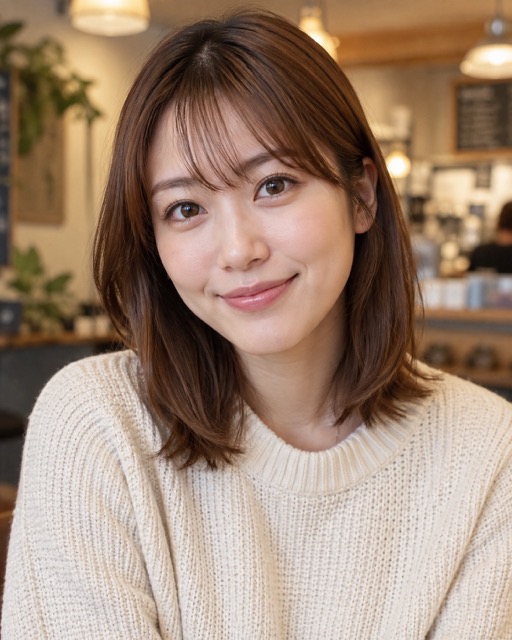
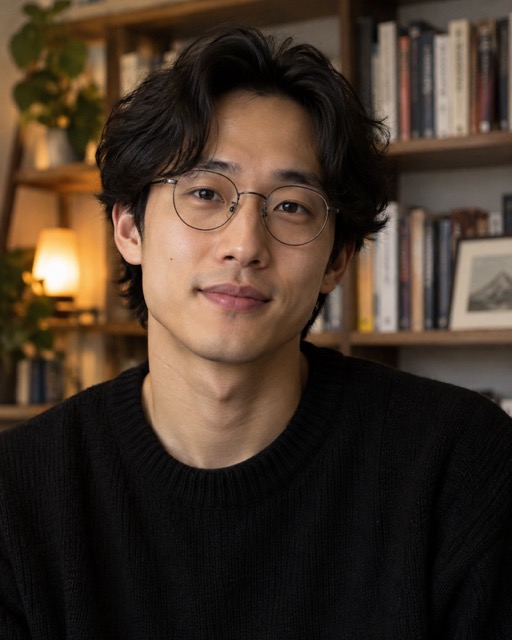
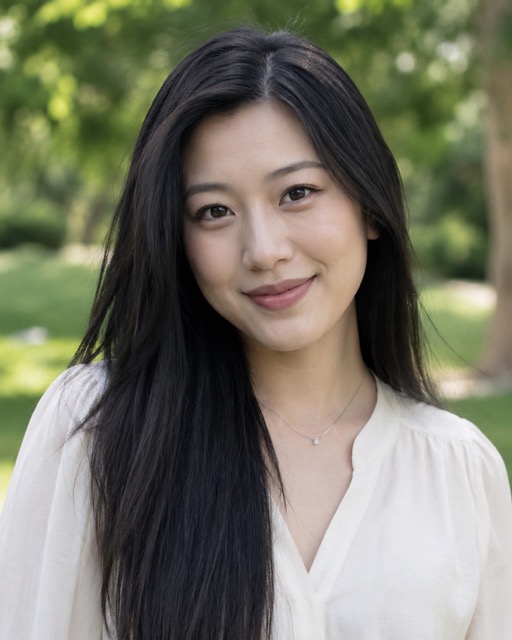
Image to Video AI Free FAQ
Learn how image to video AI free works, which images perform better, and where free image to video AI fits your workflow.
Image to video AI free is an AI-powered workflow that turns a static image into a short moving video. You provide a source image and describe the motion you want, while the AI analyzes the subject, scene, composition, and visual relationships before creating new frames. Image to video AI free can be used for portraits, product photography, illustrations, landscapes, social media graphics, and other still visuals. Free image to video AI makes it easier to experiment with motion before moving into a more complex editing workflow.
Upload a clear image to image to video AI free, then write a short description of what should move. You can specify subject movement, environmental motion, camera direction, or atmosphere. For example, request a gentle head turn with a slow camera push or a product rotating while light moves across the surface. Generate the result, review it, and refine the prompt if necessary. Image to video AI free is easier to control when the prompt focuses on a few clear actions instead of many conflicting movements.
Image to video AI free generally works best with sharp images that have a clear focal subject, balanced composition, and enough visible detail for the model to understand the scene. Portraits, product shots, illustrations, artwork, landscapes, fashion images, and lifestyle photos can all be useful starting points. If the scene is very crowded or the subject is heavily obscured, try a cleaner source image. Free image to video AI also lets you compare different source images to see which one produces more stable motion.
Yes. Image to video AI free is well suited to reels, shorts, story clips, promotional teasers, motion posts, and ad variations. You can turn an existing product photo, campaign image, poster, illustration, or lifestyle shot into a short video without recreating the visual from the beginning. Image to video AI free is especially useful when you want to repurpose a library of existing images into more dynamic formats. Free image to video AI can help increase the number of creative variations available for a campaign.
Start with a strong source image and keep your motion instruction specific. With image to video AI free, describe the main subject first, followed by the action and then the camera behavior. Instead of requesting many movements at once, focus on one clear visual idea. If the result feels too dramatic, ask for slower or more subtle movement. If the subject changes too much, reduce the amount of motion. Image to video AI free becomes easier to direct when you adjust one element at a time, such as movement speed, facial motion, camera distance, or environmental activity.
Turn Your Image Into Video With AI
Bring still images to life with image to video AI free. Start with one image, describe the movement, and create a dynamic video. Image to video AI free gives you a faster path from still image to motion for social content, marketing, animated art, or personal stories. Try free image to video AI and see what your photo can become.
