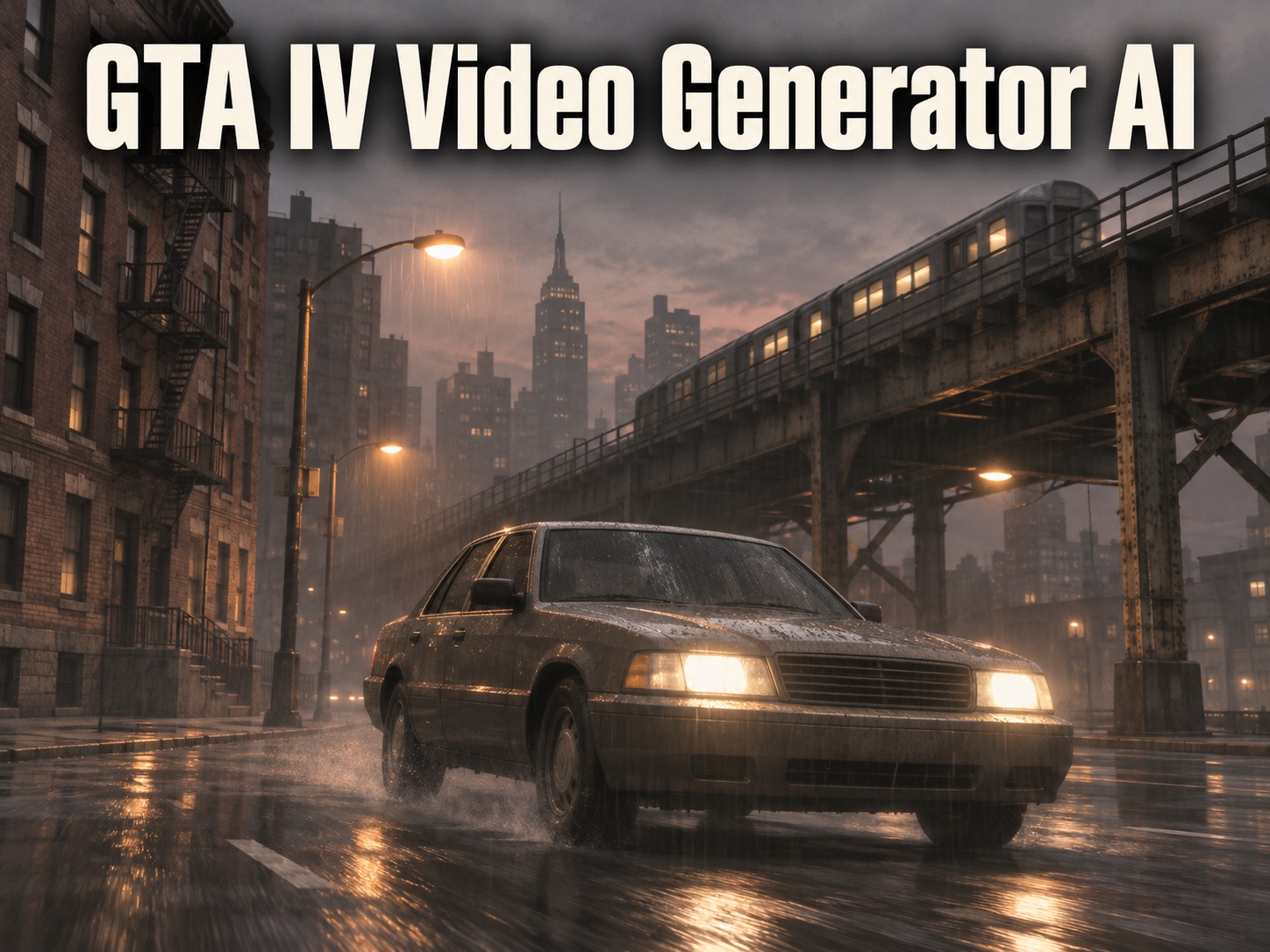
GTA IV Video Generator AI for Gritty Liberty City Style Clips
Turn a short scene idea or a reference photo into a rain-soaked crime-drama clip with the washed-out color and heavy mood that fans remember from 2008.
GTA IV Video Generator AI creates short fan-made clips inspired by Grand Theft Auto IV: overcast streets, sodium-orange lights, tired sedans, and a muted, almost sepia grade. Describe the scene, set the camera, and let GTA IV Video Generator AI build original characters and locations without copying official game assets.
How to Use GTA IV Video Generator AI
Three steps take you from an idea to a finished clip. GTA IV Video Generator AI works best when you describe one clear moment, so start small, review the result, and refine your prompt from there.

Describe Your Liberty City Moment
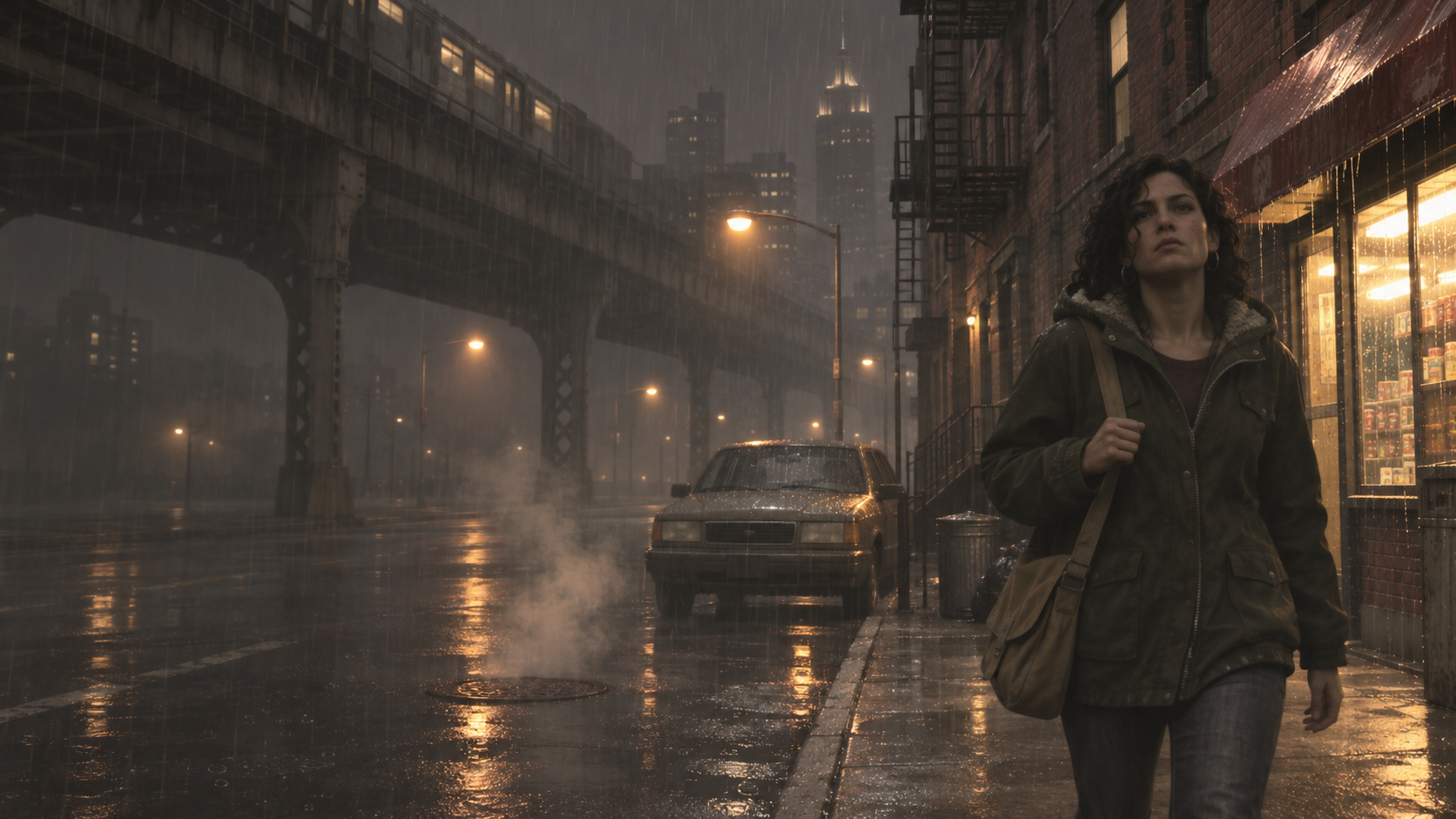
Open GTA IV Video Generator AI and write one or two sentences about the shot: who is in it, where they stand, what happens, and how the camera moves. Name the details that sell the 2008 mood, such as wet asphalt, steam rising from manholes, elevated train tracks, or a late-night diner. GTA IV Video Generator AI also accepts a clear, well-lit reference photo when you want yourself in the scene.

Generate Your First Take
Click Generate and GTA IV Video Generator AI turns your description into a short video with a gritty, desaturated grade and steady cinematic motion. The model reads your words as scene direction, so concrete nouns and verbs give more reliable results than adjectives alone. Expect some variation between GTA IV Video Generator AI attempts. Running two or three takes of the same idea is a quick way to find the strongest version.

Review, Refine, and Download
Watch the result and decide what to change: lighting, camera angle, pace, or action. Edit one detail at a time, then run GTA IV Video Generator AI again so you can see exactly what each change did. When the clip feels right, download it and add music, captions, or a voiceover in your usual editor before posting it to TikTok, Instagram Reels, or YouTube Shorts.
What You Can Make with GTA IV Video Generator AI
From moody street scenes to tense character beats, GTA IV Video Generator AI handles the shots fans recreate most often. Each feature below pairs with an example clip you can reuse as a starting prompt.
Rain-Soaked Liberty City Street Scenes
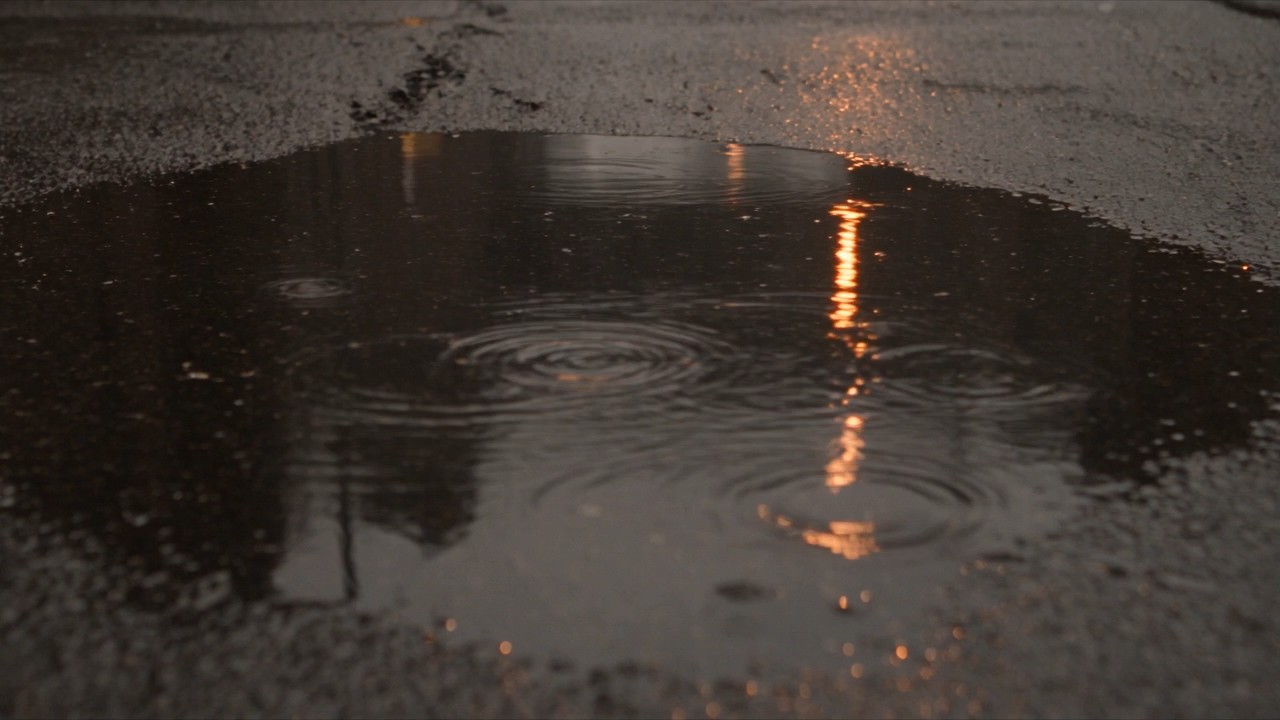
- Use GTA IV Video Generator AI to build the overcast, rain-slicked streets that define the game's look.
- Ask for brownstones, steel bridges, elevated train lines, and flickering corner-store signs under a heavy gray sky.
- A muted grade and soft haze keep every frame closer to 2008 console drama than glossy modern action.
- GTA IV Video Generator AI builds an original city inspired by New York, so you never reuse footage captured from the game.
Character Moments with Heavy Atmosphere
- Create a cab driver in a navy wool coat walking past a pawn shop, or two friends arguing in a parked car.
- GTA IV Video Generator AI uses posture, weather, and light to carry emotion, which suits the game's quieter, more serious tone.
- Describe an original character in detail and reuse that description to keep the look consistent.
- Add a reference photo when you want to star in a GTA IV Video Generator AI scene yourself.
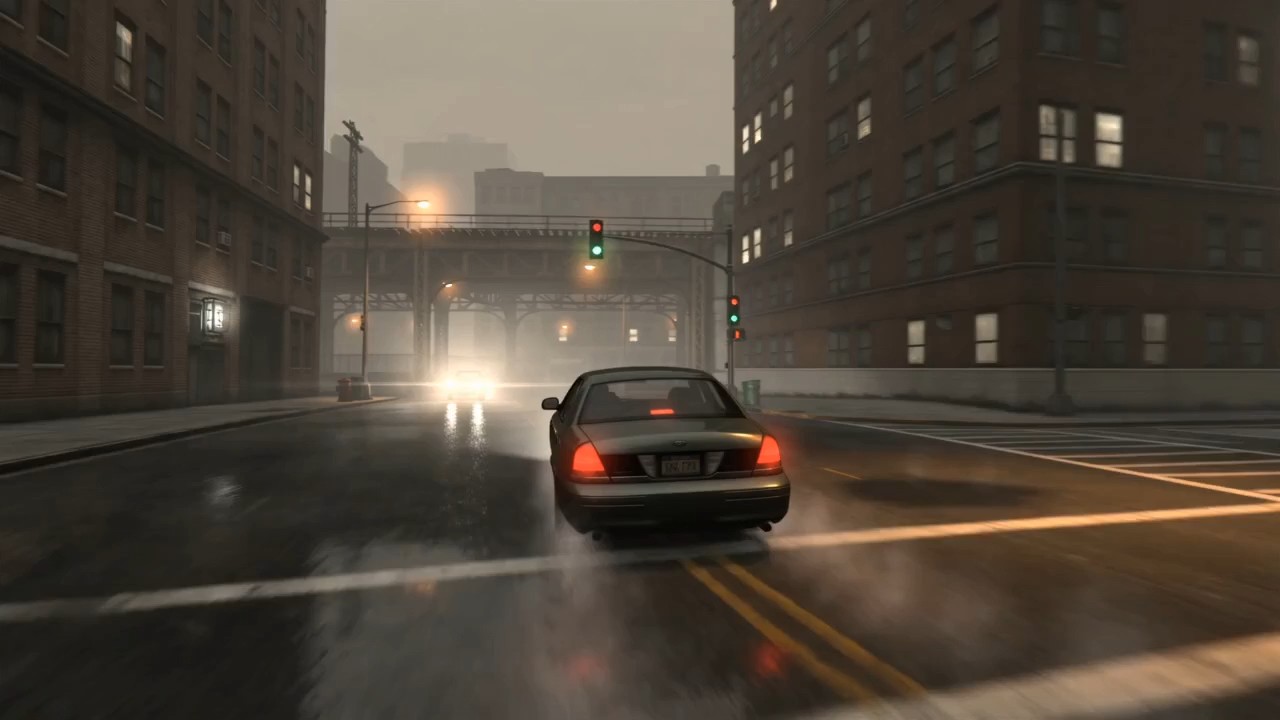
Night Drives and Street Chases
- Generate a boxy, unbadged mid-2000s sedan cutting through wet intersections as headlights flare against the rain.
- GTA IV Video Generator AI responds well to chase-camera, side-tracking, and low bumper angles that recall the game's driving sections.
- Keep motion believable by asking for one main maneuver per clip, such as a sharp turn or a slow cruise under a bridge.
- Leave out real car badges and readable plates for cleaner GTA IV Video Generator AI results.
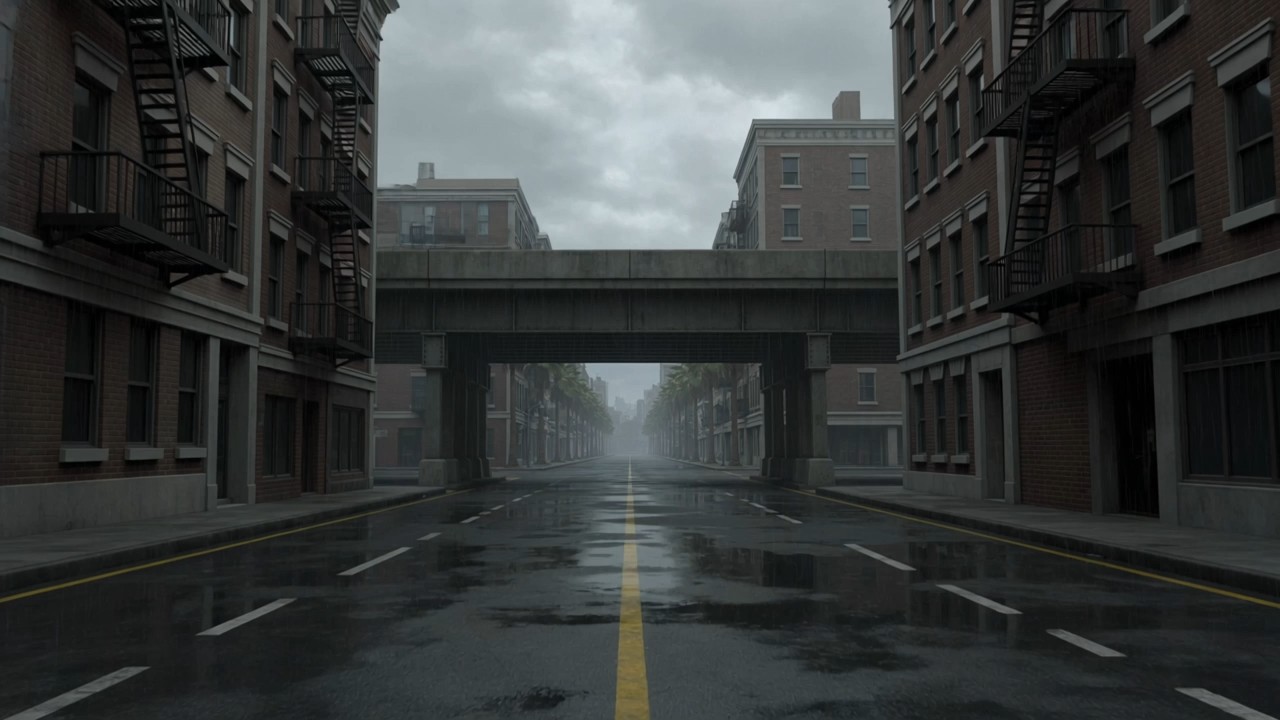
From Liberty City to Vice City Style
- GTA IV Video Generator AI doubles as a GTA 6 video maker AI when you want sunshine instead of drizzle.
- Switch your prompt to palm-lined boulevards, pastel Art Deco hotels, and humid pink sunsets inspired by Leonida, the Florida-style state Rockstar created for Grand Theft Auto VI.
- Generate one clip in each style with GTA IV Video Generator AI and pair them for a then-and-now post that shows how far the series has traveled.
Why Creators Choose GTA IV Video Generator AI
Fans, editors, and small studios use GTA IV Video Generator AI for different reasons. These six benefits show where it fits and how it saves time compared with staging every scene by hand.

No Game Capture or 3D Software Needed
Recreating the GTA IV look used to mean installing the game, adding graphics mods, and recording gameplay on a capable PC. GTA IV Video Generator AI skips that setup. You write the scene in plain English and receive a video built from your description. There is no rig to light, no camera path to animate, and no game build to troubleshoot, which makes GTA IV Video Generator AI practical on an ordinary laptop.

Built Around the Look Fans Remember
Grand Theft Auto IV stood apart from brighter entries in the series. Its Liberty City was gray, hazy, and heavy, with a brown-tinted grade that gave even daylight a tired edge. GTA IV Video Generator AI is tuned to that mood, and every GTA IV Video Generator AI clip favors desaturated color, soft bloom, damp surfaces, and naturalistic camera motion, so your clip feels like a late-2000s crime drama instead of a generic action trailer.

Original Scenes Instead of Reused Footage
Many GTA edits simply repost captured gameplay. GTA IV Video Generator AI creates new footage from your own idea, which gives you something you made rather than something you clipped. The city, the cars, and the characters come from your prompt. Keep official logos, real brand marks, and copies of existing characters out of the description, and every GTA IV Video Generator AI result stays clearly fan-inspired.

Fast Drafts for Trend-Driven Posts
Interest in the series spikes around every major Rockstar announcement, and Grand Theft Auto VI's release date of November 19, 2026 brought a fresh wave of nostalgia. GTA IV Video Generator AI lets you answer a trend while it is still moving. Draft a Liberty City throwback in minutes, then switch to a GTA 6 video maker AI prompt for a matching sun-drenched clip that compares the two eras.

One Tool for Memes, Shorts, and Stories
A single GTA IV Video Generator AI workflow covers many formats. Make a five-second mission-failed joke, a moody intro for a music video, a fake trailer for a story you are writing, or a short cinematic built around a friend's photo. Because GTA IV Video Generator AI responds to written direction, the same prompt habits work whether you want comedy, tension, or quiet late-night atmosphere.

Quick Visual Drafts for Storyboards
Filmmakers and game writers can use GTA IV Video Generator AI to test a tone before committing to a shoot. Generate a rough rooftop conversation, a tense parking-garage meeting, or a rainy taxi ride to see whether the mood works. GTA IV Video Generator AI gives collaborators a moving reference that communicates color, pace, and framing faster than a written description or a still mood board.
What Creators Say About GTA IV Video Generator AI
Gaming creators, editors, and filmmakers share how GTA IV Video Generator AI fits into their work, from nostalgia posts and music video concepts to fast storyboard drafts for new projects.
I post a lot of GTA nostalgia, and recording gameplay every time got old fast. With GTA IV Video Generator AI I write a scene like a guy smoking under an elevated train in the rain, and the first take usually nails that gray Liberty City feeling. My throwback posts now take an evening instead of a whole weekend, and my followers keep asking how I made them.
I post a lot of GTA nostalgia, and recording gameplay every time got old fast. With GTA IV Video Generator AI I write a scene like a guy smoking under an elevated train in the rain, and the first take usually nails that gray Liberty City feeling. My throwback posts now take an evening instead of a whole weekend, and my followers keep asking how I made them.
A client wanted a GTA IV style intro for a gaming channel rebrand, but they had no footage and no budget for a 3D artist. GTA IV Video Generator AI gave me three moody street shots I could cut together with their own music. I still did the editing and color matching myself, but GTA IV Video Generator AI handled the part that would have stalled the project.
A client wanted a GTA IV style intro for a gaming channel rebrand, but they had no footage and no budget for a 3D artist. GTA IV Video Generator AI gave me three moody street shots I could cut together with their own music. I still did the editing and color matching myself, but GTA IV Video Generator AI handled the part that would have stalled the project.
I am developing a short crime film set in a fictional East Coast city, and I needed to show my cinematographer the tone I was after. I used GTA IV Video Generator AI to sketch a parking-garage meeting and a rainy taxi ride. The GTA IV Video Generator AI clips are not final footage, but they communicated the color and pacing far better than my written notes ever did.
I am developing a short crime film set in a fictional East Coast city, and I needed to show my cinematographer the tone I was after. I used GTA IV Video Generator AI to sketch a parking-garage meeting and a rainy taxi ride. The GTA IV Video Generator AI clips are not final footage, but they communicated the color and pacing far better than my written notes ever did.
For a lo-fi artist's single, I wanted a late-night drive that felt like a 2008 open-world game without referencing any real brand. GTA IV Video Generator AI produced an unbadged sedan gliding through orange streetlights that matched the track perfectly. Then I wrote a GTA 6 video maker AI prompt for a sunset version, and we used both clips in the final edit.
For a lo-fi artist's single, I wanted a late-night drive that felt like a 2008 open-world game without referencing any real brand. GTA IV Video Generator AI produced an unbadged sedan gliding through orange streetlights that matched the track perfectly. Then I wrote a GTA 6 video maker AI prompt for a sunset version, and we used both clips in the final edit.
My channel compares classic games with their modern sequels. GTA IV Video Generator AI helped me create clean, original B-roll for a Liberty City versus Vice City episode, so I did not have to lean on other people's gameplay captures. Short, specific GTA IV Video Generator AI prompts worked best for me. Asking for one camera move and one action per clip gave far more stable results.
My channel compares classic games with their modern sequels. GTA IV Video Generator AI helped me create clean, original B-roll for a Liberty City versus Vice City episode, so I did not have to lean on other people's gameplay captures. Short, specific GTA IV Video Generator AI prompts worked best for me. Asking for one camera move and one action per clip gave far more stable results.




FAQs About GTA IV Video Generator AI
Clear answers about how GTA IV Video Generator AI works, what it can create, and how to write prompts that produce cleaner, more convincing Liberty City style clips on your first few tries.
GTA IV Video Generator AI is an AI video tool that turns a written scene description, and optionally a reference photo, into a short clip inspired by the visual style of Grand Theft Auto IV. It focuses on the game's recognizable mood: overcast skies, wet streets, desaturated color, and grounded camera work. You do not need the game, mods, or editing skills to use GTA IV Video Generator AI.
No. GTA IV Video Generator AI is an independent creative tool. It is not affiliated with, endorsed by, or sponsored by Rockstar Games or its parent company, Take-Two Interactive. Grand Theft Auto and related names are trademarks of their owners. GTA IV Video Generator AI does not use official game files, and the best results come from original scenes that avoid official logos and copies of existing characters.
Rockstar released Grand Theft Auto IV on April 29, 2008 for Xbox 360 and PlayStation 3, and set it in Liberty City, a fictional take on New York. Its look leans gray and brown, with heavy haze, soft bloom, and damp streets. In GTA IV Video Generator AI, mention overcast weather, brick tenements, elevated trains, and sodium streetlights to steer each clip toward that era.
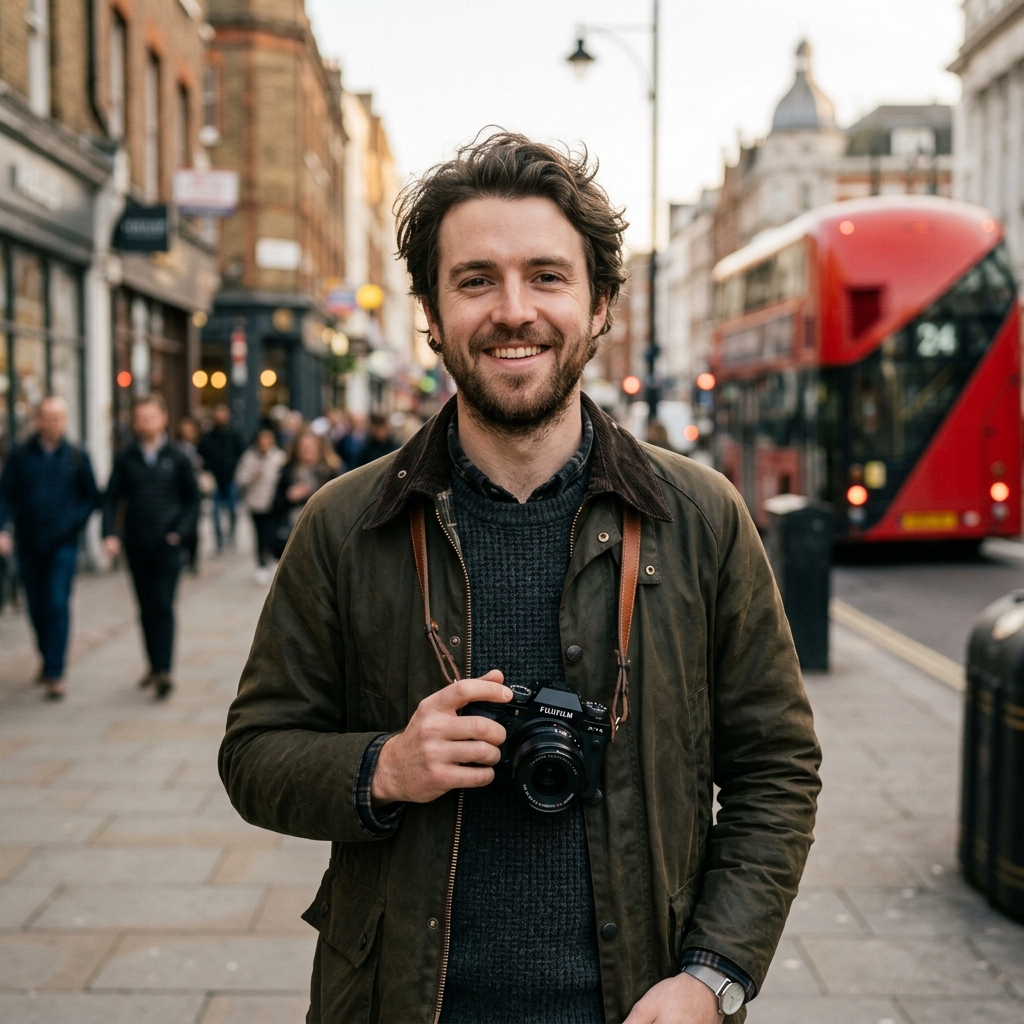
Yes. Add a clear reference photo and describe the scene you want, such as walking out of a corner store or leaning on a car under a bridge. GTA IV Video Generator AI uses the photo as a guide for the main character. Front-facing, evenly lit photos give GTA IV Video Generator AI the most consistent reference. Only upload photos of yourself or of people who have agreed to appear.
Start with the subject, then the setting, the action, the camera, and the light. A strong example: a woman in a green parka walks past a closed pawn shop at night, slow tracking shot, wet pavement, orange streetlights, light rain. Keep each GTA IV Video Generator AI prompt to one main action. If a result misses, change one detail and generate again.
You can download your clips and post them on social platforms such as TikTok, Instagram, and YouTube. Describe them as fan-made AI videos so viewers do not mistake them for official game footage, and follow each platform's rules for labeling AI-generated content. Many creators also pair GTA IV Video Generator AI clips with a GTA 6 video maker AI version for comparison posts.
Start Your Liberty City Story with GTA IV Video Generator AI
Write one scene, press generate, and watch GTA IV Video Generator AI turn it into a moody, rain-soaked clip ready for your next fan edit, nostalgia post, or Liberty City short story.